MobeedoM
Lurker
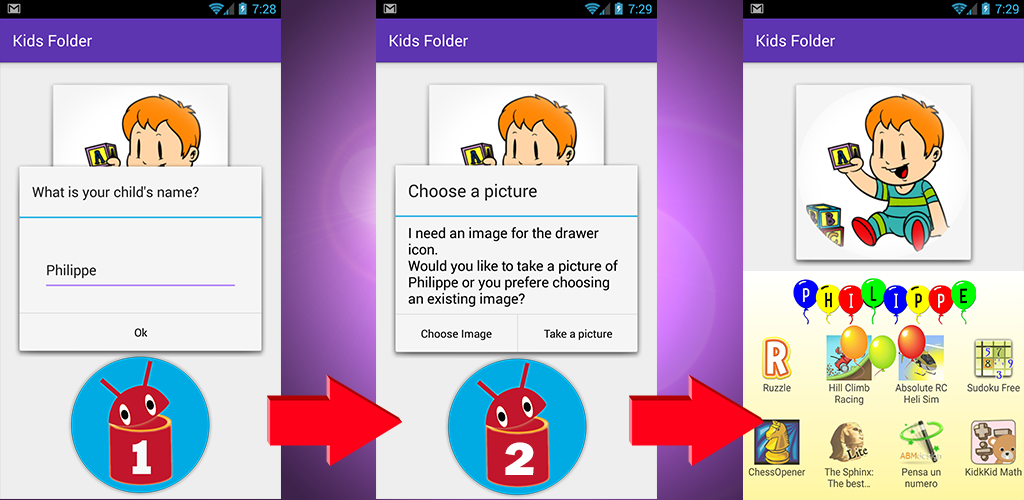
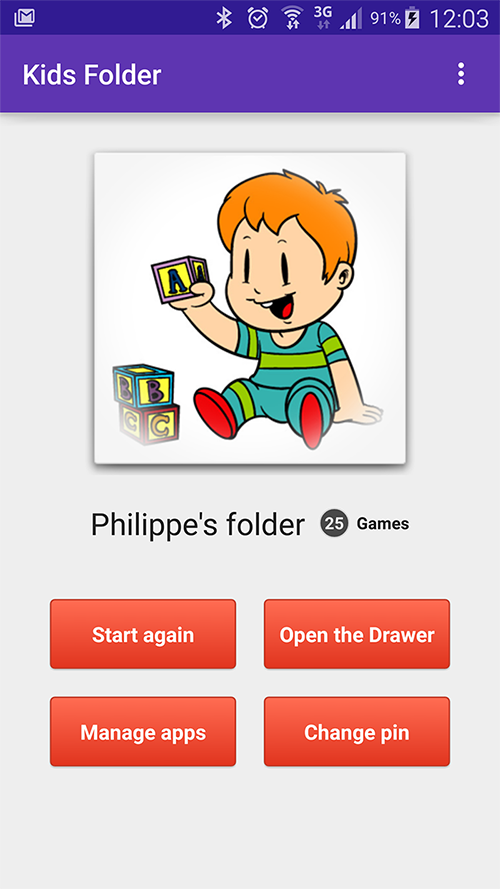
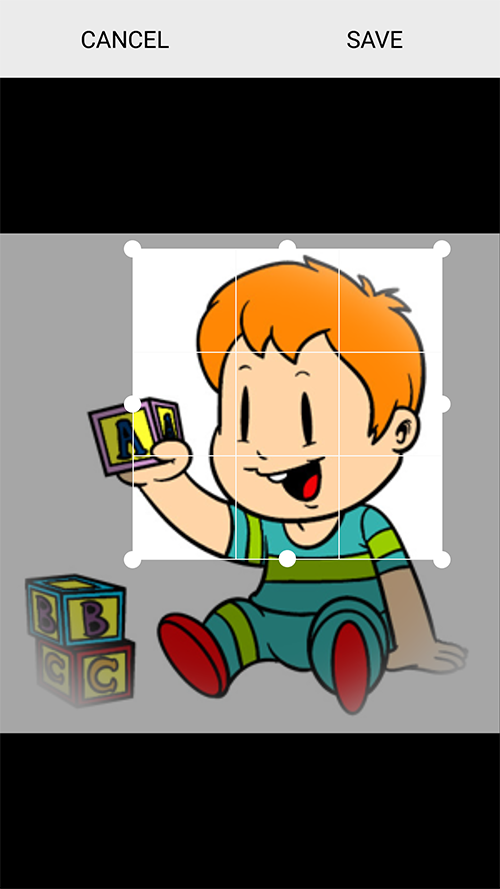
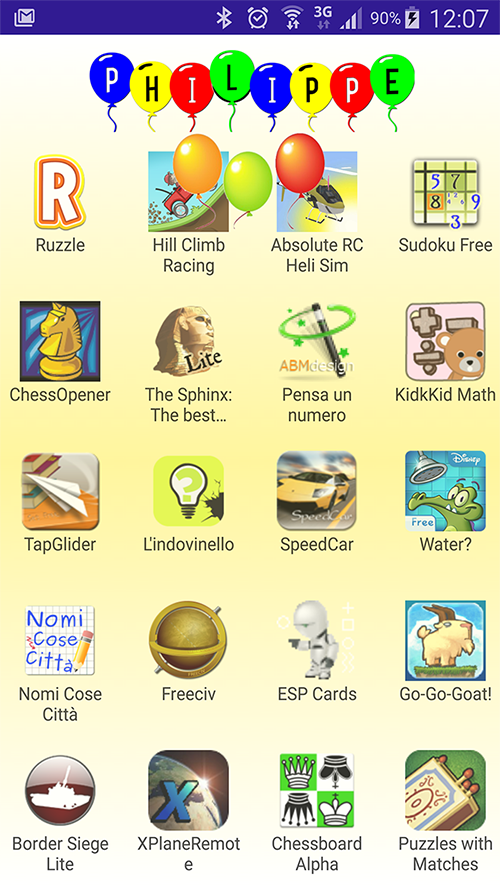
Hi to everybody, i'm glad to announce : Kids Folder and JINA App Organizer Evolution

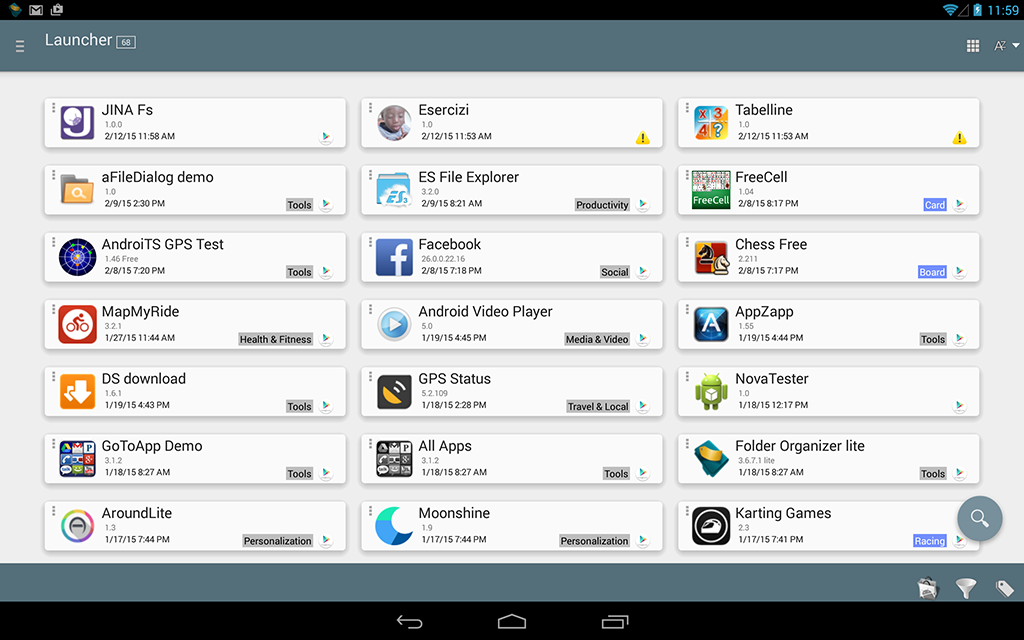
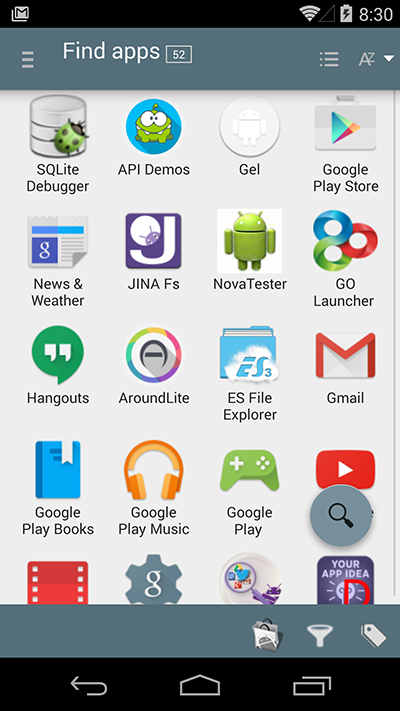
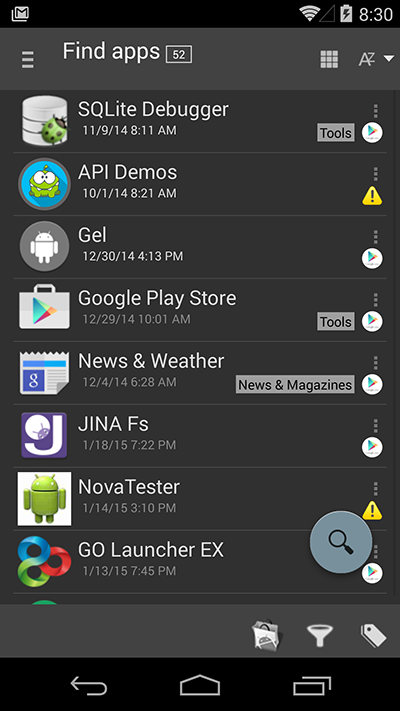
All you need to organize and manage your apps: a resizable sidebar, a smart launcher, an advanced app organizer, an automatic folder organizer, a blazing fast app finder with T9 search option, an installed apps statistics tool and much more.
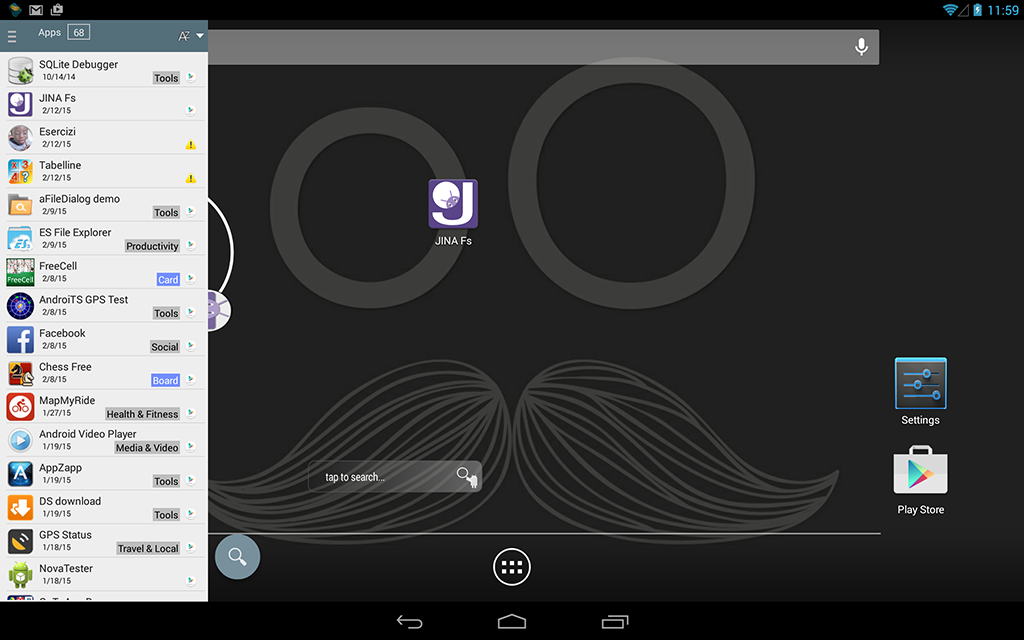
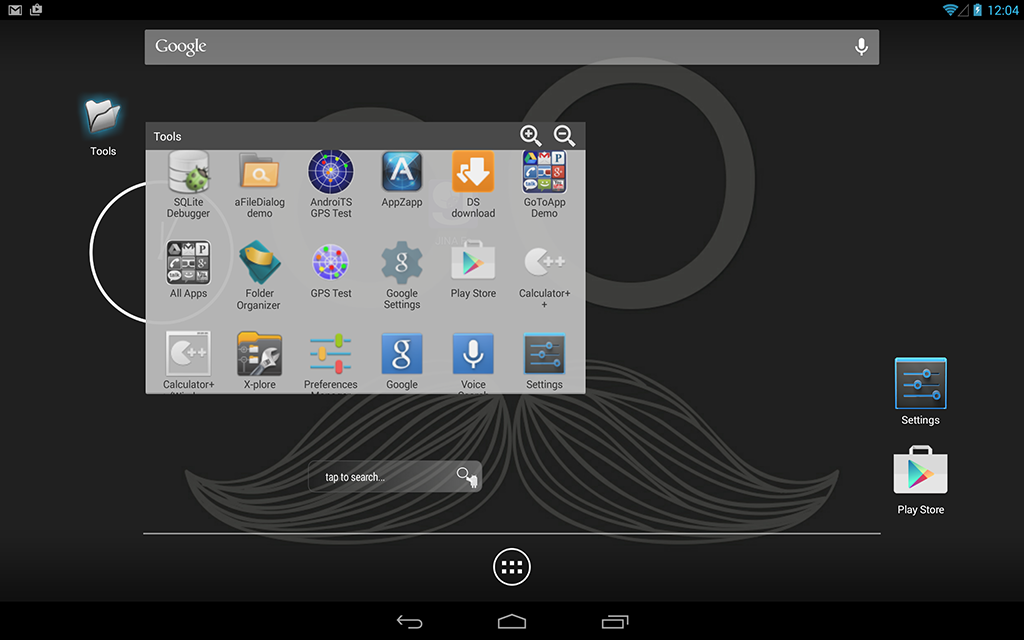
JINA Fs works side by side with your favourite launcher as app drawer replacement adding also dynamic app folders to your android home.
The smart app organizer automatically tags installed apps using market categories and market prices info, featuring advanced search function and customizable sort criteria.

Additional features:

JINA App Organizer Evolution
All in one: smart launcher, automatic app organizer and dynamic desktop folders
All you need to organize and manage your apps: a resizable sidebar, a smart launcher, an advanced app organizer, an automatic folder organizer, a blazing fast app finder with T9 search option, an installed apps statistics tool and much more.
JINA Fs works side by side with your favourite launcher as app drawer replacement adding also dynamic app folders to your android home.
The smart app organizer automatically tags installed apps using market categories and market prices info, featuring advanced search function and customizable sort criteria.
Additional features:
- Dynamic desktop folders for automatic categories
- Drag and drop for category mapping
- Desktop Sidebar resizable and fully zoomable
- Sidebar content customizable (from the icon only to full information)
- App list Excel export
- Apps prices and origin editable
- Installation chart
- Uninstalls tracking
- Favourite apps
- Customizable app icons
- 4 themes
- Automatic switch to dark theme during the night
- ...

Last edited: