

YazanAlHabal
Member
This problem started after rebooting my tablet (Lenovo Tab3 7 Essentials TB3-710F). I purchased my tablet months after its release date.
Problem: I need to update some of my apps and when I updated Gmail and YouTube Studio or installed new apps like Show Java, I get an error when installing (after downloading an app, and in the app installation phase) with an error code of 910 and when I installed it manually using the ADB version that's compatible with Android 5.0, it revealed what is the error code of 910, known as INSTALL_FAILED_DEXOPT. That means that it failed to optimize all classes.dex in the APK.
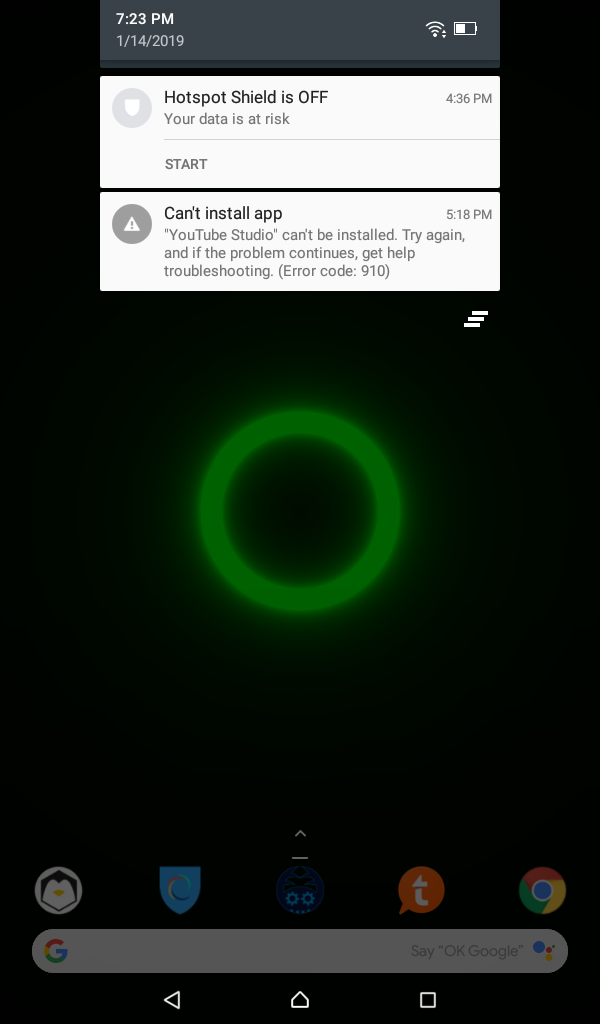
Although that, I managed to update or install some of my apps successfully, like Discord, ShaderWall, Slack, UserLAnd (run your Linux distro on SSH or VNC), etc.
If the Logcat details are needed, tell me and I will post them whenever I have time. I am busy at the time of writing so I didn't bother to Logcat.
A more severe problem has come. When the tablet tried to auto-update Play Store, it downloads successfully, but when it tries to install, it either crashes my tablet (soft-rebooting - takes 7 minutes), or takes ages to update, which ends up failing.
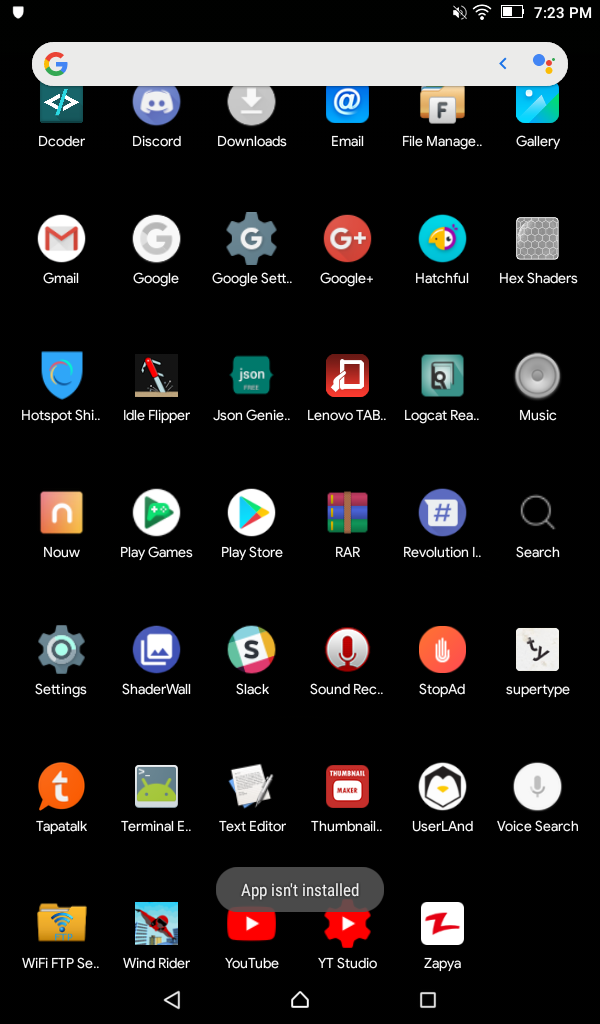
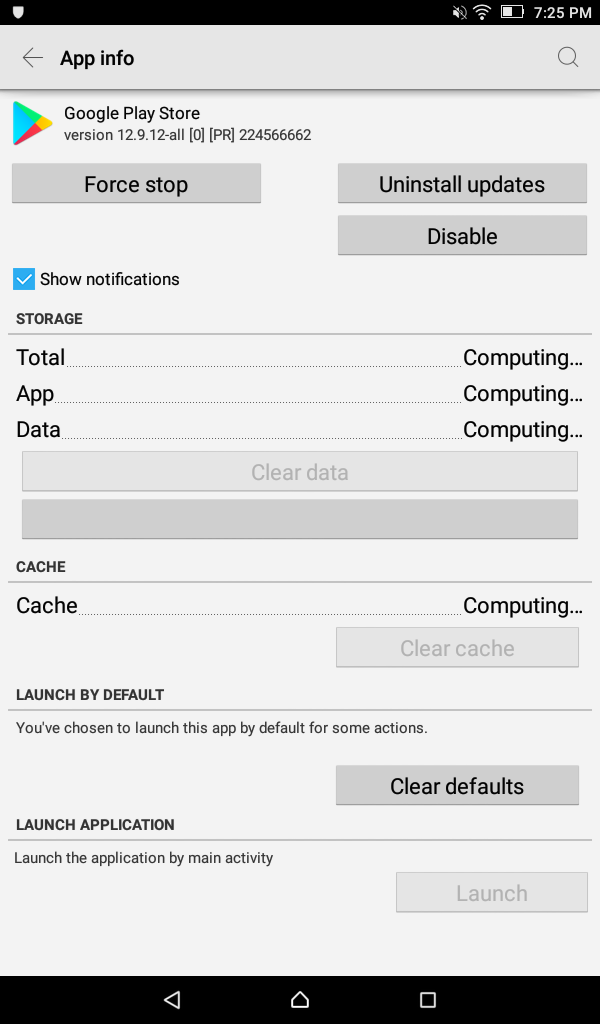
Also, I experienced the long booting time from the app installing issue. It took almost 7 minutes to get the tablet to show me a lockscreen.
Is this problem fixable without performing a factory reset? If so, how?
Problem: I need to update some of my apps and when I updated Gmail and YouTube Studio or installed new apps like Show Java, I get an error when installing (after downloading an app, and in the app installation phase) with an error code of 910 and when I installed it manually using the ADB version that's compatible with Android 5.0, it revealed what is the error code of 910, known as INSTALL_FAILED_DEXOPT. That means that it failed to optimize all classes.dex in the APK.
Although that, I managed to update or install some of my apps successfully, like Discord, ShaderWall, Slack, UserLAnd (run your Linux distro on SSH or VNC), etc.
If the Logcat details are needed, tell me and I will post them whenever I have time. I am busy at the time of writing so I didn't bother to Logcat.
A more severe problem has come. When the tablet tried to auto-update Play Store, it downloads successfully, but when it tries to install, it either crashes my tablet (soft-rebooting - takes 7 minutes), or takes ages to update, which ends up failing.
Also, I experienced the long booting time from the app installing issue. It took almost 7 minutes to get the tablet to show me a lockscreen.
Is this problem fixable without performing a factory reset? If so, how?
