

Budiarno
Lurker
Hi,
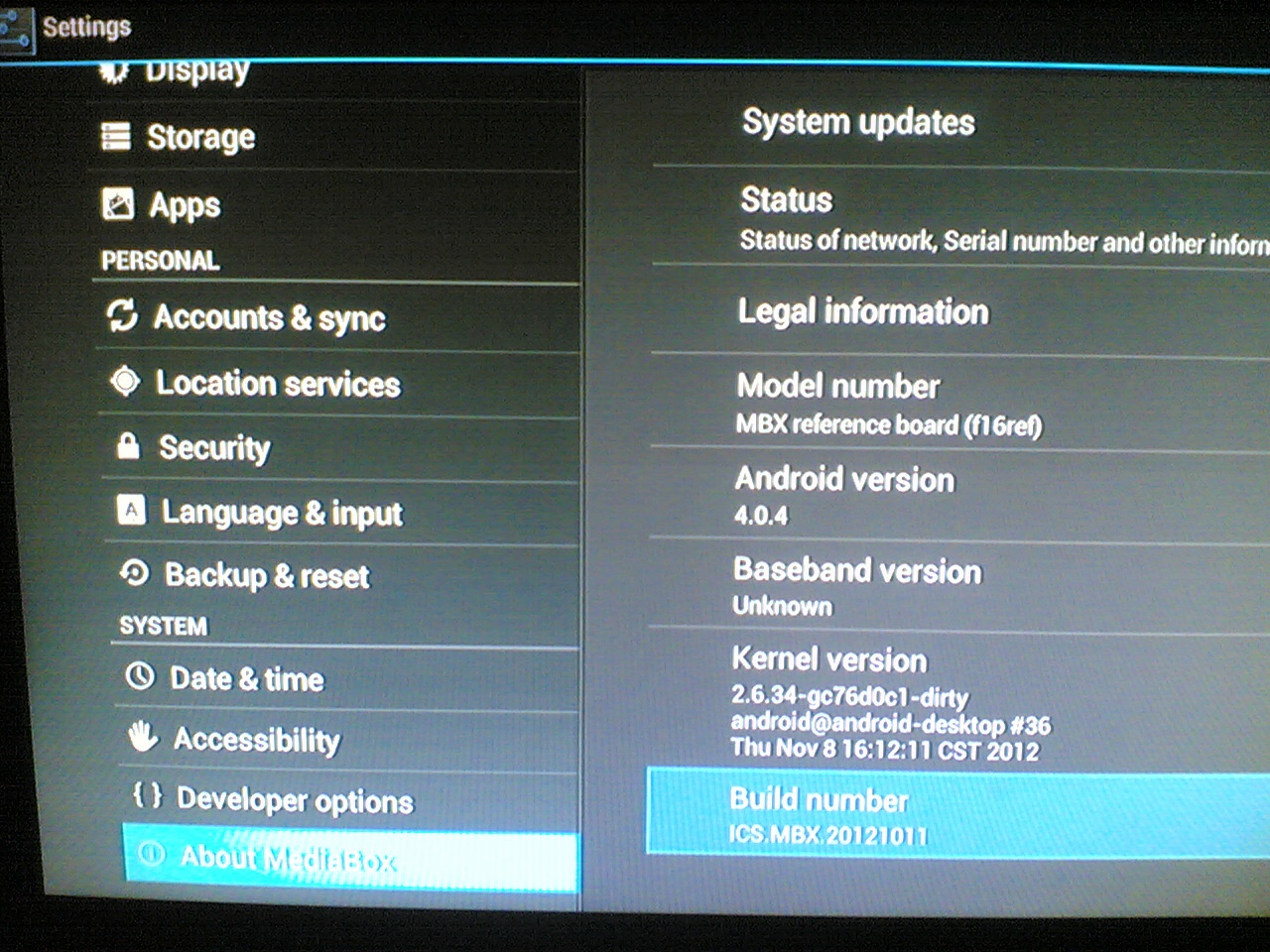
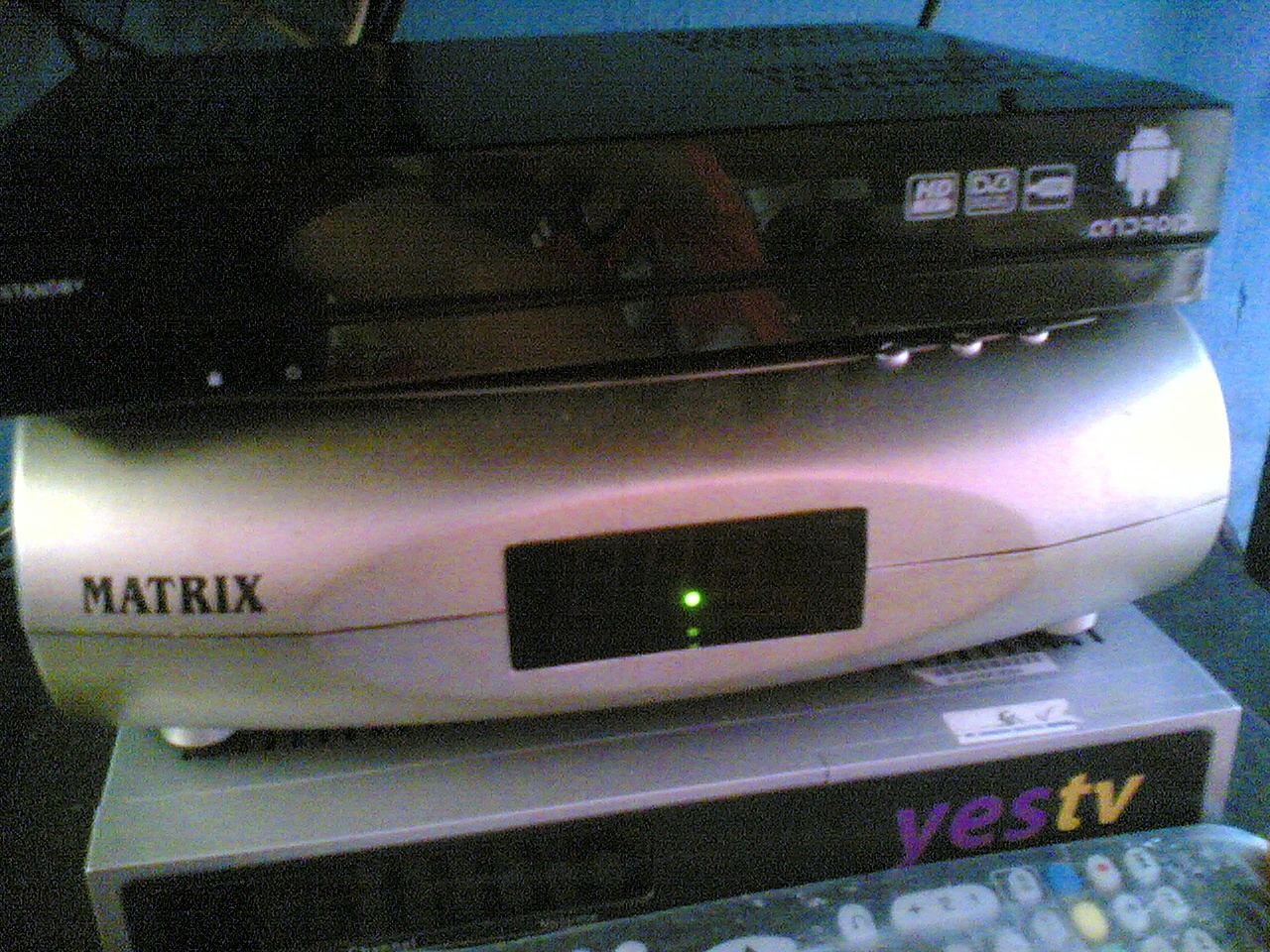
I have an unbranded Androidbox STB (this is a sample product sent to me by my friend) and the specs (when the box was normal):
[HIGH]/proc $ cat cpuinfo
Processor : ARMv7 Processor rev 4 (v7l)
BogoMIPS : 1556.48
Features : swp half thumb fastmult vfp edsp neon vfpv3
CPU implementer : 0x41
CPU architecture: 7
CPU variant : 0x2
CPU part : 0xc09
CPU revision : 4
Hardware : AMLOGIC MESON3 8726M SKT SH
Revision : 0020
Serial : 000000000000000c
/proc $ [/HIGH]
And here's the serial log:
[HIGH]logo_display:
buf=osd open 24 1280 720 1.
osd : 24 (1280,720) osd1
fill osd with color r(0)g(0)b(0)
chip version=e34c3110, serial:0xC
used Video pll for video out!!
set mode VIC 4 (cd0,cs0,pm1,vd0,22)
param->VIC:4
NAND read: aml_logo offset 0x0, size 0x400000
4194304 bytes read: OK
Begin scale logo...
End scale logo.
1280 720
Device: SDIO Port B
Manufacturer ID: 0
OEM: 0
Name: Tran Speed: 0
Rd Block Len: 0
MMC version 0.0
High Capacity: No
Capacity: 0
Bus Width: 1-bit
## Unknown partition table
sim_autoscript---: SD card not find!!!
NAND read: recovery offset 0x0, size 0x800000
8388608 bytes read: OK
Saving Environment to SPI Flash...
Erasing SPI flash...Erase:0
Erase:1000
SF: MXIC: Successfully erased 8192 bytes @ 0x60000
Writing to SPI flash...done
Recovery Start...
Wrong Image Format for bootm command
ERROR: can't get kernel image!
### ERROR ### Please RESET the board ###[/HIGH]I also post this problem on j1nx forum support, and he suggests me to restore by SD card method (I can make SD card recovery though). But honestly, I'm totally new to Android, I've just owned this box for weeks (not even a month), I don't know how to restore this box by SD card. The recovery doesn't fix this problem. Please help me, how to burn uboot to the nand as it's been erased accidently upon an upgrade by unsuitable rom.
Thanks for every help!
I have an unbranded Androidbox STB (this is a sample product sent to me by my friend) and the specs (when the box was normal):
[HIGH]/proc $ cat cpuinfo
Processor : ARMv7 Processor rev 4 (v7l)
BogoMIPS : 1556.48
Features : swp half thumb fastmult vfp edsp neon vfpv3
CPU implementer : 0x41
CPU architecture: 7
CPU variant : 0x2
CPU part : 0xc09
CPU revision : 4
Hardware : AMLOGIC MESON3 8726M SKT SH
Revision : 0020
Serial : 000000000000000c
/proc $ [/HIGH]
And here's the serial log:
[HIGH]logo_display:
buf=osd open 24 1280 720 1.
osd : 24 (1280,720) osd1
fill osd with color r(0)g(0)b(0)
chip version=e34c3110, serial:0xC
used Video pll for video out!!
set mode VIC 4 (cd0,cs0,pm1,vd0,22)
param->VIC:4
NAND read: aml_logo offset 0x0, size 0x400000
4194304 bytes read: OK
Begin scale logo...
End scale logo.
1280 720
Device: SDIO Port B
Manufacturer ID: 0
OEM: 0
Name: Tran Speed: 0
Rd Block Len: 0
MMC version 0.0
High Capacity: No
Capacity: 0
Bus Width: 1-bit
## Unknown partition table
sim_autoscript---: SD card not find!!!
NAND read: recovery offset 0x0, size 0x800000
8388608 bytes read: OK
Saving Environment to SPI Flash...
Erasing SPI flash...Erase:0
Erase:1000
SF: MXIC: Successfully erased 8192 bytes @ 0x60000
Writing to SPI flash...done
Recovery Start...
Wrong Image Format for bootm command
ERROR: can't get kernel image!
### ERROR ### Please RESET the board ###[/HIGH]I also post this problem on j1nx forum support, and he suggests me to restore by SD card method (I can make SD card recovery though). But honestly, I'm totally new to Android, I've just owned this box for weeks (not even a month), I don't know how to restore this box by SD card. The recovery doesn't fix this problem. Please help me, how to burn uboot to the nand as it's been erased accidently upon an upgrade by unsuitable rom.
Thanks for every help!