• After 15+ years, we've made a big change: Android Forums is now Early Bird Club. Learn more here.

Bluetooth Low Energy

I'm all but positive the S21 Ultra will come with BLE with the research I've done. If anyone can confirm this it would make my day. I wear hearing aids that use BLE technology and I can't be without it. My calls and notifications as well as music streams go straight from phone to aid via BLE. An app on my phone monitors and manages my aids as well. It would be a deal breaker if the tech isn't included in the Ultra.

Legends Battle Free Firing Epic Survival Aim Fire[Free][Game]

Legends Battle Free Firing Epic Survival Aim Fire[Free][Game]
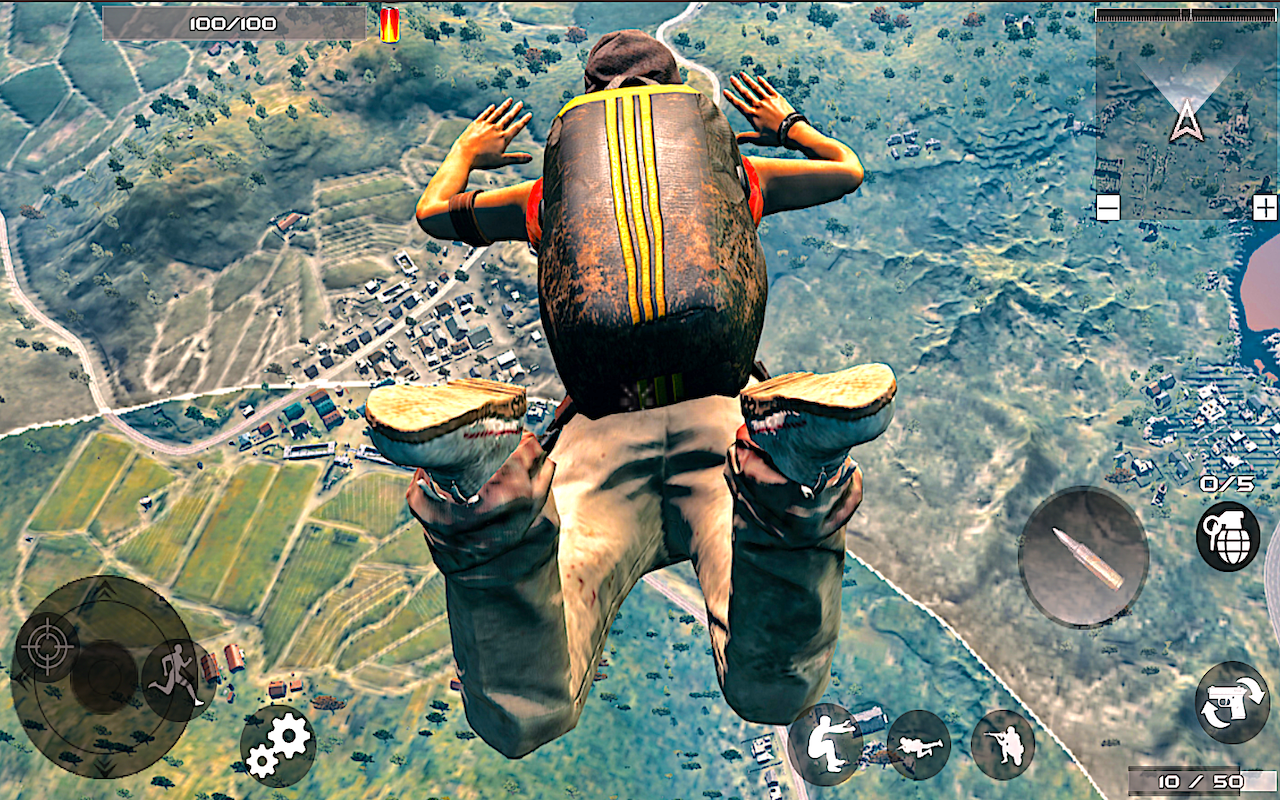
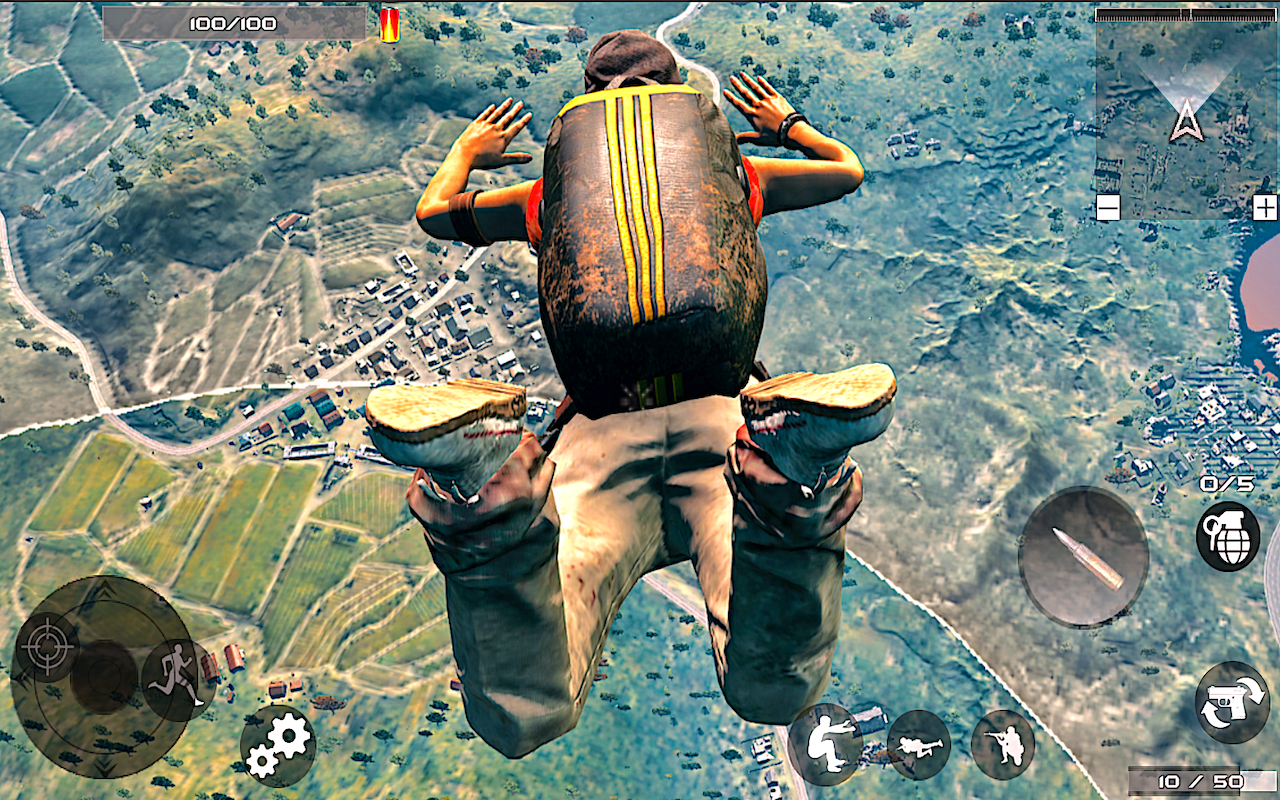
Legends Battle Free Firing Epic Survival Aim Fire is an open world roaming action-adventure game for everyone to enjoy. If you like action battle royale games, this one is going to blow your mind. Here is the best Commando Strike Shooting Action game which has Squad Strike Super Action sequences.
Most of the games of this type are online multiplayer shooting games, but if you are
looking for offline battle royal games, or survival action games that are playable offline this game is for you. Like the top rpg action games, this game has a wide variety of missions, weapons, and battle tactics. Take a look at the following list to get a clearer idea of various types of missions included in this free and offline combat game:
- Killing Missions: In these missions you’d have to kill a particular number of enemies to
win and get rewards. Your agility will be a prime quality to win these kinds of missions. Free Shooting Fire Games like this will blow your mind.

- Bomb Planting Missions: In these missions you will be required to plant bombs in
specific enemy settlements. You’d have to be smart and make use of your senses to
avoid being noticed by the enemies. You’d have limited time to finish the job, therefore
you’d have to be quick about it too. Legends is the best Combat Battle Games Offline
Combat Commando Games are rare these days and Legends Free Aim Fire is the top and Best Combat Games.

- Bomb Defusing Missions: These missions are going to be very tricky and challenging like all Action battle royale games. Your enemies will plant bomb in this Battle Royale Games in your settlements and you will be required to find and defuse them in time to survive in this Battle Royale Survival

- Hostage Rescue: If you love to play battle ground action games that require high use
of your brain – these missions will satisfy you big time. The enemies will keep people
hostage and you’d have to rescue them. You’d have to kill enemies and ensure your
survival while you rescue your allies. You’d have to defeat exciting and challenging
odds in these missions which will entertain you greatly.

- Sniper Missions: One of the things that makes action adventure rpg games great is
sniper missions. If you like sniper games, these missions will amaze you. You’d have a
great sniper rifle to shoot enemies on challenging time-sensitive missions, and will win
great rewards upon accomplishments.

4ABx45T37k63hGKkCTjtj9jLhVXyd8qVF5jmbxGjS33POwt9HfFpvRH8kvGzcxIymi5G=w2504-h800
1s9B72XXCnYQD9MqsqRXDHVla15fUnDh3hh8g0a4PvWPXiYhkCFLOvC8B8Ke05O66w=w2504-h800

Help with reverting back to android 6

had an issue with my screen turning on and off every 5 seconds while the lock screen was on and for the life of me couldn't figure out what might have caused it. so i stupid did the samsung smart switch to back everything up and of course it updated the software to android 9, which i can't stand. when it was all said and done, somehow the bixby button was stuck and that is what was causing the screen to turn on and off.

is there any way to get my phone back in to the android 6 version that i loved so well? clearly this is why i never update my stuff when i like the way things are. thanks!!!

one direction short messages from phone to tablet

i am looking for someone who can explain me, how i can sent a small message from my phone to a (one) tablet on another location. This tablet should ony display the message, without possibility of answering.
Why i want this ?
I want to be able to sent short message to my mother who lives elsewhere but who cannot (because of her age) be confrontated with the ability of getting a keyboard or other options.
She should just read what i sent on her screen until is launch another short message.
exemple ' mother, don't forget to take your medication '

Side Panel?

I utilize the side panel on my Note 10+ for quick access apps, calendar, notes, contacts etc. It is a feature that I enjoy. I am curious if the panel was on the S20 and S21? I hope that it is and that they did away with the bixby joke.

Added: I just watched a review that answered both of my questions. The side panel comes on the S21 Ultra as well as bixby. I remapped the bixby button on my note and I will definitely be doing the same if I purchase.

Camera Array and Wireless Charging

I'm a big fan of wireless charging. I've owned my Note 10+ for over a year and it has yet to be charged via it's charging port. I'm curious as to how flat the S21 Ultra will sit on an inductive charger plate and will it effect the ability to charge? The Note 10+ and the S8+ before it were flat on the back and easily charged wirelessly. Anyone have that camera bump and wireless charging experience that can ease my mind? Wireless charging is a game changer for me and I will never go back to plugging in a charger cable. Thanks in advance.

Android Chrome

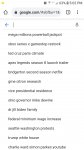
I have an Android Samsung 8.0. Everything is updated. See images below. When I open up Chrome, everything is normal. When I click inside the search box, a ton of stuff comes up below and it's nothing I've ever searched for before. Looks like ads. I've searched and tried everything to disable whatever that is with no luck. Can anyone help me out?

Attachments

  • Screenshot_20210121-170202_Chrome.jpg
    Screenshot_20210121-170202_Chrome.jpg
    72.9 KB · Views: 165
  • Screenshot_20210121-170221_Chrome.jpg
    Screenshot_20210121-170221_Chrome.jpg
    153.9 KB · Views: 155

App Inventor Problem With Android Studio 4.1.1

Android Studio 4.1.1: Trying to solve a problem I went to the Gradle menu right side, followed project-name | build | build. I do not now recall what was next but when I came out of it the Run menu had changed. The Select-Device option is grayed out, the Run-App choice is missing, other Run choices are presented. I need to get Run | Select-Device and Run | App back. Any ideas appreciated :)

Note: I decided the best approach was to uninstall Android Studio and re-install. Only takes 5 minutes. Always solves this type of problem. Well, I guess it has a secret place to keep settings, a place that persists un-install because the error simply came back :(

If you know of this place please let me know. Thank you, Mick

Filter

Back
Top Bottom