• After 15+ years, we've made a big change: Android Forums is now Early Bird Club. Learn more here.

Apps Creating App that Squeezes/Scales Display

Hi, I'm trying to create a simple app that will squeeze my tablet's display horizontally (when in landscape mode). The reason I'm doing this is because I'm a video production professional and I'm filming with an anamorphic lens on the DJI RS2 gimbal, which sends the video feed through a device called the RavenEye, then to my tablet, which I can use as an wireless external monitor. The only issue is that since it's filmed on an anamorphic lens, the image appears "squished" vertically.

(For a better explanation of anamorphic lenses, check out this link: https://www.premiumbeat.com/blog/anamorphic-101-how-to-shoot-and-edit-anamorphic-footage/)

I've tried to find pre-existing apps that would do this, such as Screen Resizer, Resolution Changer, among others but they all do the same thing. Rather than squeezing the display image, it crops the screen and equally resizes everything.

What I'm hoping is that someone could point me in the right direction to actually make this app work. I'm a newbie to app programing, so I'm still learning the basic "Hello world" type of stuff.

Thanks for reading and I look forward to your response!

Raided by Raid

This morning I accidentally restarted my phone. When it came back on I saw I had a new app, supposedly downloaded from the play store, called Raid. Without bothering to find out whether it's a game, I uninstalled all 262 mb of it. How did this happen and how do I prevent any recurrences?

Microphone

When I am using talk-to-text and press the microphone icon, it makes a loud noise that I'd really like to disable or remove if possible. I cannot find a place to do that. I have the Note 10+, Android 11 and my messaging app is Google messages.

If this has been discussed, I apologize for the repeat - I did a search for this topic but didn't find what I was looking for.

[Free][App] NYC Corp Road and Driver Safety

Check your BRAC, easily purchase personal breathalyzers at a discount, register your devices for service alerts, easily book us for events where alcohol is served, check your driving conditions, stay in the know of legal road limits world-wide & enter to win free breathalyzers all in one place with our NYC Corp Road & Driver Safety App

Protect yourself and your loved ones: The NYC Corp Road & Driver Safety App was created by road safety & breathalyzer professionals to help keep commuters safe while they travel on our roads. Our breathalyzers are all F.D.A approved and T.U.V certified, are easy to use reliable and discreet. Our single-use breathalyzers are also very discreet (fits in a pocket or a purse) and has a 2-year shelf life. Our acronym T.R.E.D stands for Trust Reliability; Ease of use & Discretion and we live up to that.

Wholesale for businesses: We also serve the business world and are grateful for our business clients. Our mission is that no host or family member suffers the guilt or consequences of allowing their patron/loved on to drive inebriated, and so, in addition to attending corporate events where alcohol is served (contact us for more details on this service) we also have a wholesale “Dealer Log in” section specifically for our business clients. If you own a storefront, bar, golf course, winery, restaurant or brewery register with us as we can help you meet your corporate goals. (access to this section of app given after company verification).

Calibration: If you already have a personal breathalyzer you may register it here for service updates and easily submit your breathalyzer for re-calibration to us instead of throwing it away!

NYC Corp Road & Driver Safety App is totally free for you to use. There are no ads because we truly care about your user experience.

Download our app now. Have a look around, sign up for discounts on breathalyzers and be an informed driver. Why wait till you get pulled over to know your BrAC? It’s your BrAC and your responsibility so stay in the know, an informed driver is a safe driver! and remember “When you feel different, you drive different. Drive sober” with Not Your Child Corp!

Download for Android in Google Play: https://play.google.com/store/apps/details?id=com.gappsy.dashboard.www.android5f201c802dbf1

Download for IOS in App Store: https://apps.apple.com/ca/app/nyc-corp-road-driver-safety/id1541878925

Screenshot: https://imgur.com/a/2fbBi9O

App info:

Current Version: 1.0
Requires Android: 5 and up
Content Rating: Rated for 17+

Requires iOS 10.0 or later. Compatible with iPhone, iPad and iPod touch.
Age Rating 12+

Backup issue before switching from whatsapp

Hei everyone,

I will delete my whatsapp in some days but before that I want to secure my backup. There are lots of apps that support ios whatsapp backup on pc, but I couldn't find any that supports android backups.

Can someone please suggest how to use my backup on pc, meaning reading my chats preferably in a user friendly mode with media files?

Also, once I delete my whatsapp account both from my phone and google drive, will I be able to decrypt my backup on my pc?

Many Thanks in advance.

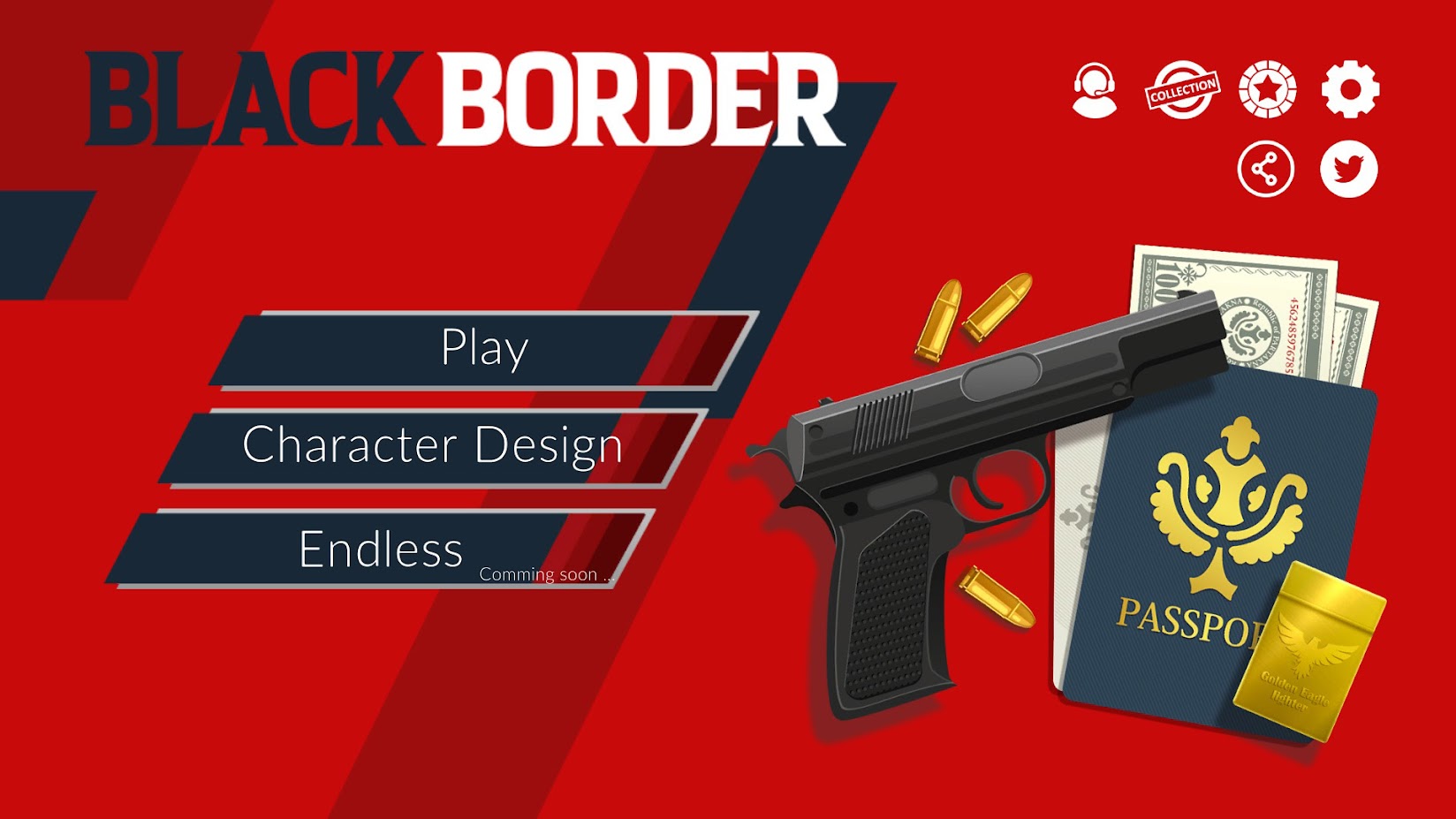
[Paid][New Game] Black Border: Border Simulator Game

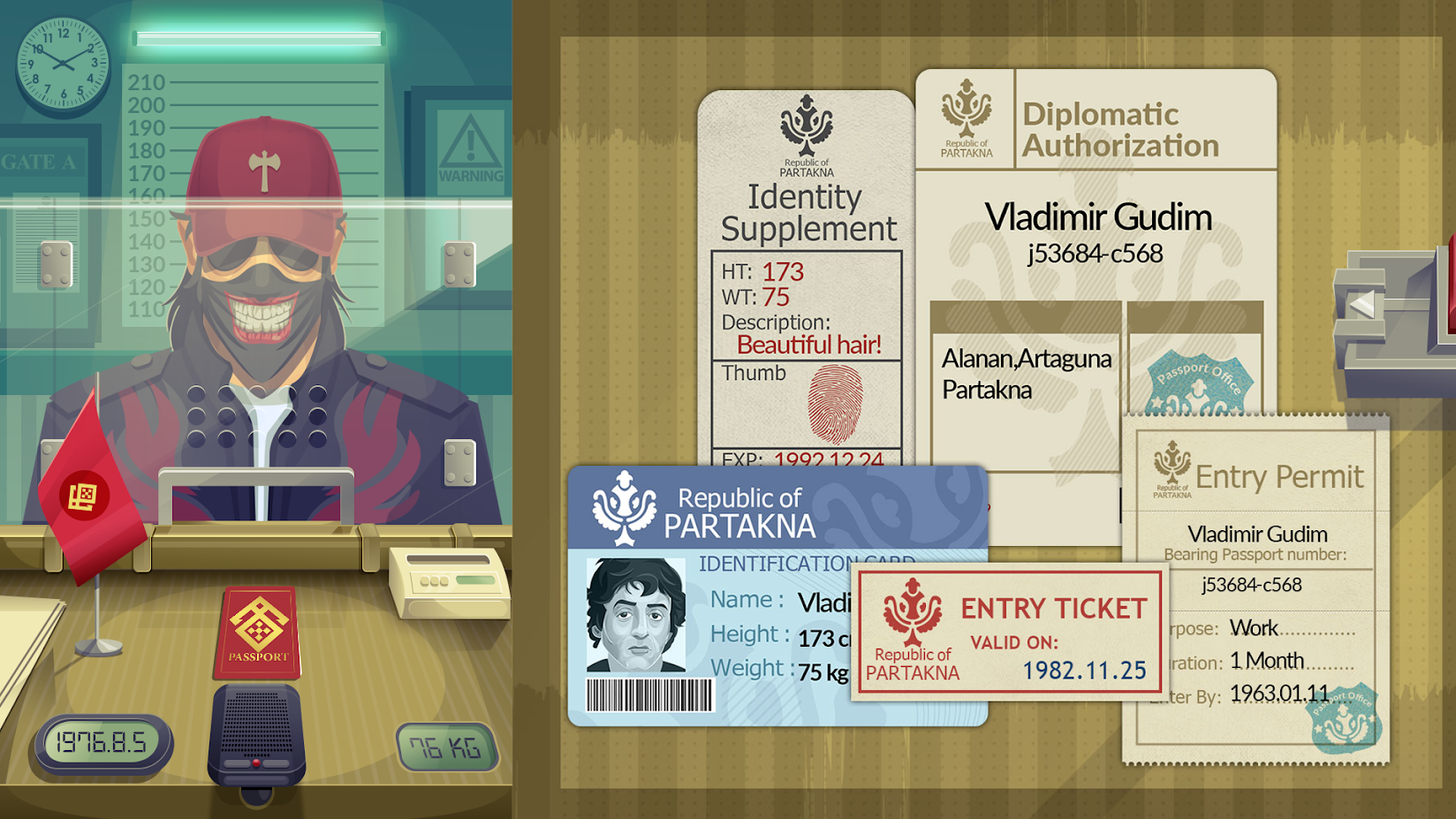
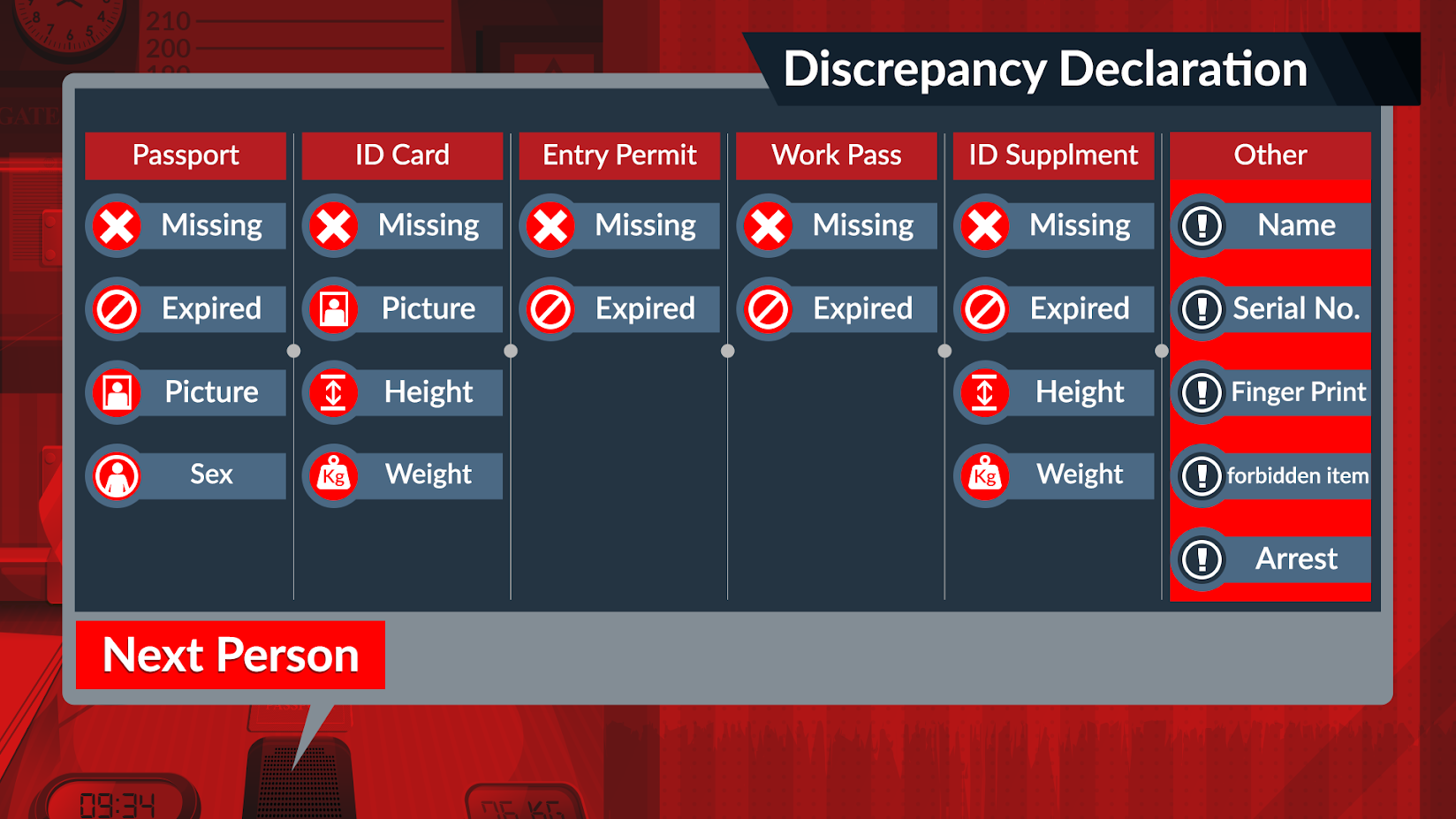
Black Border is a border simulator game that simulated the life of a real border patrol officer . In this game, you play as a border officer of the border cross entry and exit gates, who supposed to check the passengers' papers and stop the smuggling of illegal items and bribery.

The followings are some features of Black Border: Border Simulator Game:

✅ Simple but addicting mechanics.
✅ New Game Modes continuously getting added.
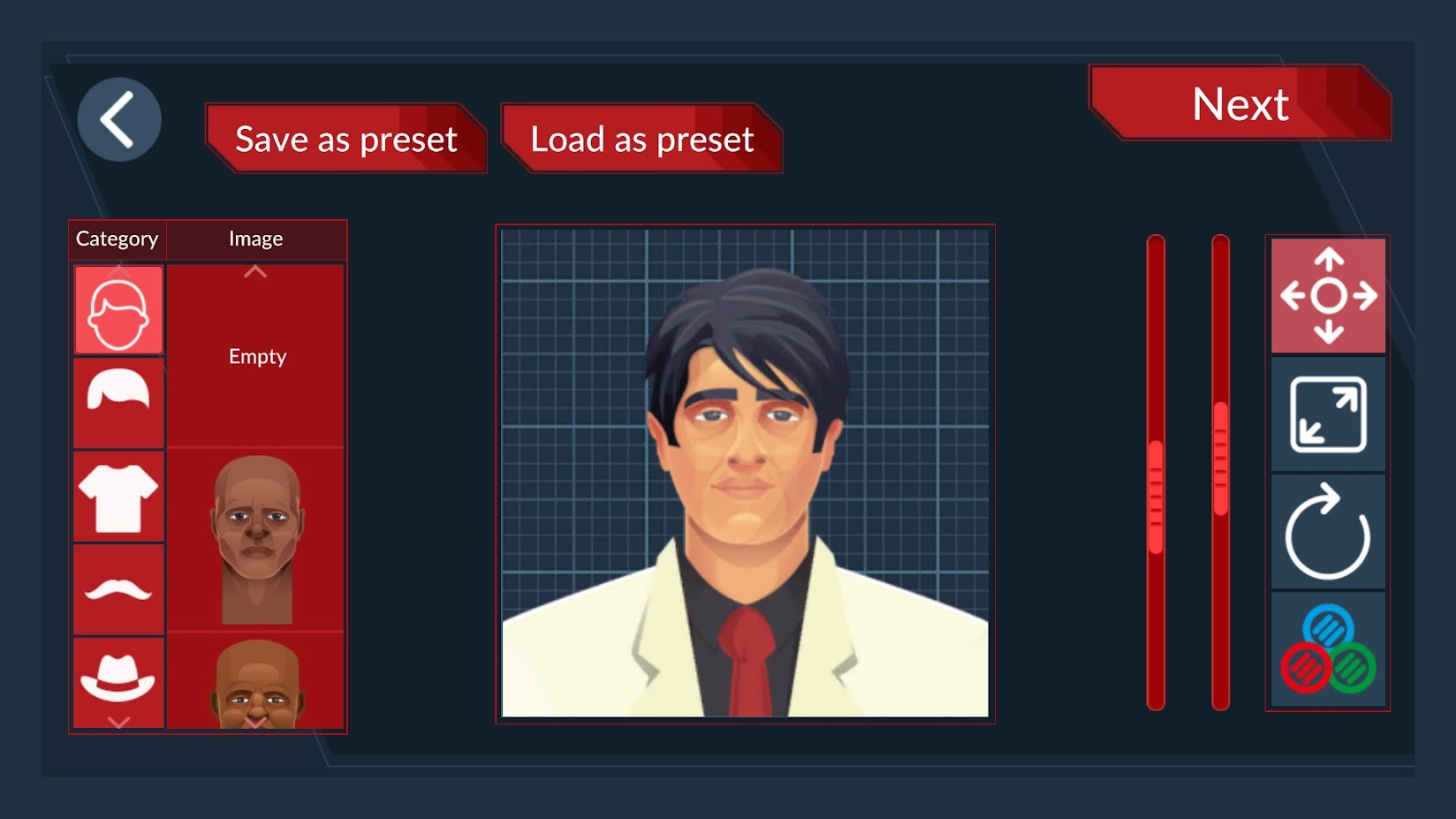
✅ Character Design (Create your own characters with a wide range of customization options)
✅ Beautiful graphics!
✅ Rich story
✅ Story based
✅ Multiple endings
✅ Disguised communications
✅ Opposition Groups Communication

Play on Google Play Store: http://bit.ly/3ta3fXD
Play on Google Play Store (FREE): https://bit.ly/3aPK3Yw
Play on App Store: https://apple.co/3fPoevo
Download Demo on Steam: https://store.steampowered.com/app/1377000/Black_Border/
Official Website: https://blackbordergame.com/


iWOP1OzvL6L-wRcQJEeTA9ttWfO5zDFnsZ4Lv8Ne3-Gfond_wK7CUzupVvx1E4Ronw=w1920-h927

F1tsSX0zKYkCHIJvNXy-zfRbISVkLrvqFc-e8MJvWCSTHZUb0tPPakJWZtrTZICEINhm=w1920-h927

01bZtZQuPb9xkbJR8hw7WpTfHbqJ3k76VfNHEdsl6HhV9VNm8pXJSG8jzeKhiOTT-Iub=w1920-h927

jwltLZAz2_bQhBhZOd1SrcogDphdtdpd_F8f5_HoXM7nisYKIqyUASYayhSp4NsoPA=w1920-h927

Hey

Hello from Texas. I joined because I was looking for a solution to why my Honor 7x was not pairing with the headphones that I had been using with no trouble until here recently. I'm certainly grateful there's a place such as this and glad I found you all.
Thank you for letting me join.

Older tablet - help

Colby went out of business a while ago and I wanted to get this Kyros MID8127 tablet working..it works but nothing can be done on it, apparently it's propriatary. Is there a way to wipe this thing out and put a different operating system on it? It's a pretty neat 8" tablet but no support and stuck with a dud unless someone has done this. Thanks..

Apps Start a phonecall from external device?? [Solved]

Hello,

Backgroud
I have never developed in android and my overall programming skills are amateur at best. I'm working on a wider personal project outside of android but am looking to link this up to my android phone.
I'm looking for a particular feature that I would have thought probably existed already somewhere, but can't find anything similar, suggesting its probably not possible but thought I'd ask those in the know.

Request
I have a program that runs in a windows PC that saves a phone number to a variable. I would like to then dial that number from my android phone, without needing to press anything on the phone ideally.

I had imagined a simple api that I could trigger from my existing programme.

Is this possible? Any thoughts?

How do I create an AAR in Android Studio with Prefab exports?

I have an Android project for a library (using the com.android.library plugin), that includes C++ code. When I run the assemble task in gradle, the outputted AAR contains the native library in the /jni folder. However, there is no "prefab" folder. On the documentation page for libraries, the bottom section suggests that the /prefab folder should be there.

I can find information on how to set up a project to import prefabs from an AAR, but I can't find any information on how to build an AAR with prefab exports. Is there a way to set up an Android project with gradle to do this? Are there settings I have to add to specify which native libraries should be exposed?

I'm using Android Studio 4.1.1, gradle 6.8, and Android gradle plugin 4.1.1.

Going from stock Android (Pixel 2) to Samsung

Hi,
Looking for some advice primarily from Pixel users that made the switch to Samsung recently.

I currently own a Pixel 2 which I have been very happy with for the past few years however I'm currently in the market for a mid-tier handset at the moment and have narrowed down the S20 FE or the Pixel 5.

I know the spec differences and benefits of each handset and am leaning more towards the Galaxy FE for the price, however, I was curious to know if there were any users that swapped from stock Android to Samsung One UI and have been ok with it?

I like the stock experience for its simplicity, and obviously, the Google Camera is fantastic however I'm hearing now that Samsung has caught up with software features and the GCam app is available for Samsung, so wondering on people's recent experience if there are any negatives from swapping from stock Android to Samsung One UI? If you made the swap do you miss stock Android?

sdkmanager crashes

I'm using android studio on the latest version of Ubuntu

After sucessful installing Android Studio and builing my app, I deleted both studio, the Sdk, and any related files.

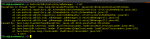
After reinstalling studio, the sdkmanager now crashes as per attached.

I'd appreciate if anyone could shed some light as to why

Thanks

Attachments

  • sdk.png
    sdk.png
    57.9 KB · Views: 135

Help Android Password management

Greetings,

I am trying to set third party email account. I downloaded the app for that email account, NOT going through gmail app. I would like my phone to remember password for that account, so that I do not have to log in every time. However, I DO NOT want the passwords to be stored anywhere on the Google or their servers, and NOT in Chrome. Just locally on my device, preferably so that Google does not have any way to access it there. Is there such a solution? Same question for the other apps that have login. Is there a way to store their passwords on the phone locally only without exposing them to Google in any way?

Thanks very much

Want to attach image to text message, but only camera opens

I just got a new Google Pixel 4 after my last one (same model) was lost/stolen. For some reason, when I click on the attachment icon in the Messages app, only the camera opens (taking up the entire pop-up screen) and if I want to attach an image I need to click the + icon beside the attach image icon, and go to my files that way. Using the same app on my old Pixel 4, and previous Android phones, I would see the camera and my recent photos on the right when I clicked the attach image icon. I have verified my app permissions, and Files and Media has permission in this app. I have tried uninstalling, reinstalling, updating the app, but still I only see the camera when I click this icon. Any ideas what's going on??

Filter

Back
Top Bottom