• After 15+ years, we've made a big change: Android Forums is now Early Bird Club. Learn more here.

Unwanted echo-echo

Bizarre to me: Sometimes when I switch my Galaxy 7's orientation from profile to landscape, any audio playing is repeated, as an echo. The echo is only second generation, but it is still an annoyance. Echo disappears when rotating to profile again. Even a few minutes later and it doesn't do that and is normal.
Anyone else experience this? Not a big deal,....just strange.

Galaxy 7 2018
App: YouTube or any video player.

Update Issue

My phone is completely messed up since the newest update.

Gmail and calendar won't auto sync. I have tried most the the suggestions online. Clear Cache, uninstall reinstall. Checking the settings

When I click do not disturb it makes a loud notification sound. The whole reason I turn it on is to silence my phone. The last thing I want is the notification sound to go off because I turned on do not disturb.

Good lock app is no longer working. The 5 icon navigator bar is what I am missing the most. Anyone have any different apps with similar features. Thank you for the help

Isn't Geofencing DESIGNED to work in background?

I have been struggling a lot to get geofencing working on Android.
In my mind, geofencing was created to be able to send notifications when an app runs in the background and the user crosses a fence. Doesn't it work like this on Android? It does on iOS...
But whatever I do (and I followed Google samples and advice) I can't get it to work in the background. It always stops at some point whatever I do...
And my onReceive is only called when the app is running.
HELP! Any advice as to what to do?

Thank you!!

Alexa getting creepy

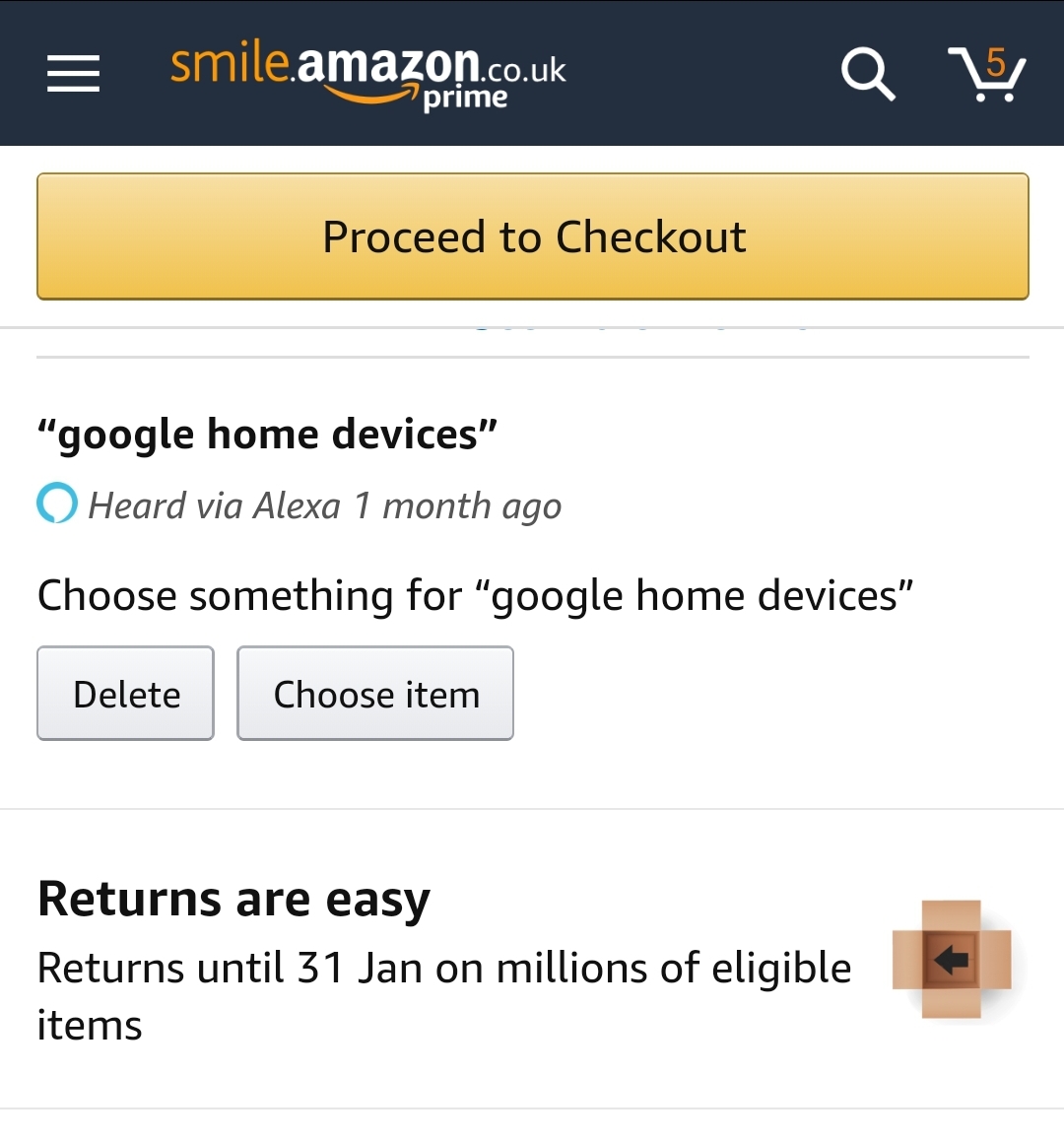
So like many people we have Alexa devices in the home. However when "checking out" on Amazon this evening I noticed the below:

Screenshot_20200102-183525_Amazon Shopping.jpg

Clearly related to a search I performed through alexa. This sort of creepy targeted selling should be optional in my option. What do you lot think? Is it any different from doing a web search and then getting targeted ads?

Help Playback isn't starting when connecting bluetooth device

Hi,

when i connect my OnePlus3 (LineageOS 16 with root) to any bluetooth device i start some apps in background using tasker. This works without problems, the only problem is the audio player. It should start playing after bluetooth is connected or the player should be able to player when i press the play button on the bluetooth device. But this doesn't work every time - sometimes playback starts, sometimes i can start playback manually by pressing teh play button and something nothing occurs. then i have to unlock the phone and start playback directly in the player ui. after that i can controll the player with the bluetooth buttons. I have this problem with all my smartphone (oneplus3, xperia z2 + z3), with all my bluetooth devices (2 head phones and the bluetooth in my car hifi system) and with all android versions (stock rom 6, lineageos 14, 15 and 16).

also the player is not the problem. It occurs with the normal audio player also with podcatcher (antennapod and podcast addict).

Is this a know problem? is there anything i can do?

A Decade of Android!

Late last year I decided to make a YouTube video comparing the new Samsung Galaxy Note 10+ to...
the original Motorola Droid from ten years before!

:D

Yeah, so you might be interested in how Android has changed in the decade between 2009 and 2019. And yes, there have been a few changes in hardware AND software since the OG Droid, with Android 2.0, its whopping 512 MB RAM, external storage up to 32GB, and a 3.7" WVGA screen. Hope you enjoy it!

Smile camera - train your smile everyday

promo.png


A smile is an effective tool for positive impact on yourself and others.
A pleasant, smiling face makes a good impression on the people around you.
But very few people are naturally endowed with a beautiful smile.
Fortunately, learning to smile beautifully is a snap.
To do this, it is enough to regularly engage in training of a smile, which strengthens and develops facial muscles.
The essence of the training is that you learn several times a day to "keep a smile on your face" for several minutes.

Smile camera will help you with your smile training.
The application detects when you smile and fixes the time during which you managed to smile.

Exercise your smile routine regularly for at least 5 minutes a day. After some training, it will be much easier for you to smile with others, and your smile will be beautiful, easy and relaxed!

Google Play link

mainScreenFramed.jpg smileCameraScreenNotSmileFramed.jpg smileCameraScreenSmileFramed.jpg

I'm not tech savvy. Spyware,malware??

Hello,
This is my first post.
Well let's get down to business,
Help me someone!!
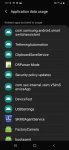
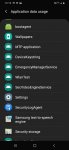
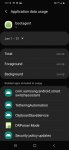
I think my phone has spyware or malware embedded into settings and hidden in my Samsung apps.
Calendar has a ton of apps inside like;
dsparser mode.
Fido something
Knox but not the Samsung kind, this is blocking Knox from allowing security updates.
UniveralSwitch.
Live broadcast app

My phone is brand new like less than 2 weeks old.
My settings are greyed out and there are times I feel I do not have control of my device.
My chrome browser is redirecting me to God knows what website.
my Google playstore works some times, other I get an error message that says must create and download a browser???
I've all but given up and just allowed the mess to run amuck.
My Gmail's are hijacked, I don't get notifications at all and all of my Google photos gone 3 fbs are unaccessible and there is so much more.
I have some weird smart view thing that turns on and then the screen dims. I hear in the speaker of my phone all download noises. ugh

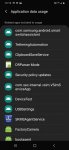
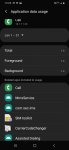
The first 4 screen shots are of applications installed on my device. I absolutely didn't install a bootloader!?
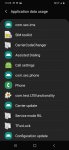
The second set is my preloaded phone app through Samsung and the apps inside.

There are almost 400 applications and I've only got this one device. My bf let me borrow his Samsung Galaxy j7crown for 1 week and his Galaxy S7 edge. And he purchased this Galaxy a10e last Friday, coincidence I'm praying so, either way he is up to no good or I'm absolutely batcacà!
(I apologise in advance for grammatical errors and punctuation this has been going on for almost 2 months.)
Please help me make sense of this.
Thank you all for listening to,
1vryfrustratedwomen

Attachments

  • Screenshot_20200102-001118_Settings.jpg
    Screenshot_20200102-001118_Settings.jpg
    130.2 KB · Views: 483
  • Screenshot_20200102-001345_Settings.jpg
    Screenshot_20200102-001345_Settings.jpg
    160 KB · Views: 816
  • Screenshot_20200102-001350_Settings.jpg
    Screenshot_20200102-001350_Settings.jpg
    207 KB · Views: 614
  • Screenshot_20200102-001359_Settings.jpg
    Screenshot_20200102-001359_Settings.jpg
    185.7 KB · Views: 528
  • Screenshot_20200102-001345_Settings.jpg
    Screenshot_20200102-001345_Settings.jpg
    160 KB · Views: 497
  • Screenshot_20200102-001350_Settings.jpg
    Screenshot_20200102-001350_Settings.jpg
    207 KB · Views: 401
  • Screenshot_20200102-002617_Settings.jpg
    Screenshot_20200102-002617_Settings.jpg
    143.2 KB · Views: 515
  • Screenshot_20200102-002624_Settings.jpg
    Screenshot_20200102-002624_Settings.jpg
    176 KB · Views: 379

Missing total battery usage hours.

Hi,

New to the forum. I had a recent android 10 update to a Samsung s10plus. I enjoyed checking how long my battery would last. Sometimes total usage was 20 to 30 hours on a single charge, depending on usage. With the update the UI changed and I see an estimate of how much remaining time the battery has but no total usage. I can drill down to the battery usage history but every item is separate and no overall total. Was this function removed on purpose or is there a setting to bring it back?

Thanks,

Paul

Filter

Back
Top Bottom