
Install the app
How to install the app on iOS
Follow along with the video below to see how to install our site as a web app on your home screen.
Note: This feature may not be available in some browsers.
-
After 15+ years, we've made a big change: Android Forums is now Early Bird Club. Learn more here.
You are using an out of date browser. It may not display this or other websites correctly.
You should upgrade or use an alternative browser.
You should upgrade or use an alternative browser.
What Does Your Epic 4G Screen Look Like?
- Thread starter YaBoiD
- Start date
-
- Tags
- samsung epic 4g
itsmeandroid
Newbie
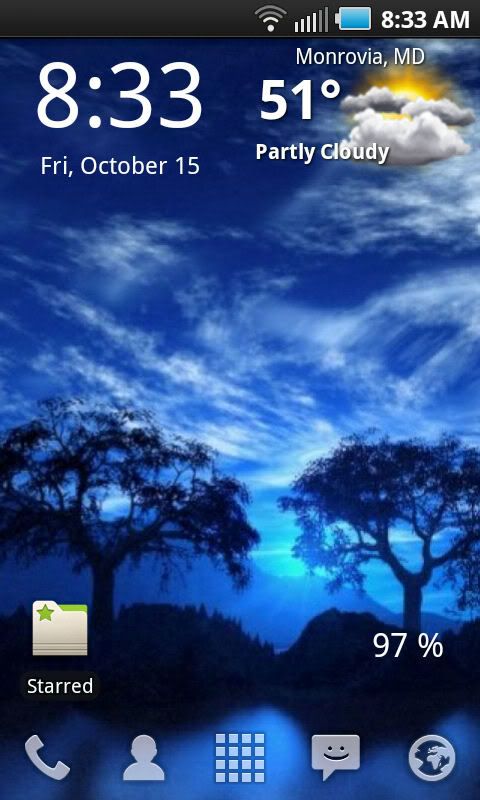
hey everyone, just recently switched from an iphone to an epic couple days go. still learning and getting used to the android feel. this was the first thread i clicked on and first post, because it caught my eye with all the cool looking screens. i have couple of newbie questions if you guys don't mind helping me out...what's the difference between "beautiful widgets" and "weather & toggle widget?" Also, what does launcher pro do? i'm open to any suggestions or recommendations. thanks in advance!

hey everyone, just recently switched from an iphone to an epic couple days go. still learning and getting used to the android feel. this was the first thread i clicked on and first post, because it caught my eye with all the cool looking screens. i have couple of newbie questions if you guys don't mind helping me out...what's the difference between "beautiful widgets" and "weather & toggle widget?" Also, what does launcher pro do? i'm open to any suggestions or recommendations. thanks in advance!
There's two different weather apps. I wouldn't know how well it weather & toggle works, but I can vouch for beautiful widgets. Works well and customizes very easily. Launcher Pro is a home launcher. So currently you're using Touchwiz as your home launcher. If you install LauncherPro it will change the whole way your phone acts in a very positive way.

Seddy
Android Enthusiast
There's two different weather apps. I wouldn't know how well it weather & toggle works, but I can vouch for beautiful widgets. Works well and customizes very easily. Launcher Pro is a home launcher. So currently you're using Touchwiz as your home launcher. If you install LauncherPro it will change the whole way your phone acts in a very positive way.
^^^ +1 for beautiful widgets, +2 for LauncherPro
itsmeandroid
Newbie
There's two different weather apps. I wouldn't know how well it weather & toggle works, but I can vouch for beautiful widgets. Works well and customizes very easily. Launcher Pro is a home launcher. So currently you're using Touchwiz as your home launcher. If you install LauncherPro it will change the whole way your phone acts in a very positive way.
^^^ +1 for beautiful widgets, +2 for LauncherPro
im glad this was the first thread i stumbled upon. haha i spent a few hours experimenting and messing around with those 2 apps to find the perfect fit for me. i especially love how you can swype the icons on the dock to open up a shortcut of your choice. thanks for the info!
im glad this was the first thread i stumbled upon. haha i spent a few hours experimenting and messing around with those 2 apps to find the perfect fit for me. i especially love how you can swype the icons on the dock to open up a shortcut of your choice. thanks for the info!
No problem... dont forget the thanks button. lol I also love that feature... also you can change the swipe gesture and make it open up different things for each icon if you swipe up on the icon.
itsmeandroid
Newbie
i noticed after installing beautiful widget and launch pro, battery gets drained quicker. are there any other way to save on battery life, besides using the advanced task killer app?

UniqueNate
Android Enthusiast
I love your theme!!! Where did you get those custom icons from and how did you get them to fit? Im reading the tutorial but it doesn't say much nor does it say where to get the dock from either...what clock widget is that also?
Just head over to the XDA site and they will show you everything you need to know. It's confusing trying to explain it. Takes some playing around to get it right sometimes. I used that method before but it got old quick. They call it Android 7. Once the real Windows phones were launched I stopped lol, or decided not to go back to that theme. Looks nice but you don't get that awesome animation like 7 phones and once you div into the app or icon you clicked on, it shows your typical android. Nothing wrong with it, but takes away. Almost like a overlay. Pretty on the outside but doesn't match on the inside.
That's why I really hope 3.0 Gingerbread is everything they say it is. I hope the UI is really nice and a host of new features. I mean Android is sweet already but the UI itself can grow some more.
UniqueNate
Android Enthusiast
Does anyone mind taking a look at http://www.youtube.com/watch?v=vNe4tf2qxYc and explaining what all is going on in his epic. I love the way it looks. And yes I know it has launcher pro, but the clock, "theme", any other things you can identify would be awesome
Thanks
Has a picture of his own Epic on his phone lol.

Here are a couple of my screenshots...

Where'd you get these widgets???

MissJennell
Android Enthusiast

sandman512
Member
Is there a way to make the text bigger on the icons? Thanks!
Also, I tried to launch my contact icon and it says "cannot perform that function"
Thanks!
Also, I tried to launch my contact icon and it says "cannot perform that function"
Thanks!
MissJennell
Android Enthusiast
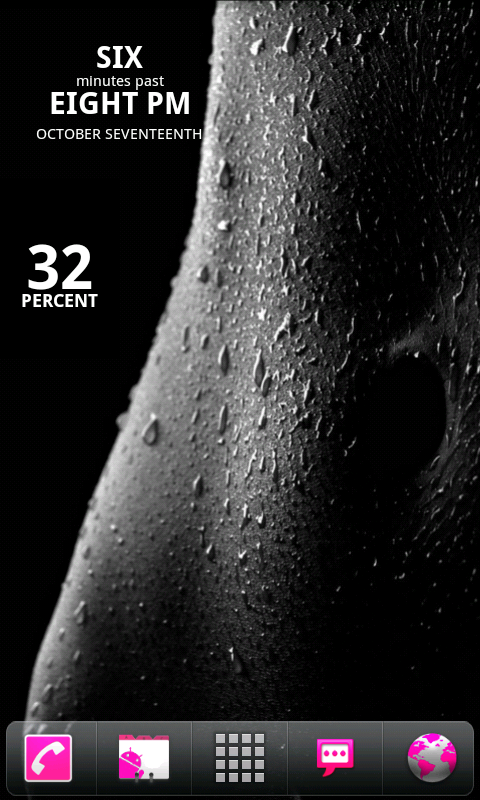
Semi-NSFW
Also, I tried to launch my contact icon and it says "cannot perform that function"
Thanks!
Same here. It never works.
Howard Packer
Member
Is everyone rooting to get these screen shots? Is there a way to take a screen shot without rooting?
sandman512
Member
I use SHOOTME, unrooted phone. Works no problem.Is everyone rooting to get these screen shots? Is there a way to take a screen shot without rooting?
BTW, anyone have a cool Voicemail Icon. THANKS!
JohnnyVolcano
Lurker
Semi-NSFW
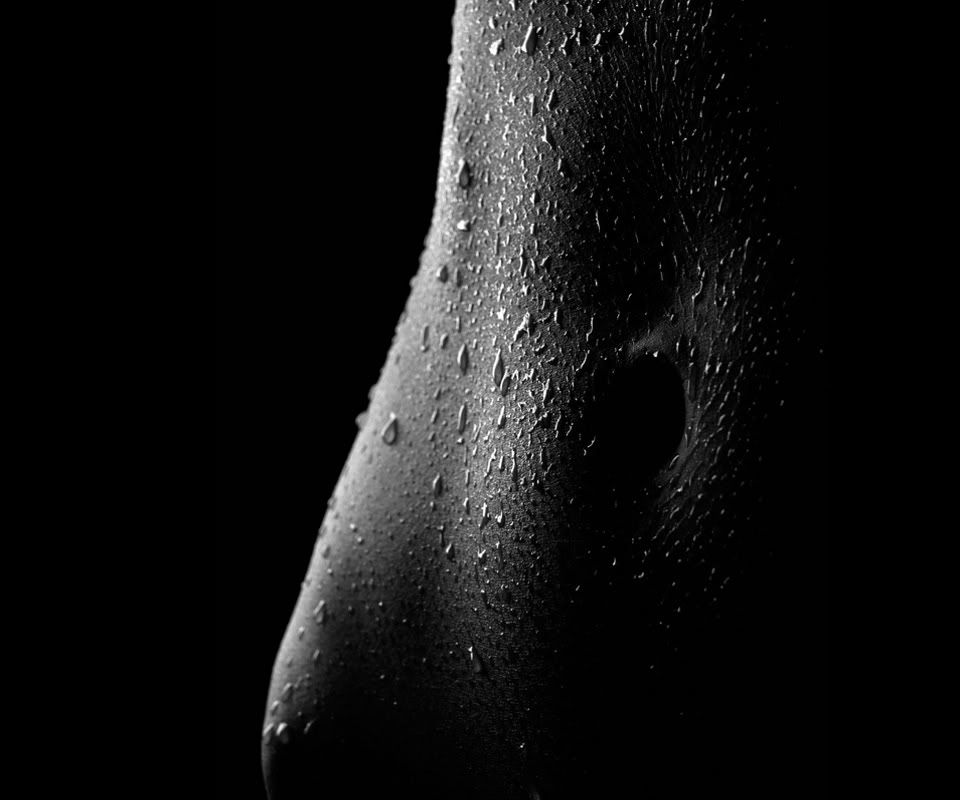
Mind telling where you got that wallpaper?
itsmeandroid
Newbie
For those of you that are using beautiful widget, does the weather image ever show that it's raining? it has been raining here in So.Cal for the past couple of days and all I see is a cloud image. Not really a bid deal, just wondering.
Pretty sure I've seen a image for raining. It may depend on the weather skin though.For those of you that are using beautiful widget, does the weather image ever show that it's raining? it has been raining here in So.Cal for the past couple of days and all I see is a cloud image. Not really a bid deal, just wondering.
Personally I usually see the cloudy image on rainy days also unless I force an update or it is a major storm (ie: it is raining over most the county and not this one city). But I'm in South Florida where weather reporting can be a bit tricky.
MissJennell
Android Enthusiast
Seddy
Android Enthusiast
Same here. It never works.
Long press on the icon and change the shortcut to contacts. Mine did that after I downloaded LauncherPro as well...
