
Install the app
How to install the app on iOS
Follow along with the video below to see how to install our site as a web app on your home screen.
Note: This feature may not be available in some browsers.
-
After 15+ years, we've made a big change: Android Forums is now Early Bird Club. Learn more here.
You are using an out of date browser. It may not display this or other websites correctly.
You should upgrade or use an alternative browser.
You should upgrade or use an alternative browser.
The most standard home launcher with font styles option?
- Thread starter PhilipX20
- Start date

Which did you look at? They should pretty much all be customizable, I know Nova Prime is...and you can get icon packs to really spruce things up.
edit: fun with icons
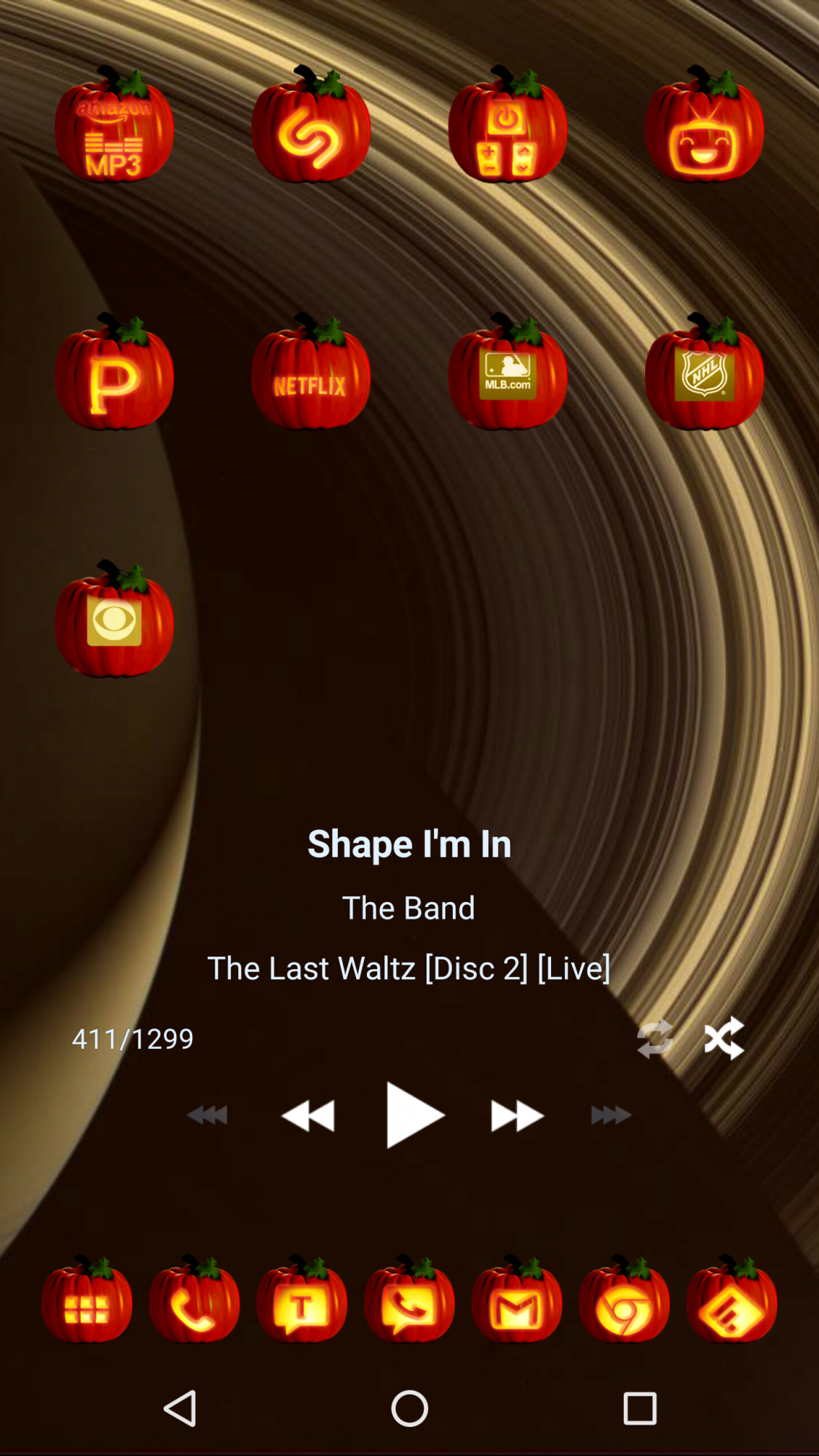
edit: fun with icons
Last edited:

PhilipX20
Android Enthusiast
Go Launcher, Nougat something and such. My main home screen is like this and would like to replicate it on the supplementary launcher with option for fonts.Which did you look at? They should pretty much all be customizable, I know Nova Prime is...and you can get icon packs to really spruce things up.
edit: fun with icons
Attachments



chanchan05
The Doctor
Fonts is dependent on the phone, not the launcher. The launcher will use fonts installed on the phone. Just download fonts from the Play Store.
PhilipX20
Android Enthusiast
My phone isn't rooted and I looked it up on how to but don't wanna do, I may screw it up.Fonts is dependent on the phone, not the launcher. The launcher will use fonts installed on the phone. Just download fonts from the Play Store.

Jhayzone
Android Enthusiast
Try ZenUI by Asus as it have an option on its settings that lets you change to the fonts that are already installed in your phone(e.g. fonts that came from other apps like games with custom fonts) no root needed. I think its available on the playstore but if not go get it on Apkmirror.
PhilipX20
Android Enthusiast
Can I change fonts on Nova Prime? How?Stay away from Go Launcher unless you love ads popping up all over the place.
I second Clementine's suggestion of Nova Prime
PhilipX20
Android Enthusiast
Tried but it's not compatible with my phone. Thanks though.Try ZenUI by Asus as it have an option on its settings that lets you change to the fonts that are already installed in your phone(e.g. fonts that came from other apps like games with custom fonts) no root needed. I think its available on the playstore but if not go get it on Apkmirror.


chanchan05
The Doctor
Nova prime only gives you 3 options. Normal will follow whatever the phone's font is. Then condensed and bold.
If you're using a Samsung, you don't need root. You just download the fonts from the Galaxy App Store and they'll automatically appear on your font options under settings>display.
If you're using a Samsung, you don't need root. You just download the fonts from the Galaxy App Store and they'll automatically appear on your font options under settings>display.


I'm just really concerned on its permissions.
A launcher by definition is going to need a lot of permissions to be able to do everything it needs to do.
PhilipX20
Android Enthusiast
Okay, here's the permissions it needs:Interesting, and unlike ZenUI, it does have a stock look to it. I'm just really concerned on its permissions.
