Follow along with the video below to see how to install our site as a web app on your home screen.
Note: This feature may not be available in some browsers.

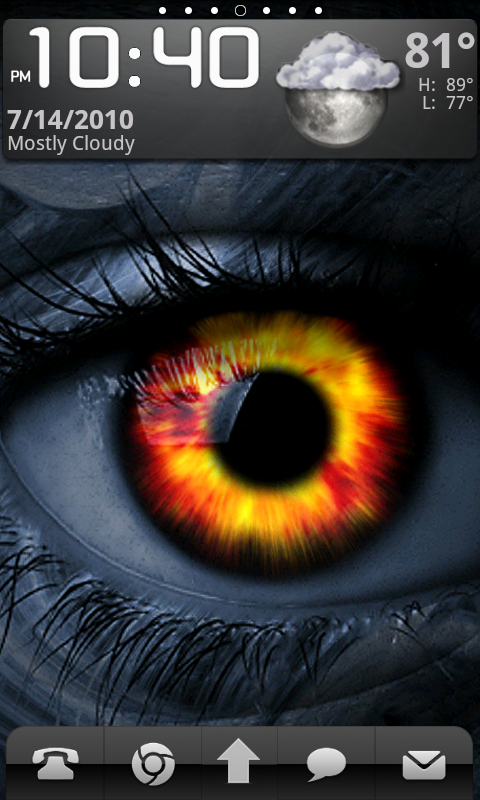
So I just switched from launcher pro to adw. Can I have four shortcuts on the bottom? Or just two at the bottom? (I'm not including the drawer) if so how?
ADW supports two action buttons on each side of the app drawer. Menu> ADWSettings> UI Settings> check Secondary Action ButtonsADW only accommodates one icon on either side of the app drawer icon. However there is an app dock that will hold 6 icons that you can access by swiping up over the app drawer. Initially it will look like the app drawer just disappeared but you can drag icons to it. Personally i have my game icons there since it's nice to have them tucked away until i need them.
ADW supports two action buttons on each side of the app drawer. Menu> ADWSettings> UI Settings> check Secondary Action Buttons

Didn't know that. I see you have to disable desktop dots to enable, though.