Android Web Developer is a IDE/ code editor for web developers. Supports next language and formats: PHP, CSS, JS, HTML, JSON.
Android Web Developer will turn your Android tablet with keyboard into a real development box. Android Web Developer will turn your Android Phone into a small development computer to browse and touch your code on the go.
Greate app for those who want to learn to program!
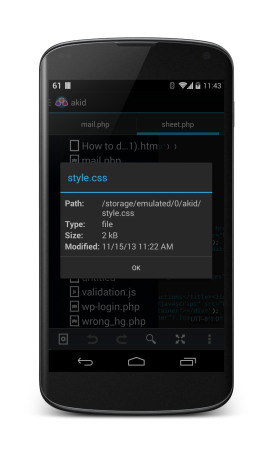
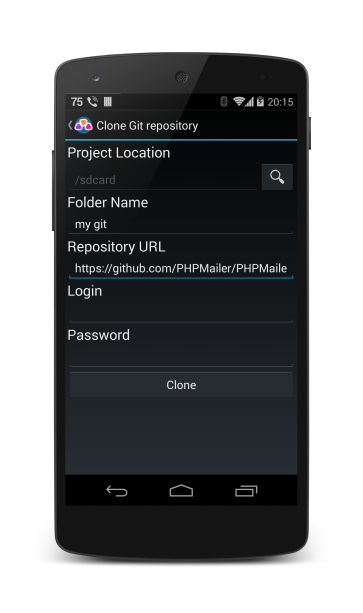
It a unique mobile software for web developers. It allows you to create your own html, php, javascript, css and other pages or edit already existing. Also you can manage work with remote projects through FTP, FTPS, SFTP WebDAV as well as managing your local files and folders.
I am a developer of this program, so I will be very thankful for downloads from Google Play and for good marks )
Features:
- Support all major web languages and formats: PHP, JavaScript, CSS, HTML
- A lot of ways to reach your project ( FTP, FTPS, SFTP, WEBDav and growing)
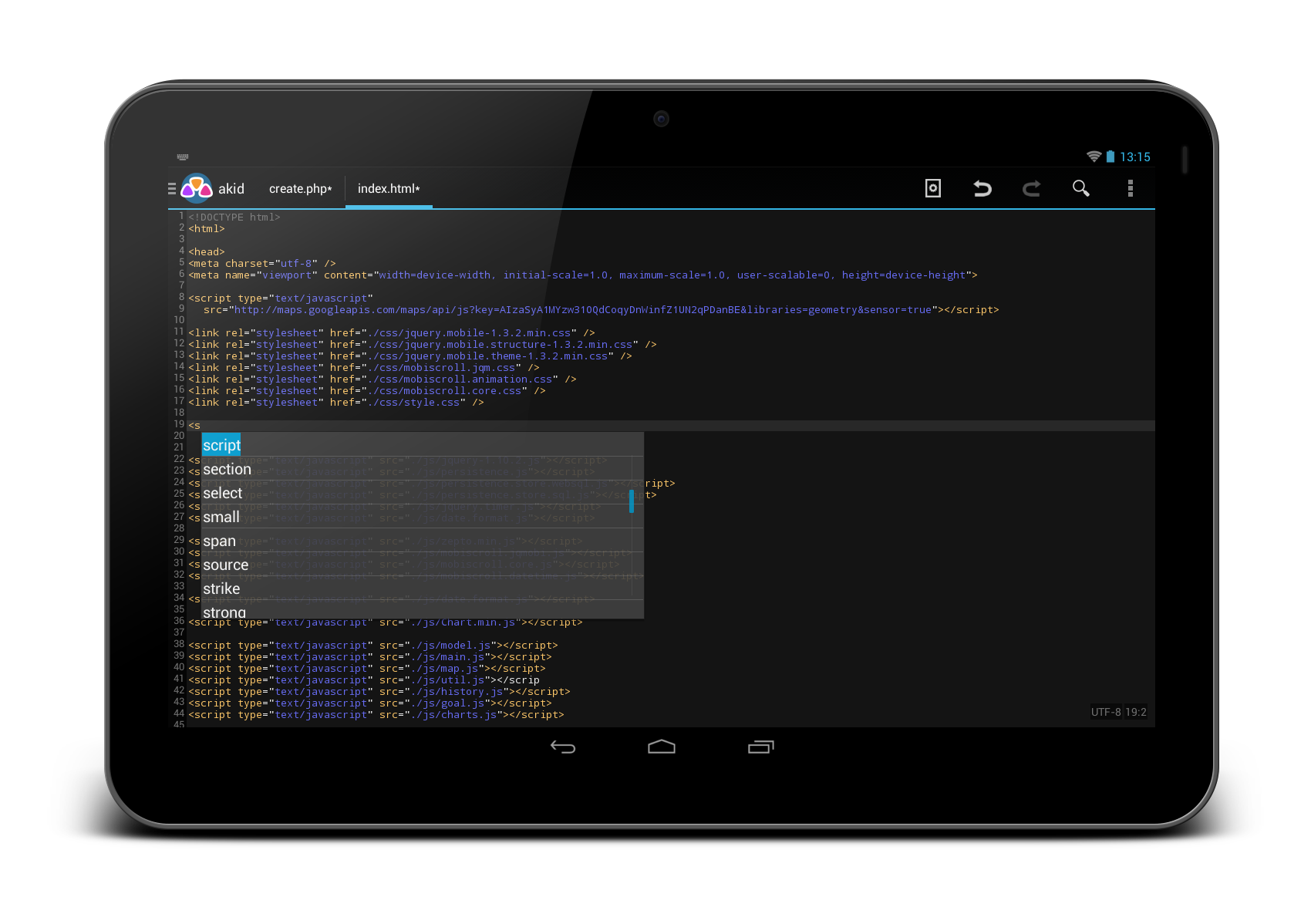
- Code highlighting
- Code completion
- Hardware keyboard support (e.g hotkeys)
- Error checking
- Code beautifying
- Tablet ready UI
- Line numbering
- Quick preview of your page
- Highlighting the current line
- Search and replace with regular expressions
- Unlimited Undo/redo
- Full screen mode
- Rename/create/delete/copy-paste files inside you project
- and more...


Video - http://www.youtube.com/watch?v=FPmvFHEd42o
Android Web Developer will turn your Android tablet with keyboard into a real development box. Android Web Developer will turn your Android Phone into a small development computer to browse and touch your code on the go.
Greate app for those who want to learn to program!
It a unique mobile software for web developers. It allows you to create your own html, php, javascript, css and other pages or edit already existing. Also you can manage work with remote projects through FTP, FTPS, SFTP WebDAV as well as managing your local files and folders.
I am a developer of this program, so I will be very thankful for downloads from Google Play and for good marks )
Features:
- Support all major web languages and formats: PHP, JavaScript, CSS, HTML
- A lot of ways to reach your project ( FTP, FTPS, SFTP, WEBDav and growing)
- Code highlighting
- Code completion
- Hardware keyboard support (e.g hotkeys)
- Error checking
- Code beautifying
- Tablet ready UI
- Line numbering
- Quick preview of your page
- Highlighting the current line
- Search and replace with regular expressions
- Unlimited Undo/redo
- Full screen mode
- Rename/create/delete/copy-paste files inside you project
- and more...
Video - http://www.youtube.com/watch?v=FPmvFHEd42o