
Install the app
How to install the app on iOS
Follow along with the video below to see how to install our site as a web app on your home screen.
Note: This feature may not be available in some browsers.
-
After 15+ years, we've made a big change: Android Forums is now Early Bird Club. Learn more here.
You are using an out of date browser. It may not display this or other websites correctly.
You should upgrade or use an alternative browser.
You should upgrade or use an alternative browser.
Help Camera firmware issue
- Thread starter LordVader
- Start date

D
Deleted User
Guest
Anyone else having issues with there camera. Mine says there is a firmware update but it keeps failing. The camera won't work until the firmware is instaled. Tried clearing data from camera application but it didn't work.
When you go to use camera it wants to do a firmware update?
My camera works fine.
Version TF201-0x9891
...?
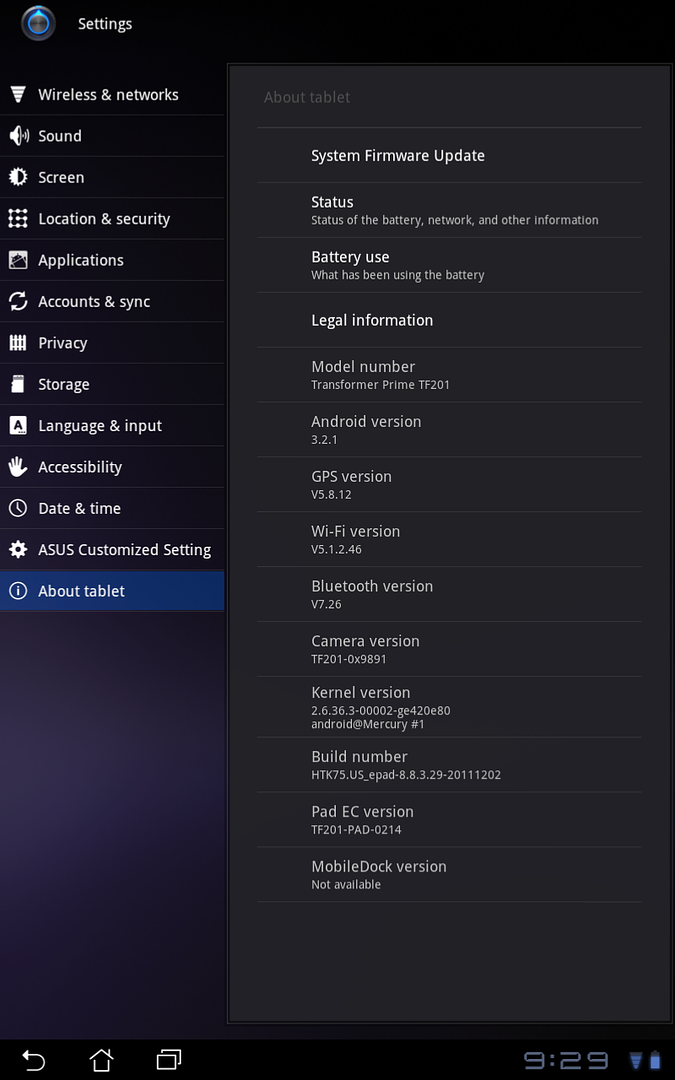
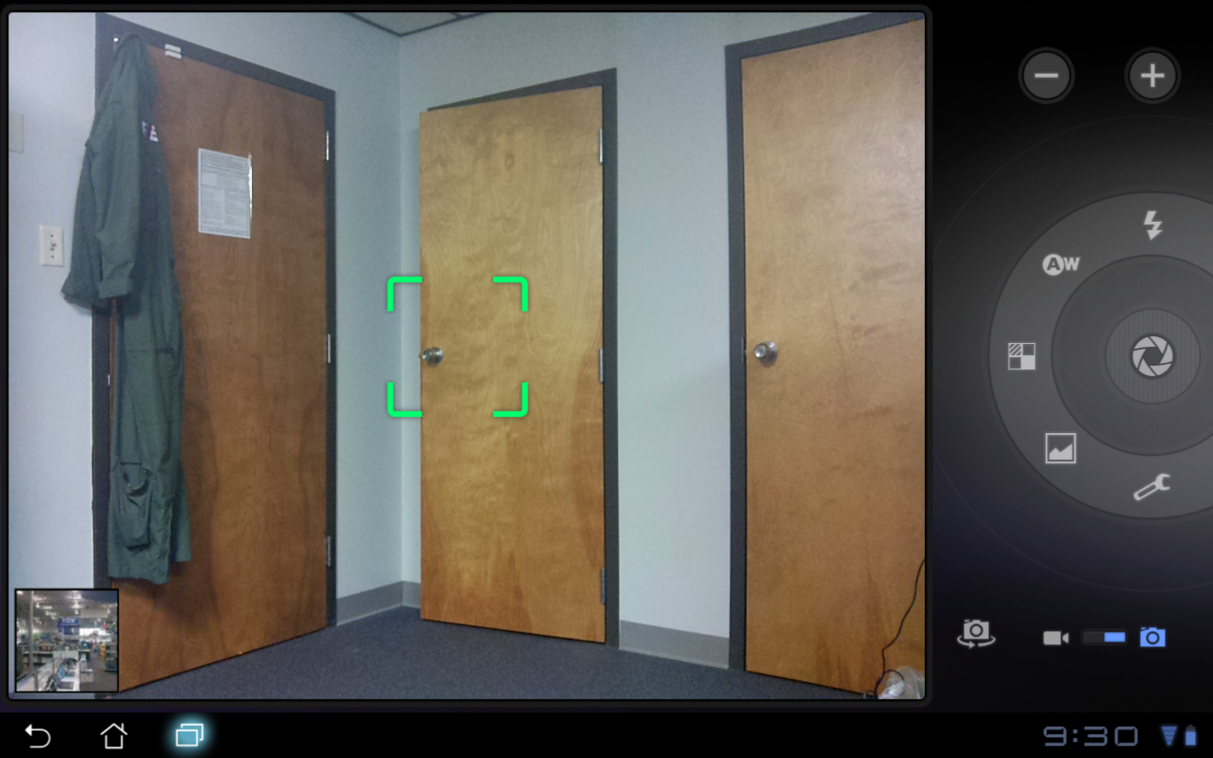
I am at work on duty... not my house. Lol
D
Deleted User
Guest
It says I have the firmware update. When I try to download it fails. When I try to use camera it says I first need to update to newest firmware.
Oh. Before I got mine, I had read that someone updated their firmware when they first got theirs. When I opened mine for first time, I tried manually to check for firmware update, and it failed. Left it alone for a couple of hours and it did it on it's own.
D
Deleted User
Guest
Apparently I got a dud. Now the auto rotation feature doesn't work as well the camera not functioning. I guess I'll fire off an email to Asus and hope for a speedy fix.
Did you accidentally turn off /uncheck the auto rotate option?
D
Deleted User
Guest
Maybe something here could help?
ASUSTeK Computer Inc. - Eee- ASUS Eee Pad Transformer Prime TF201
What version is your firmware?
[Settings]-->[About tablet]-->Build number
Example: You should be able to see the build number WW_epad-8.X.X.X_2011xxxx, where “WW” means SKU.
The version they have online is same i upgraded to over the air.
May want to read all English documents including the file Updated Version of SOP(English)
ASUSTeK Computer Inc. - Eee- ASUS Eee Pad Transformer Prime TF201
What version is your firmware?
[Settings]-->[About tablet]-->Build number
Example: You should be able to see the build number WW_epad-8.X.X.X_2011xxxx, where “WW” means SKU.
The version they have online is same i upgraded to over the air.
May want to read all English documents including the file Updated Version of SOP(English)
D
Deleted User
Guest
One last stupid question, is your Prime synced to your Google account?
The " Eee Pad Transformer Prime TF201 FAQ (English) " in the download area says it needs to be.
The " Eee Pad Transformer Prime TF201 FAQ (English) " in the download area says it needs to be.
Attachments
I spoke to Asus and they said they will fix if I send it back to them. Really pissed that they want me to pay to ship it when it's 3 days old and I already spent a ton on it. Think I'm going to Best Buy to exchange it and get something different.
Crazy that they are expecting you to pay for shipping on their broke product. My camera is working great. Took a picture in total darkness last night from about 6 feet away from subject and was suprised how well it turned out.
Also there is an update today. Dont know if it has anything for your camera, but I understand it is supposed to help GPS signal and Wifi. We shall see.
D
Deleted User
Guest
I spoke to Asus and they said they will fix if I send it back to them. Really pissed that they want me to pay to ship it when it's 3 days old and I already spent a ton on it. Think I'm going to Best Buy to exchange it and get something different.
Not that you should have to, but did you try to install the firmware via connecting to PC as outlined in the SOP PDF attached above?
D
Deleted User
Guest
Crazy that they are expecting you to pay for shipping on their broke product. My camera is working great. Took a picture in total darkness last night from about 6 feet away from subject and was suprised how well it turned out.
Also there is an update today. Dont know if it has anything for your camera, but I understand it is supposed to help GPS signal and Wifi. We shall see.
Do you have source for the update info?
D
Deleted User
Guest
LoL was testing out various browsers and my Prime just started the update. Thanks!
Now I pray it doesnt brick. Wish I had restarted before installing. Shrug.. Just a machine.