I have used an iPad for some time and have become so dependent on it that I have decided to buy a disaster recovery tablet.
It makes sense not to buy another iOS device, as the same OS update could screw both over at the same time.
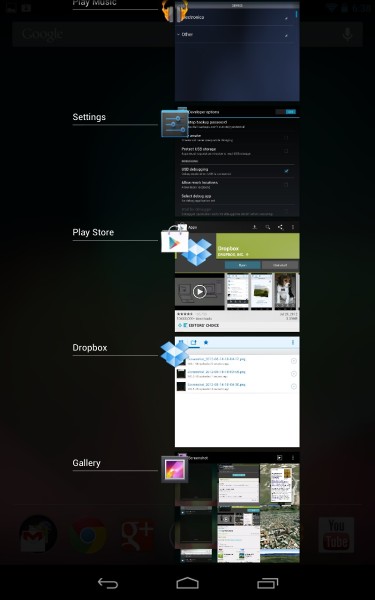
So I am planning to get a Nexus 7.
I have checked that most of the functionality I am used to on the iPad is available on Android, but there seems to be a massive hole which I cannot believe has not been filled.
I go to a lot of meetings and all of them follow a similar pattern. I am sent in the days or weeks ahead a variety of documents in a variety of formats - PDF, Word, Excel, JPG - even sometimes PPT.
I need to be able to:
I achieve it on the iPad using DropBox and GoodReader. It is remarkably smooth and works faultlessly.
Can anyone recommend anything that works as well in Android? There are plenty of PDF readers but I don't want to have to spend time converting everything to PDF before transferring it.
It makes sense not to buy another iOS device, as the same OS update could screw both over at the same time.
So I am planning to get a Nexus 7.
I have checked that most of the functionality I am used to on the iPad is available on Android, but there seems to be a massive hole which I cannot believe has not been filled.
I go to a lot of meetings and all of them follow a similar pattern. I am sent in the days or weeks ahead a variety of documents in a variety of formats - PDF, Word, Excel, JPG - even sometimes PPT.
I need to be able to:
- Send these documents very quickly and easily to the tablet
- Be able to see all of those documents in one environment and flick between them very quickly and easily.
I achieve it on the iPad using DropBox and GoodReader. It is remarkably smooth and works faultlessly.
Can anyone recommend anything that works as well in Android? There are plenty of PDF readers but I don't want to have to spend time converting everything to PDF before transferring it.