• After 15+ years, we've made a big change: Android Forums is now Early Bird Club. Learn more here.

Root How To Mod your WM8650 Tablet

So I was not satisfied with accepting this was dead. After a few on and off cycles with and without SD trying to see if there wasa glimmer of hope, I noticed that it seemed that an on and quickly after an off, it turned right off. If I waited, then you had to hold the power button. This told me that it was starting up but not displaying so i played.

As this is a 10" unit I tried 22 which is a <test> version and WTF, it actually upgrades. But then only gets to the Uberoid title like someone stated above.

I tried differnet versions, targeting the 10" and nothing else gave me similar results or better.

Any ideas?

Mine is basically a brick now despite following the directions at the top exactly. Saw the Android guy pop up and then went away, no progress bar, nothing. Left for a while
and zip. Any ideas?

When it worked, about reports:
WonderMedia WM8650 (but it's a 10" iPad looking version)
Android version 2.2
Kernel version 2.6.32.9-default
Build number generic-eng2.2 Froyo Ver1.5.5-20110920.043830

Is listed as a MID U102.
 
Thanks for this fix. Everything works great except for my sound. Is there anyway to get the sound to wrk? #13 worked for me. If anyone knows a fix for the sound to work, please let me know
 
THANK YOU VERY MUCH ! Though I had bricked my daughter's wm8650 7in from china. BUT, tried your software a few times. Lost touch panel control as mentioned by a few, but then tried number 30 and it worked (with minimal wi-fi). Then 28 worked perfectly.

THANK YOU
 
Mine is basically a brick now despite following the directions at the top exactly. Saw the Android guy pop up and then went away, no progress bar, nothing. Left for a while
and zip. Any ideas?

When it worked, about reports:
WonderMedia WM8650 (but it's a 10" iPad looking version)
Android version 2.2
Kernel version 2.6.32.9-default
Build number generic-eng2.2 Froyo Ver1.5.5-20110920.043830

Is listed as a MID U102.

Try options 10, 47, 48, and 49. They match your specs the closest. Use the latest Uberoid version V11. And make sure you select only the 10" pad options from the changer.bat list, such as those listed above.
 
Hi everyone,

Below is my tablet I would like to mod...I followed the instructions but the touchscreen is not working at all. Pls advise which options will work with my tablet. Thanks alot.

For instance, if you have a 7 inch tablet, try only options
1,2,7,8,9,11,12,13,16,20,21,23,25,26,27,28,29,30,3 1, and 32.

7' WM8650 Sim Card Phone Call Wifi 3g MultiTouch MID Tablet PC + FREE .. (Kuala Lumpur, end time 10/9/2012 10:15:00 PM MYT)
7 inch WonderMedia (WM8650, 800Mhz) Original Rooted Android 2.2 MID Tablet PC
With Real Original Android Market.

  • NEW Design netPad W1 with Real Android 2.2 froyo
  • GSM Phone Voice Call + SMS Function
  • Lastest version with suppot GPRS data online
  • 4GB Version 256MB DDR3 RAM
  • WonderMedia WM8650, Dual Core 800 Mhz
  • Come with latest and stable Officail WonderMedia firmware 1.5.5 (latest firmware, others is slow firmware 1.5.2).
    • We give Original Official Firmware with Real Android market ready. Those which come with china APP market only need to use modified firmware to get Android market.
  • Support Flash 10.1
  • Support Real Google Android Market (Note: Others might only have app market or others china market)
  • Rooted Android Version (Installed superuser rights, titanium backup, root explorer)
  • Working OTG (You can Link/Connect your Tab to your PC)
  • Camera
  • Different Type of TouchScreen
    Most sensitive Resistive screen with 2 finger Multi touch pinch zoom
  • Using INNOLUX Branded LCD (more quality and clear in color)
  • Direct USB PORT, NO need addtional usb adapter. (others model need usb adapter)
  • Support 3G Broadband Modem
  • Support RMVB Movie/Video
  • Grade A Quality Battery
  • Support Wifi / Wireless a/b/g/N
  • G-sensor - Gravity 4-Dimensional
 
I found it!!! Mine is option 7... Don't worry if the touchscreen is out of sync. Use a usb mouse to select first... then go setting and select touchscreen calibration ...that's it
 
Dude, this dont works on my Tablet M009f Via WM8650 7". So,i chose every options! may this dont works becaus i have android 2.3.3? or because is non rooted tablet? i dont know, i need a little help.

thnks
 
Hi, I am new to this forum and also to this device, I got it during Christmass and I am upset that it is kinda slow and that market does not work. So I am really glad, that I have found this threat.

I would like to make this flashing/rooting/uprading of my device but I am scared doing it due to some reponses in which people describe that their device stopped working after this acction.

My device specs are:
Model Number : WonderMedia WM8650
Android Version : 2.2
Kernel Version : 2.6.32.9-default
Build Number : generic-eng2.2 Froyo Ver1.5.5-20110920.103830

So I would like to know, If someone with same or simmiliar device done this action with succes and if you had probloms.

Arraart
Did you get yours to work?? im about to try
 
mine gone blank, white with black streaks, after using option 27 and later tried others but same condition. its WM860 LAVA LT7007 green LED 7". Can anyone?
 
uberoid.jpg


uberoid2.jpg


Want to make your tablet run better, faster and get the REAL ANDROID MARKET?

I have done many of these tablets and. I have enclosed my instructions below
and the link to the files from my website.

Follow these directions exactly:

Make sure your tablet is off.
Remove the SD Card.
Download the V9 Final ROM file to your PC from my site. Make sure you know
where to find it after it downloads:

I have uploaded the rom to my own website and it should
download very quick for you. Here is the link to the ROM from my site
http://creativeconceptcomputers.com//downloads/public/WM8650.7z

save it to your desktop and get winrar to unpack the zip file at
http://rarlab.com/rar/wrar41b4.exe

Insert the SD Card into the media reader on your desktop PC.
The SD Card will now show up as a drive letter on your PC's File Manager,
just like C:\ except with a different letter assigned.

Every computer will be different. Let's just say that on your PC it is G:\.
Right click the drive letter of the SD Card (G:\). A pop-up menu appears.
Select "format" and format the card to Fat32.
Now, using a program like winzip or winrar, extract the ROM file that you
downloaded to your PC earlier to a new folder on your desktop
.
After it has extracted, it will have these folders:
firmwareinstall
Changer_files
and these 3 files on it:
changer.bat
wmt_scriptcmd
Universal_Uberoid_WM8650_v9.1.2.txt

Using your PC mouse, double click the "changer.bat" file. A pop up screen
appears.
Type in RT3070 and hit "enter" (this enables WiFi support)

Select the option number that corresponds to your tablet and press enter.
( I found option 27 to work on most wundermedia wm8650 ) if that dont work
run it again and choose option 2 (if that dont work,keep trying differnt
options until you get the right one) if that one hangs on the option
you selected, you will just have to keep running the changer and selecting a
different option number until you get it right. Make sure that after it does
boot that the touchsreen does in fact work.

(Please, if you are trying multiple options, just remember to try options
only for the size tablet you have.
For instance, if you have a 7 inch tablet, try only options
1,2,7,8,9,11,12,13,16,20,21,23,25,26,27,28,29,30,31, and 32.

After you select your option number and hit enter, the changer.bat will ask
you if you want to install the ROM on your SD Card hit y (yes) and if you
want your SD Card formatted. Answer "NO" since you already formatted it
earlier, let the program finish running completly and it will tell you when
its done.
Now safely remove the SD Card from the PC media reader.

Insert the SD Card back into your tablet and turn it on.

it will show a progress bar on the botton, when it's done it will tell you
to remove the sd card , (don't remove card until it says to) when you do
the tablet will reboot
.
Select the wmtlauncher when it comes to options screen and set as the
default and thats all there is to it.

This should only take a few minutes to boot the first time. Make sure that
after the tablet is up and running , that you reformat the sd card in a
computer again before you put it back in your tablet for storage.

Main features:
* Live Wallpaper Support! ("butterfly" live wallpaper included!)
* HoneyComb styled launcher, framework and icons
* Extreme WM8650 compatibility (60 models +!)
* Customizable ROM, make it even more LITE for example (see CHANGER 'x' for
more info)
* 100% Rooted
* Audio Boosted
* Memory cleaning boosted
* Memory read/write boosted
* Lite version, stripped away many apps
* Tries to support as many languages as possible
* Real Android Market
* Real working YouTube

after download the file from your link and succesfully extracted the file, i did not get the change.bat file, instead i got change.sh , pls help, i am using window 7 home premium on my laptop
 
I'm having some serious trouble. When I use change.bat to copy the files to the Micro SD card, it will not boot; the tablet starts up normally and ignores the SD card.

Info:
Memory Size: 256MB
Model number: generic
Firmware Version: 1.6
Kernel Version: 2.6.29-00236-g4f8dbbb-dirty
Build number: WMT2.1.2_105

It has 2GB of internal storage (1.86GB shows, the rest is system used)

(I know very little about this tablet. Just came to the conclusion that it is the WM8650. Not sure which one. User manual says MID, and that is it.)


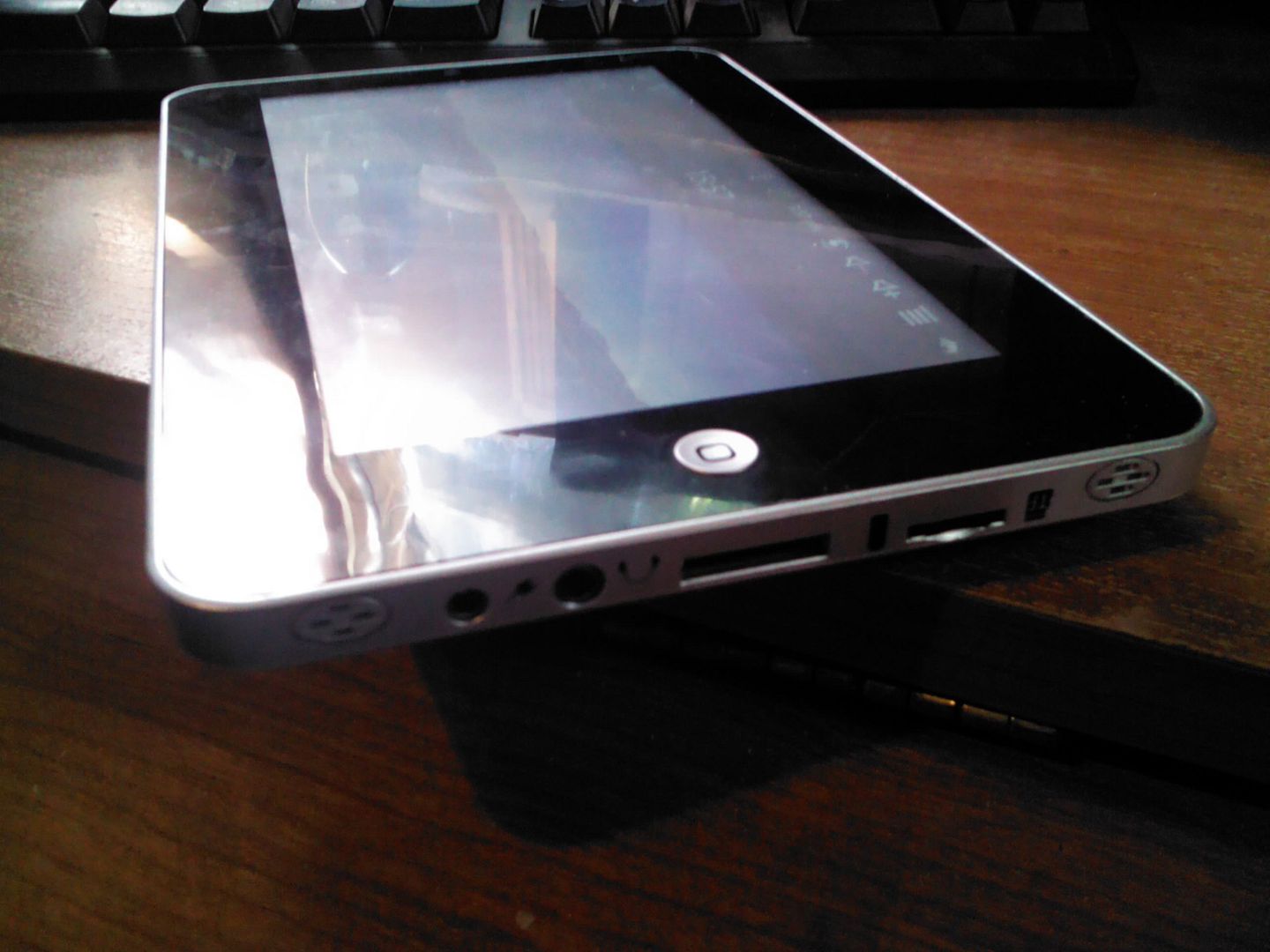
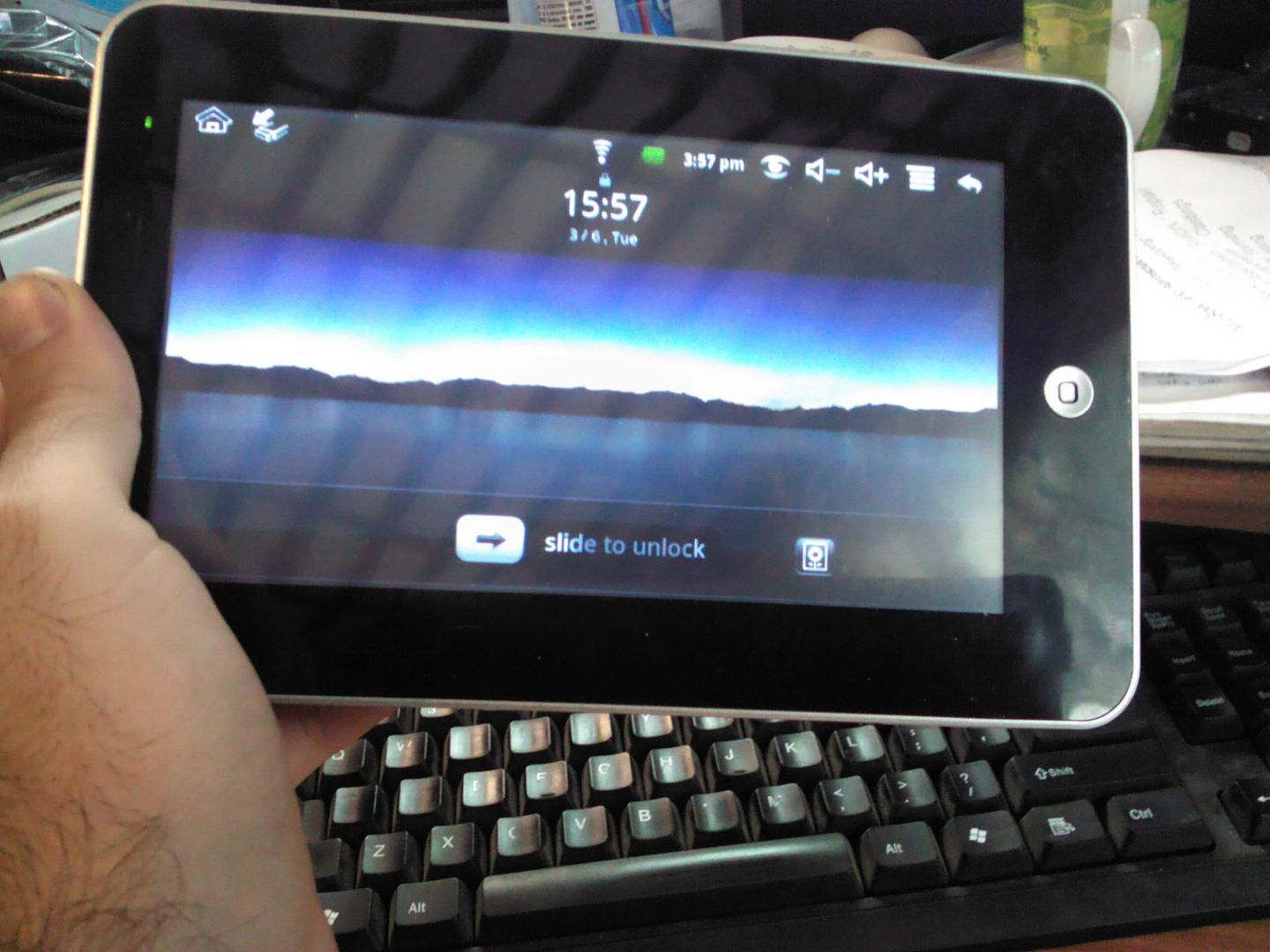
IMG_20120306_155749.jpg


IMG_20120306_155740.jpg


Many thanks in advance for any advice. D:
I just cannot get this thing to catch! It is supposed to hang up on the initial android logo before it actually starts booting if it's the wrong ROM, not completely ignore it; right?

I've tried formatting it as Fat32 in both Vista and through change.bat
 
Thanx NyRaised!

My WM8650 Wondermedia 7 inch is alive again :D!

I tried to install your ROM (after RT3070), with several different options (some of them didn
 
Hi all

I have MID 7 inch touch screen Specification Sort Item Description System CPU VIA 8650( 800MHZ) Operation System: Android 2.2 RAM Hyunda 256MB DDR...brought on amazon jan 2012

I have tryed options 1,2,11,27,29,30... so far and none have worked i just tryed option 8 and it worked but the battery keeps saying 100% and doesnt go dwn...

Help needed

Thank you
 
I couldn't believe the difference you have made already. The very first attempt worked like a dream. The WiFi connection happened so much more quickly, the touch screen is more responsive, I am astounded.

Thank you for sharing that.

db
 
Some time ago i bought MID tablet (same as @fixius user, model no: m799ca V2.2) and prepare sd card as in instruction by @Trickyd71 (Flashing M7206-M799ca) and when i insert SD card into tablet and turn it on it says Booting from SD........ and that's it, nothing happen more. When i remove it will boot Android as normal.

Thanks in advance.
 
How To Mod your WM8650 Tablet !!! I have a tablet with a phone in it, after the update can i still use the phone on this unit.... no one has made any comments about the phone side of this table.. dose anyone know... Thank you.
 
Dose anyone know the best way to open the tablet... I have to replace the display. my cat had kicked it of of the table.. I have the parts for the unit... I just dont want to mess it up any more.. thank you
 
Fantastic OP, tried 27 first then 1 worked for my wondermedia 8650. Much more efficient and the real market is sweet.

Thanks again
Jeff
 
Back
Top Bottom