• After 15+ years, we've made a big change: Android Forums is now Early Bird Club. Learn more here.

How to use SD card adapter

Rgarner

Android Expert
Hi, I tried posting this on a different thread, but I thought maybe a separate one would be better. I am trying to copy the contents of a 32 GB SD card from a ZTE Z815 to a Dell Inspiron PC. I have an adapter for the SD card, but I'm not sure which PC slot to use, or if there even is one for it. Judging from the oldest software on it, I think it's a 2012 PC. I would like to include some photos to show you what I mean, but I don't know how.

 
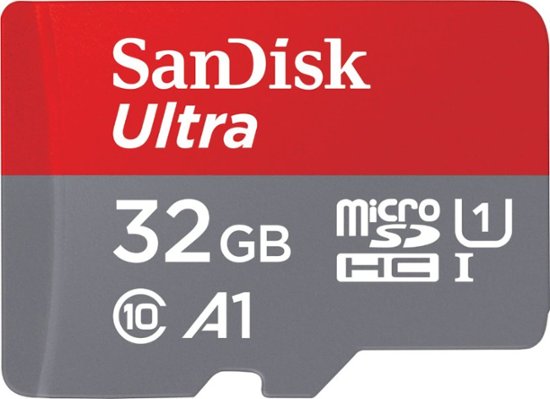
It really depends on the type of adapter. Most that I've seen are either a USB connection or one that the micro SD card slides into to let it be read as a standard SD card like this:

3695074_sd.jpg;maxHeight=640;maxWidth=550
 
Yeah, that's pretty much the kind. Where does it fit in the PC, though? There are lotsa slots but I don't know if any one of them is it. How do I add a photo to show you these slots?
 
If you have a multi-card reader group, the SD card adapter will only one of those little slots. You can also get a USB adapter - you put the microSD card in the SD adapter, and then put that in a bigger adapter that plugs into a USB port.
 
I'm still not sure it imported everything. I pressed control + a, as it said, but if it's really chronological, as it seems to be mostly, then there must be some missing. I don't have time to check it all now, but I did notice that some newer pictures are toward the top and some at the bottom. What gives? Also, if I have some photos in albums on SD, what happens to them? How do I plug in the camera for next time?
 
Back
Top Bottom