• After 15+ years, we've made a big change: Android Forums is now Early Bird Club. Learn more here.

Help i got this nasty adware .. how?

InGearX

Android Enthusiast
i got this nasty adware ..

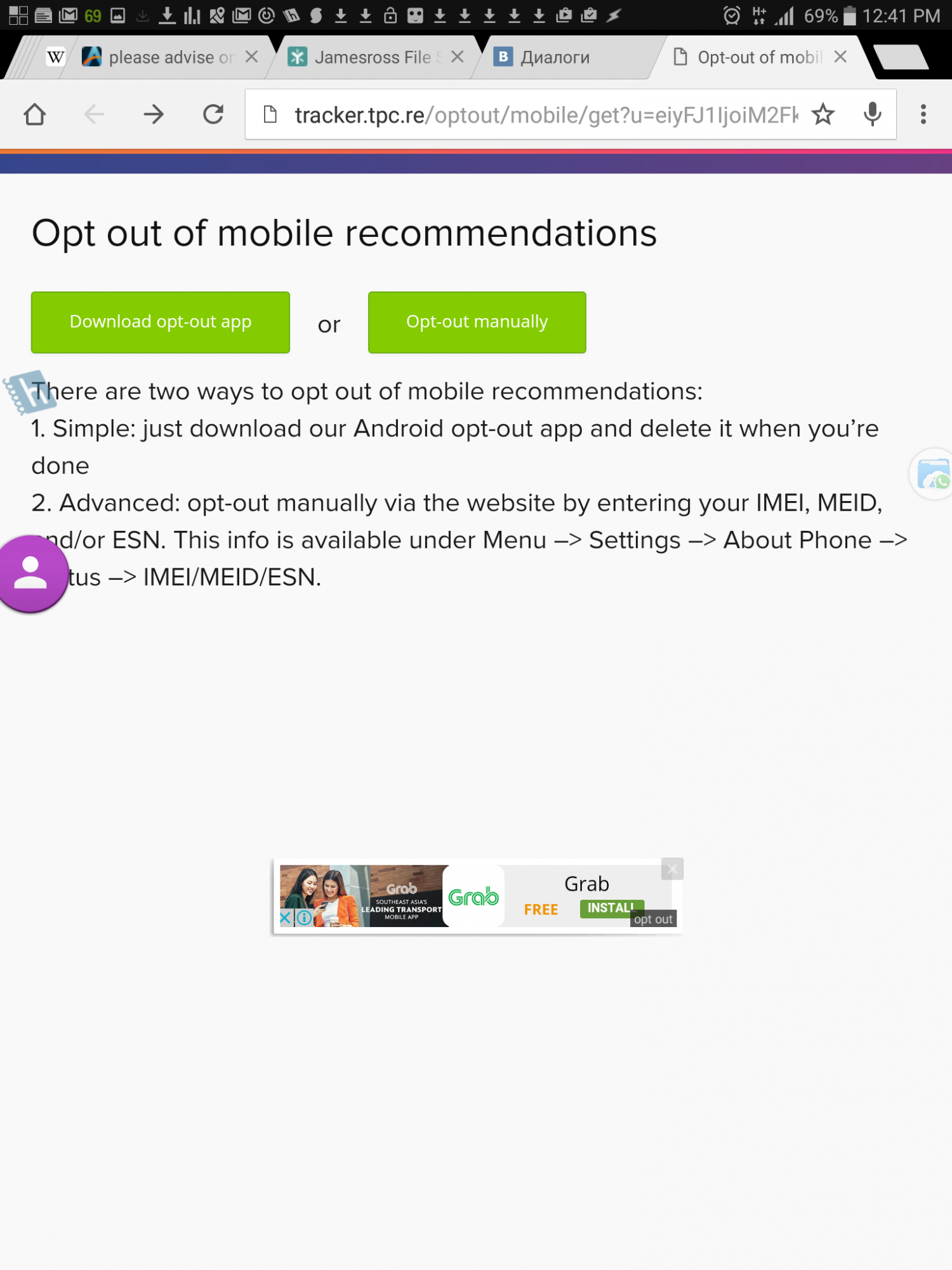
it randomly every ~20 minutes displays banner adds overlay .. (see attached)
and i think sometimes FULL screen!

wow

I am so careful with all my installs .. all are from google play

#1 how did i get it .... so i / others do not get it

#2 what is best way to get rid of it?

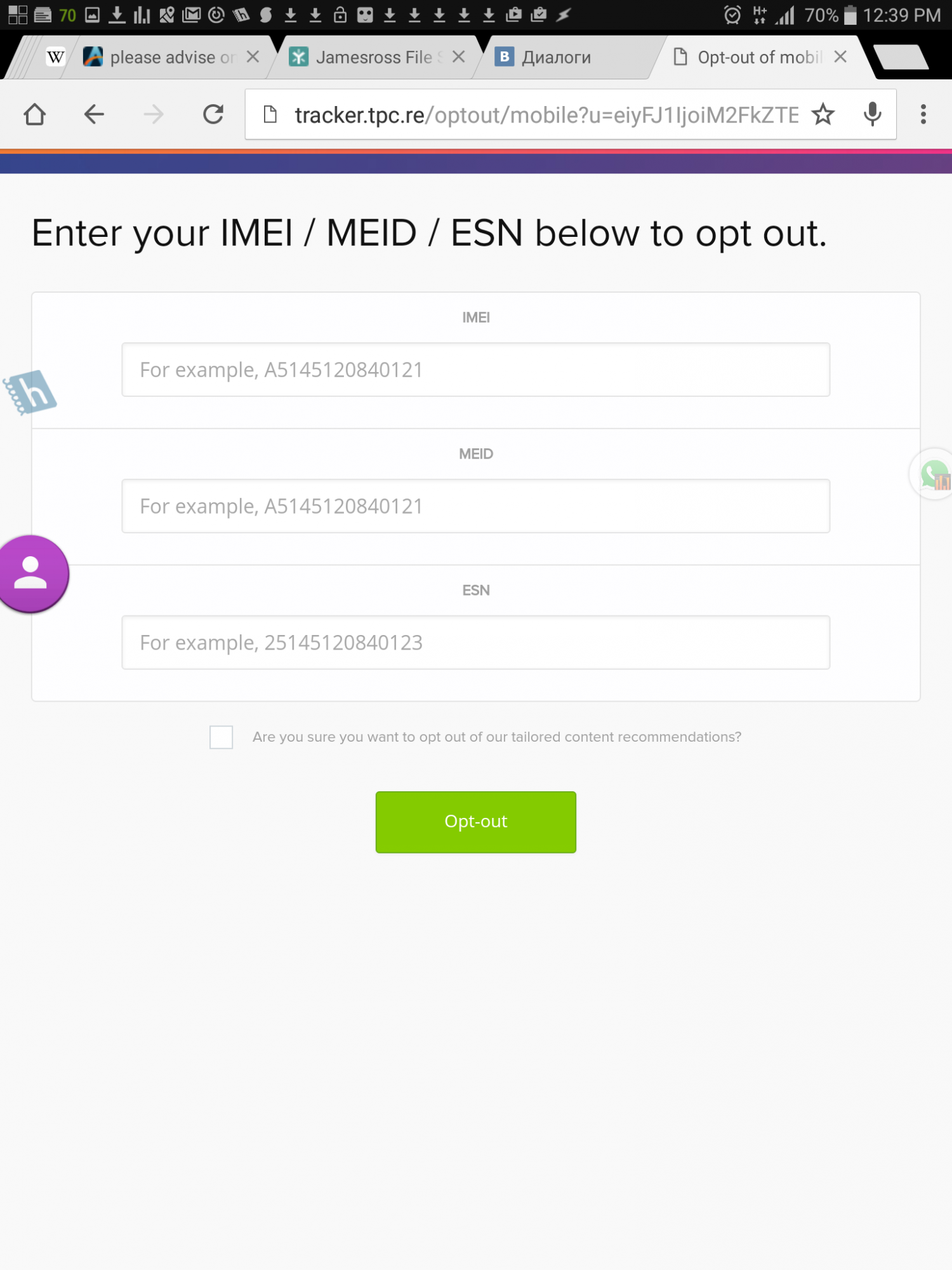
there is a "opt out" link that takes me to http://tracker.tpc.re/optout/mobile...iwic3BvdCI6ImFwcGxh dW5jaCIsImxhbmciOiJlbiJ9

option a) install their app
http://tracker-mercury.tpc.re/themes/tracker/optout-app-v-1.2.apk
yeah right!

option b give them my

IMEI + MEID + ESN

how/ why would they want it?

what could they do with it?

please advise ..

thabk you so much ..

==================

img shows banner add.. AND opt out page
Screenshot_20160804-124155.png


img 2

Screenshot_20160804-123952.png
 
Do not give out your information. I was in a very similar situation and I just hard reset and started over avoiding the last app I installed. A little more research seems to implicate an app called Premium Wallpapers HD. Have you installed that app? Even the reviews in the Play Store are starting to complain about it.
 
I don't really know if this works on other apps but a contra-like game on playstore will show a fullscreen ad even when not open. Had a hard time trying to discover the app but found it after opening the recent apps while the ad is open. Mighy be worth a try.
 
Did you try uninstalling the last app that may be the issue?
 
You should probably boot into Safe Mode and run Malwarebytes I would also try going into your chrome application manager and Clear Data / Clear Cache Uninstall last few apps or try clearing cache in those also.
 
i will call this
tracker.tpc.re
for now
i read all the
http://androidforums.com/threads/new-banner-ad.1008325/#post-7243073
https://forums.oneplus.net/threads/virus-scanner.81546/page-2#post-13569364
thank you ..
i am not very optimistic (well i am .. but it is not looking good)
will try
will try to uninstall / reinstall / clear cache for chrome now ..
then ..
1. clear cache ..
2. one dozen antiviruses in safe mode
3. disable apps with overlay permission - how do i find them?
4. erase apps in batches .. until i find batch that was the cause .. to know and avoid in the future ..
5. if after all that still not gone ... hmmmm factory reset ..
6. what else?
please advise ..
thank you..

will keep you updated
 
ok update i fixed it

removal of one of these apps fixed it

TubeMote
Sleep Diary Lite
7 Minute Workout Lumowell
FitStar
VK Lite Chat

thank you everyone ..
 
ok update i fixed it

Good follow up. Looking at all of those listed application's permissions, VK Chat seems to be the one with the highest probability of being potentially offensive. Only one with permission: "draws over other apps"

They have many recent 1 star reviews in the application store it appears. One person said, "Ad kills it Recent they updated app and added ads. It shows up even outside of this app"
 
Last edited:
I see you fixed this problem in 2016, but now it is 2019. 2 nights ago I let my phone update. Now opt out comes up I guess about every 3 to 7 minutes. I just went through my apps in google play and cleaned out the ones I was not using. I trust pretty much every thing else in there. Somehow this adware seemed to come through the update that I scheduled 2 nights ago.
 
When you say you "let your phone update" was this a set of app updates or a system update? The latter should only update pre-installed apps.

If it was app updates then logically it was one of the apps you updated. Just work through the list.

If it was a system update, what phone is this? Because it would be very worrying for something dodgy to come with a system update.
 
You should probably boot into Safe Mode and run Malwarebytes I would also try going into your chrome application manager and Clear Data / Clear Cache Uninstall last few apps or try clearing cache in those also.
f*** Malwearbytes, it gave me a lot of worms...


Instead try CCleaner, disc defagger, normal running windows building modelators etc.
 
Back
Top Bottom