

JaeWeb
Well-Known Member
Since we don't have a screen shot thread for the Blaze, I thought I'd start one myself. 
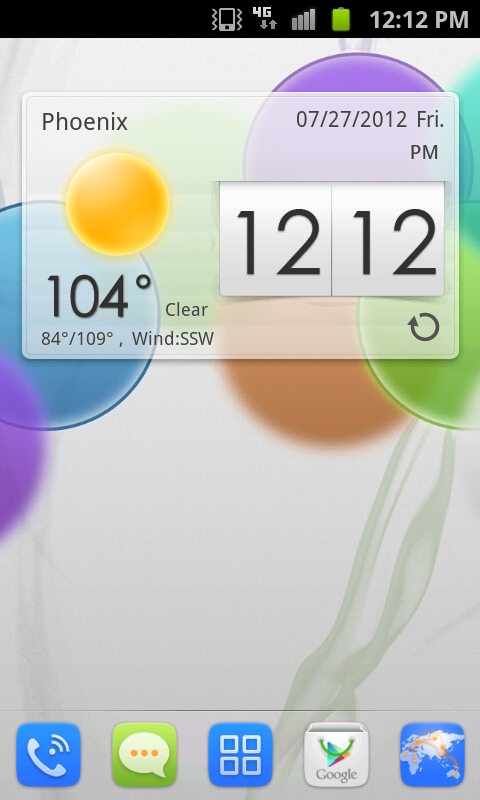
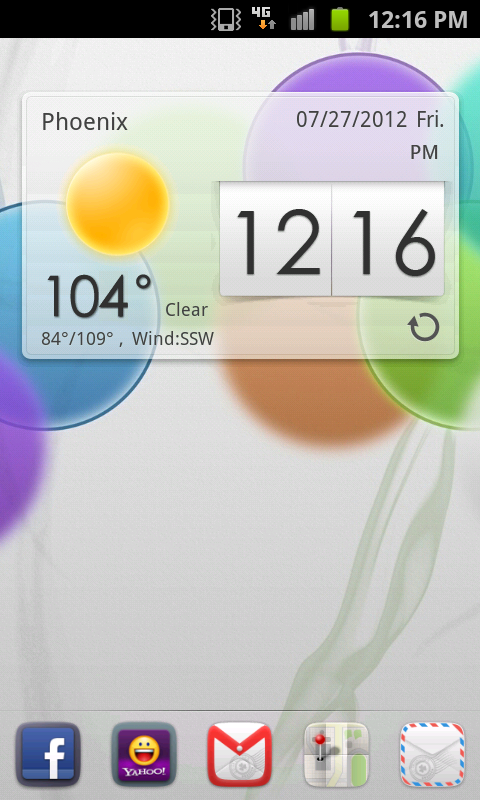
I only use one homescreen. I have a weather widget and a scrollable dock which has my most frequented apps. That's all I need.
*For those not in the know, you can take a screen shot with your Blaze 4G but pressing the home and power buttons at the same time. Then upload your screen shot to something like Photobucket and then copy and paste the image code in your reply to show off your home screen(s)!
Let's see what you got people!!
I only use one homescreen. I have a weather widget and a scrollable dock which has my most frequented apps. That's all I need.
*For those not in the know, you can take a screen shot with your Blaze 4G but pressing the home and power buttons at the same time. Then upload your screen shot to something like Photobucket and then copy and paste the image code in your reply to show off your home screen(s)!
Let's see what you got people!!


