Digital Jester
Member
Ok so I installed this experimental keyboard thats supposed to be optimized for smaller screens (Called 8Pen, free on the store if you wanna check it out, quite cool.)
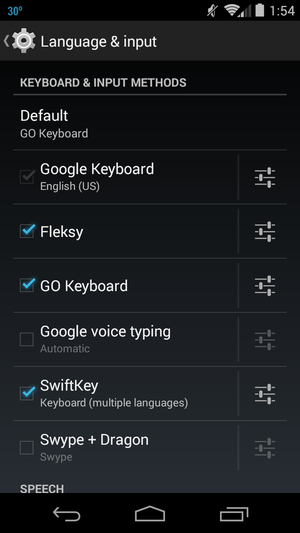
But I wanted to return to the defauly sony erricson keyboard before I went out last night (this 8Pen thing's kinda funky and I knew it would all go wrong once alcohol was mixed into the equation lol.) But I couldn't find the option to. So uninstalled 8Pen, but now all I get is a standard "Mobile" keyboard ( 2=abc, 3=def etc.) in portrait mode and a crappy QWERTY keyboard in landscape as opposed to a full QWERTY in both.
Anyone got any idea's how to get the default keyboard back?
Thanks.
But I wanted to return to the defauly sony erricson keyboard before I went out last night (this 8Pen thing's kinda funky and I knew it would all go wrong once alcohol was mixed into the equation lol.) But I couldn't find the option to. So uninstalled 8Pen, but now all I get is a standard "Mobile" keyboard ( 2=abc, 3=def etc.) in portrait mode and a crappy QWERTY keyboard in landscape as opposed to a full QWERTY in both.
Anyone got any idea's how to get the default keyboard back?
Thanks.