• After 15+ years, we've made a big change: Android Forums is now Early Bird Club. Learn more here.

Screenshot

Here are two alternate methods:

1. Open voice mate. minimize it. when it listens to your voice say
"Take Screenshot".

2. Pull down the status bar. Press the Quick Memo icon. Click Save.

Are there more? :smokingsomb:
 
screenshot! ;)


81jd.jpg
 
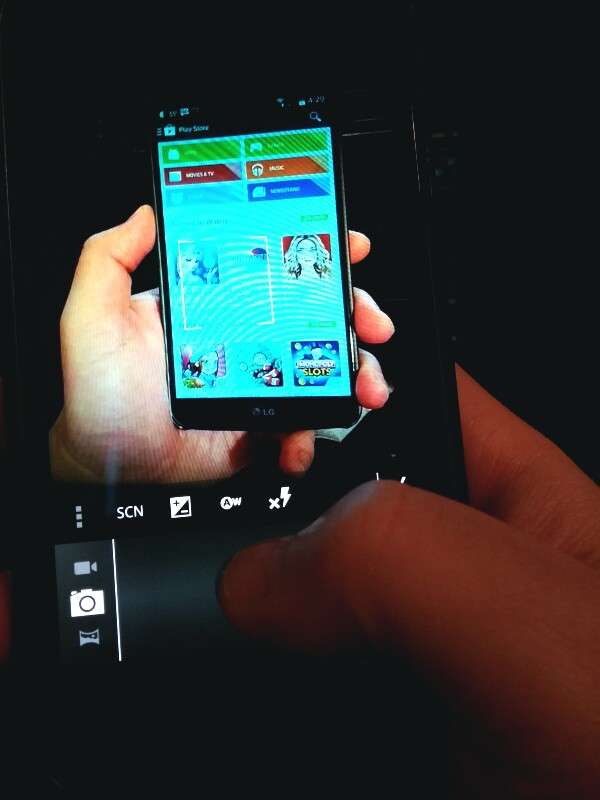
Is that Google glass taking a picture of you taking a picture of a tablet in which the tablet is taking of a picture of a G2?! Lol. If so, Glass cam blows. :P Strawberry flavored.
 
Press the on screen home button and slide diagonally up and to the right. This is a shortcut to the quick memo app and simultaneously takes a screen shot. It is a little hard to get used to doing and then you have to learn how to save/access the screenshot once it is taken. As far as taking a quick screen shot...it is the fastest method by far!
 
I think it can be any of those front touch buttons to be honest as long as you land on the Quick Menu button that congress up in the arc.
 
Back
Top Bottom