Skaterkid3783
Newbie
I was wondering if anyone knows if we can now take snapshots on the g1 with the cupcake update(1.5)?
Follow along with the video below to see how to install our site as a web app on your home screen.
Note: This feature may not be available in some browsers.

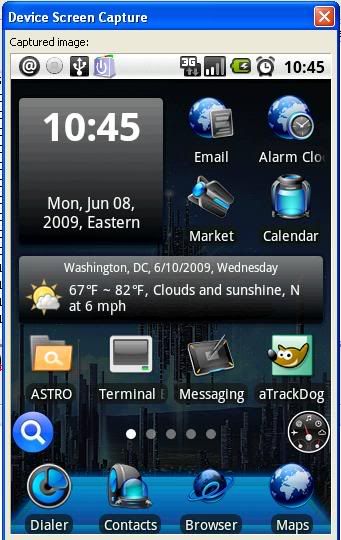
Only way I've ever been able to take screenies of the phone was to plug it into my computer and run DDMS from the Android SDK.
You'd do that by...
1. Downloading and Installing/Unzipping Android 1.5 SDK
2. Navigating to /tools directory and finding DDMS.bat file and running it.
3. Connect your G1 to the computer and it should be picked up in the DDMS.
Make sure you have turned on USB debugging in the Settings menu before trying it.

My Desktop ..
Thanks very much for that gem of info ...
Is your weather widget desktop specific? I use the native OS desktop.