Okay, I have heard a lot about the total customizable nature of Android... but I have not seen anyone doing what I want done with their phone.
I have been using iPhones for quite a while now, but I will switch, if someone can post a video of the following:
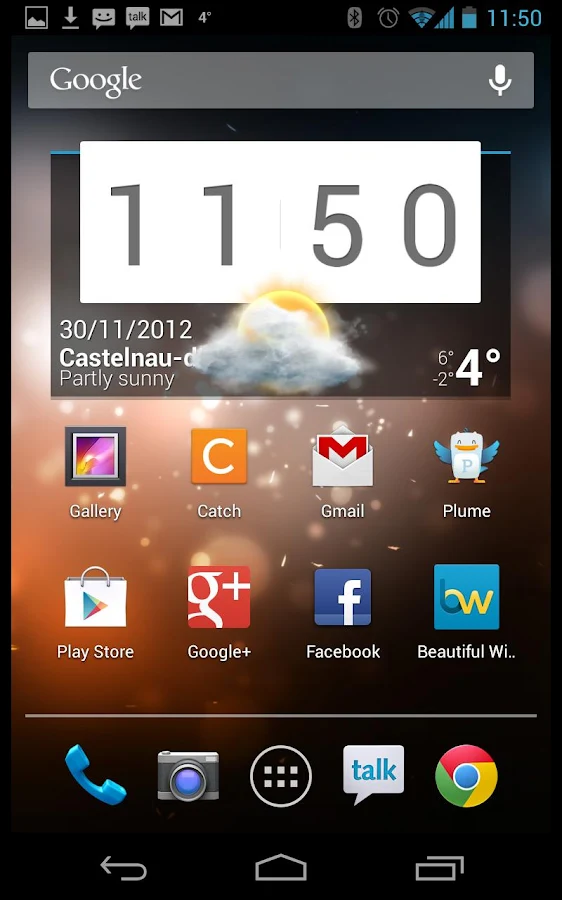
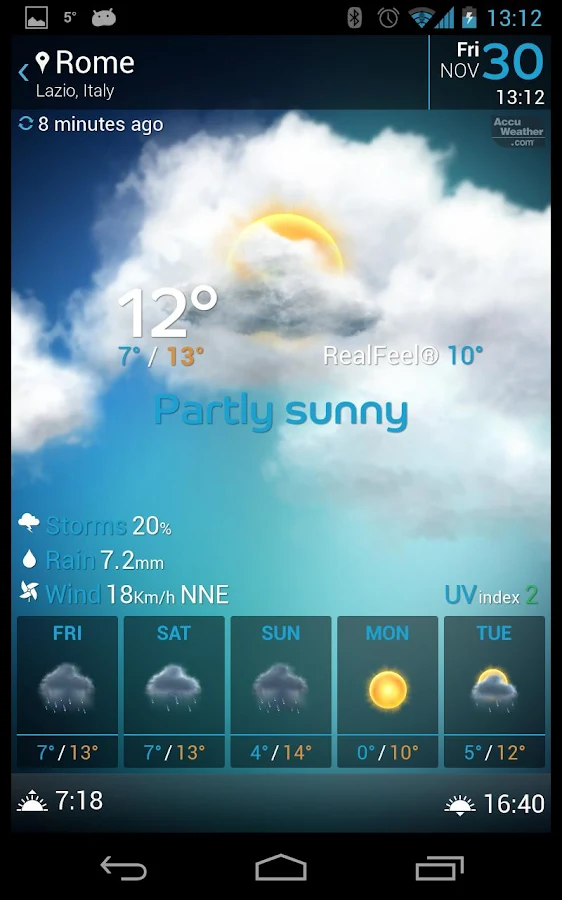
A current Android phone with the following apps/widgets, working & updating actively and accurately in a visually attractive and intuitive way on (ideally) the lock screen, or (okay) the home screen:
* Clock
* Day & Date
* Current weather including wind info in any major city in the US--you choose
* Upcoming sunrise or sunset time for that day
* Current and upcoming tides in that city, ideally in a specific surf spot
* Current and upcoming swell height, direction & period, ideally powered by Magicseaweed.
* A small place to see missed phone calls, texts, emails, voicemails.
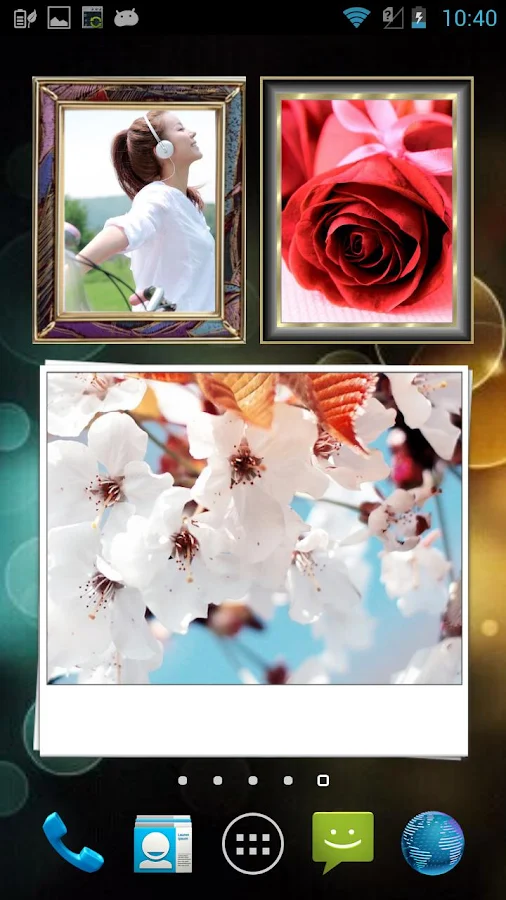
* A square that shows a randomly selected photo from a specific "lock screen photo folder" in the phone.
Can you tell how I usually use my iPhone? Here's what I do now, that I want to do in the fewest number of clicks possible:
1. Click the home button
2. Enter passcode
3. Click Magicseaweed app, wait for it to open, click around to get the week's swell info.
4. Click the home button.
5. Click Tide Graph, check the tides.
6. Click the home button.
7. Click the Weather Channel.
8. Click "hourly" to see wind info.
9. Click the home button.
10. Glance at the time, figure out how much daylight is left, how's traffic after work, etc.
11. Text or call family to see who wants to go to the beach, who wants to surf, etc.
That's eleven things that could probably be done in much less. I'd love to see all that surf, swell, tide, wind, etc. right on the lock or home screen, at a glance with (ideally) one button push! I'll go into the rest of the phone to do something, call someone whatever, after I've seen all of this info!
Now, here's one warning: everything that I doing on my iPhone is accurate, and the apps I listed work well on the iPhone and look good (particularly Tide Graph's interface & functionality
I have been using iPhones for quite a while now, but I will switch, if someone can post a video of the following:
A current Android phone with the following apps/widgets, working & updating actively and accurately in a visually attractive and intuitive way on (ideally) the lock screen, or (okay) the home screen:
* Clock
* Day & Date
* Current weather including wind info in any major city in the US--you choose
* Upcoming sunrise or sunset time for that day
* Current and upcoming tides in that city, ideally in a specific surf spot
* Current and upcoming swell height, direction & period, ideally powered by Magicseaweed.
* A small place to see missed phone calls, texts, emails, voicemails.
* A square that shows a randomly selected photo from a specific "lock screen photo folder" in the phone.
Can you tell how I usually use my iPhone? Here's what I do now, that I want to do in the fewest number of clicks possible:
1. Click the home button
2. Enter passcode
3. Click Magicseaweed app, wait for it to open, click around to get the week's swell info.
4. Click the home button.
5. Click Tide Graph, check the tides.
6. Click the home button.
7. Click the Weather Channel.
8. Click "hourly" to see wind info.
9. Click the home button.
10. Glance at the time, figure out how much daylight is left, how's traffic after work, etc.
11. Text or call family to see who wants to go to the beach, who wants to surf, etc.
That's eleven things that could probably be done in much less. I'd love to see all that surf, swell, tide, wind, etc. right on the lock or home screen, at a glance with (ideally) one button push! I'll go into the rest of the phone to do something, call someone whatever, after I've seen all of this info!
Now, here's one warning: everything that I doing on my iPhone is accurate, and the apps I listed work well on the iPhone and look good (particularly Tide Graph's interface & functionality