• After 15+ years, we've made a big change: Android Forums is now Early Bird Club. Learn more here.

Help Restart issue - HELP PLEASE

Hi,
My galaxy S20 recently crashed and a restart was forced.

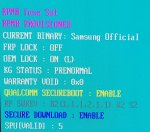
Once the UI was rebooted, as always, the notification comes up advising that the restart had occurred and to unlock the phone to get other notifcations, however, when I go to unlock my phone, the screen flashes black, then it goes back to the lockscreen with the restart notification again.
I can't powerdown the phone either as it requires the lockscreen to be taken off.
If you try too many times to unlock the phone, the UI will switch to safemode and the same thing happens.
A continuous restart/lockscreen loop.
Any help would be appreciated; especially if it means I can keep all the data on my phone without a full wipe.
TIA.

Create Reaction Videos for Content Creators and Influencers

Diversify your content as content creators and influencers – make easy reaction videos with Vidma
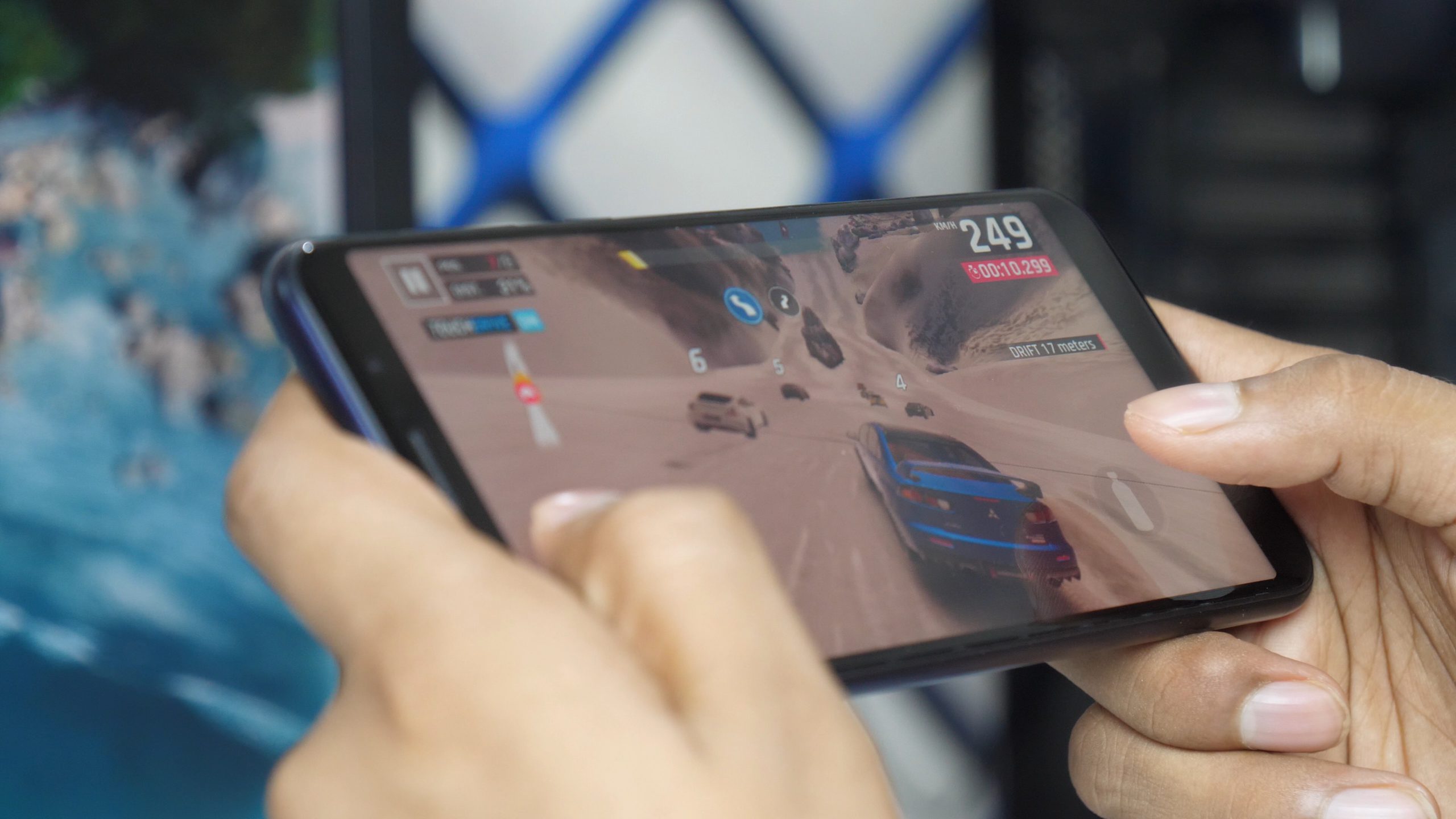
game-screen-recorder-for-content-creation-scaled.jpg

This weekend was a weekend of holidays: Lunar New Year and Valentine’s Day. It makes for a perfect time to spend quality time with your loved ones and connect with them through shared experiences. Connections can become a source of inspiration for content creators and influencers, giving you ideas for your next video on YouTube, Instagram or TikTok. If you’re thinking about making reaction videos as content creators or influencers, Vidma has made the right tools to help you with that.

2021 has had a lot of great things and to look forward to. There is the upcoming Godzilla vs Kong film, the India England cricket matches and new episodes of Marvel’s Wandavision. We have the Superbowl LV to fondly look back to and, of course, Poirier vs McGregor at UFC 257! These events and activities make great content for reaction videos. As content creators/influencers, you may be focused on posting pictures or vlogs of yourself, rather than reaction videos. We can imagine, if you haven’t made them before, that it could seem difficult to make one. That’s why in this blog, we will explain to you how you can easily make one!

Vidma-Download-App-1-1024x576.jpeg


You may think that you need special equipment to make such videos. This is far from the truth: You can make great reaction videos with just your Android phone! To start, download the free Vidma Screen Recorder app from the Google Play Store. Open the app and leave it running in the background. Open the video file of whatever you may want to make a reaction video of. It can be any type of video, whether it’s from YouTube or any other social media or a video saved on your phone. The Vidma screen recorder runs over the apps which play these videos – you don’t have to do anything complicated to set up your video.

Vidma-App-Floating-Screen-1024x576.jpeg


The third step is to make sure that you sit in the right place to record yourself. Have you thought about how the backdrop or the lighting will look in your video? Have you set up the front-facing camera on your phone just right? What about background noises that could disturb your recording? These are the little things that can affect video quality of a content creator/influencer. When you’ve checked all that, it’s time to start recording.

Just set up the video you’re going to use and go to the notification bar or the floating window to find the ‘’start recording’’ button. Once the screen recorder starts recording, you can start your video and get to your actual ‘reacting’. The screen recorder will automatically hide its menu to ensure the whole screen is captured. When you’ve finished your video, shake your phone to stop recording.


Vidma-App-Trim.gif


When you are done with recording, you will have a raw, unprocessed video in your hands. It might not look quite as good as you’d hoped it would be. Not to worry, the Vidma Screen Recorder has an easy-to-use built-in editor function. There’s no need to use any expensive computers or software to make your video slick and crisp. With the editor feature, you can trim the video, so you can cut out the parts where you’re reaching for the phone or positioning yourself.

If there are any bloopers midway in your video, you can cut them out too. You can also crop and rotate your screen if it’s not tilted right. You can adjust the way your viewers see and hear your videos too: This can be done by changing the pace the video is played back and adding your own background music. In addition, you can adjust the volume of the audio.
Vidma-App-Sharing.gif


All of the features of the screen recorder give you full control over the way your video will look like. After you finish ‘moulding’ your video into shape, it’s time for the most important part of the process: Sharing. To facilitate sharing your video as much as possible, the final product is compatible with almost all online platforms you can think of YouTube, Instagram, Discord and many more. From this point on it isn’t as much about your video-making skills, but about getting many views as a content creator/influencer. By adding a catchy caption to your uploads, you’ll be sure to maximize the potential of your videos going viral.

At Vidma, we are always working on improving our products. The team at Vidma, appreciate your feedback and support in our product and blog, to help us become the best screen recorder on the market. Do leave a comment below or a review on the Play Store if you like our app!

Check out Vidma: Facebook | Instagram | Twitter | GooglePlay | Website

Help MMS not working on Samsung S10e

My wife and I each have a Samsung S10e, though they were purchased a few weeks apart. Mine receives photos and large messages just fine. Hers does not.

I've tried both the default Samsung messages app that comes with the phone and Google's messages app downloaded from GooglePlay. The Google app shows a progress circle going endlessly round and round. The Samsung app actually shows the message size and identifies it as MMS, but never displays it.

I have compared every setting I could find that might apply and all are the same.

Any idea what might be wrong?

Thanks.

Incredibly Simple Bixby Command too much to ask

I'm astounded by how dumb bixby is. I want to create a bixby quick command that I can add to my home screen that, wait for it, the mother of all computing complexities, opens a browser to a url. Yes, literally the most common of all computing actions seems impossible. No matter what I do, dumb-ass bixby just ends up asking, "what do you want to search for?" or something similar.

If my command is "open samsung.com" it works fine, but it seems if the command contains a url with even one forward slash in it, it's too stupid.

BTW, using either chrome or samsung web doesn't allow this. Any time you try to add a given url to your home page, they refuse to add the current url, instead they add the base url of whatever site you're currently viewing instead. That's totally not what I need. And I don't want to have to speak to dumb-ass bixby who never works anyway. I just want a simple url pinned to home.

In 2021, is there no way to accomplish this?

Xiaomi Mi Note 10 Lite

I purchased this new phone in Sept. 2020 and I have been very pleased with the performance.
8GB RAM, 128GB Internal storage, 64MP AI Quad camera, 730G Snapdragon Octa-core Processor, Android 10 and 6.47" AMOLED 3D Curved screen.
Photos are remarkable and the 16 MP Front camera adds to the overall performance. The curved screen takes a bit of getting used to, as the sensitivity picks up any fingers holding the phone and swiping wont respond until the screen edges are clear.
It has been upgraded since my purchase to Android 11 and MIUI Global 12.1.1 and I have had no problems with the phone at all.

Apps RecyclerView in ConstraintLayout OnScroll Issue

My RecyclerView in constraint layout is not working as expected. RecyclerView Item is getting scrolled to top and alignment of items are getting changed.
I have 3 Layouts in constarintLayout Blue is the top layout, Yellow is the middle Layout (Recycler View), Green is the End Layout.

upload_2021-2-22_2-1-11.png

Above one is the layout design below is the xml code.
<?xml version="1.0" encoding="utf-8"?>
<androidx.constraintlayout.widget.ConstraintLayout xmlns:android="http://schemas.android.com/apk/res/android"
xmlns:app="http://schemas.android.com/apk/res-auto"
android:layout_width="match_parent"
android:layout_height="match_parent">

<FrameLayout
android:id="@+id/startLayout"
android:layout_width="match_parent"
android:layout_height="wrap_content"
app:layout_constraintBottom_toTopOf="@id/recyclerViewFrameLayout"
app:layout_constraintLeft_toRightOf="parent"
android:background="#372CD3"
app:layout_constraintRight_toLeftOf="parent">
<Button
android:layout_width="wrap_content"
android:layout_height="wrap_content"
/>
</FrameLayout>

<FrameLayout
android:id="@+id/recyclerViewFrameLayout"
android:layout_width="match_parent"
android:layout_height="0dp"
app:layout_constraintEnd_toEndOf="parent"
app:layout_constraintStart_toStartOf="parent"
android:background="#fff123"
app:layout_constraintTop_toBottomOf="@+id/startLayout">

<androidx.recyclerview.widget.RecyclerView
android:id="@+id/recyclerView"
android:layout_width="match_parent"
android:layout_height="wrap_content" />
</FrameLayout>

<FrameLayout
android:id="@+id/endLayout"
android:layout_width="match_parent"
android:layout_height="wrap_content"
app:layout_constraintBottom_toBottomOf="parent"
app:layout_constraintEnd_toEndOf="parent"
android:background="#abc123"
app:layout_constraintStart_toStartOf="parent">
<Button
android:layout_width="wrap_content"
android:layout_height="wrap_content"
/>
</FrameLayout>
</androidx.constraintlayout.widget.ConstraintLayout>

Below one is the app screenshot
upload_2021-2-22_2-3-48.png


Below one is the screenshot after scrolled.

upload_2021-2-22_2-4-49.png

Reminder app that keeps alerting every 5 minutes or so until confirmed?

I've used rtm, todoist, and many others. Problem is it alerts once and, if I don't notice it, I don't get the reminder. It is in my notifications, but I don't look at my notifications. (you need to pull down... But out of sight out of mind.). Is there a reminder app that when I set a reminder, it will remind me every few minutes until I acknowledge the alert?

Filter

Back
Top Bottom