jim2point0
Android Enthusiast
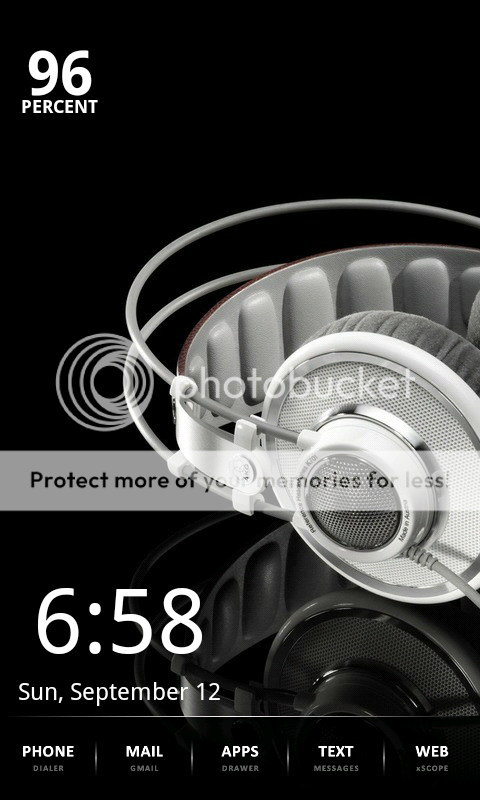
Digital Clock Widget by Maize.Thanks for the battery icon/widget. Was the clock widget mentioned already?
Follow along with the video below to see how to install our site as a web app on your home screen.
Note: This feature may not be available in some browsers.
Digital Clock Widget by Maize.Thanks for the battery icon/widget. Was the clock widget mentioned already?


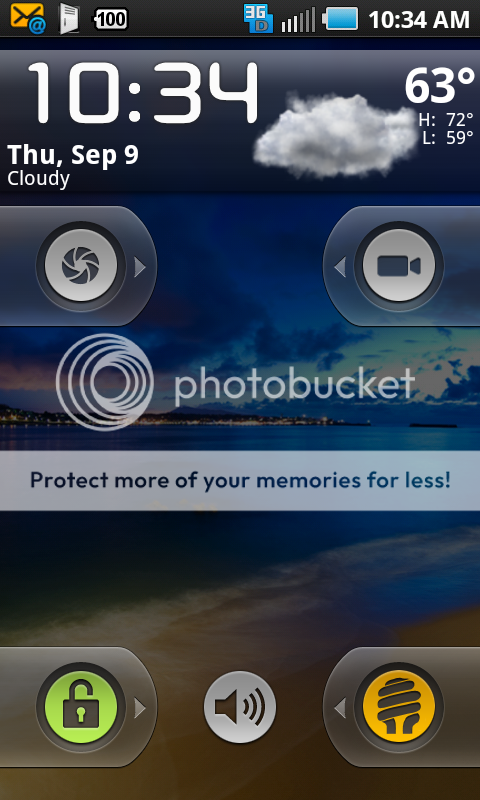
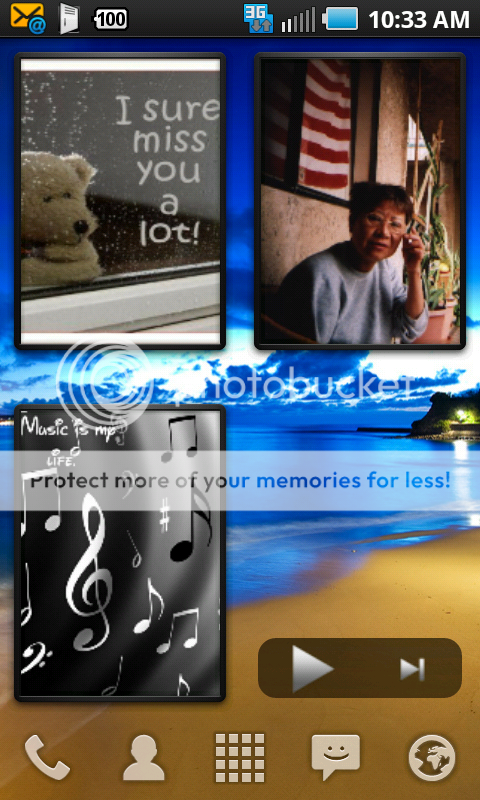
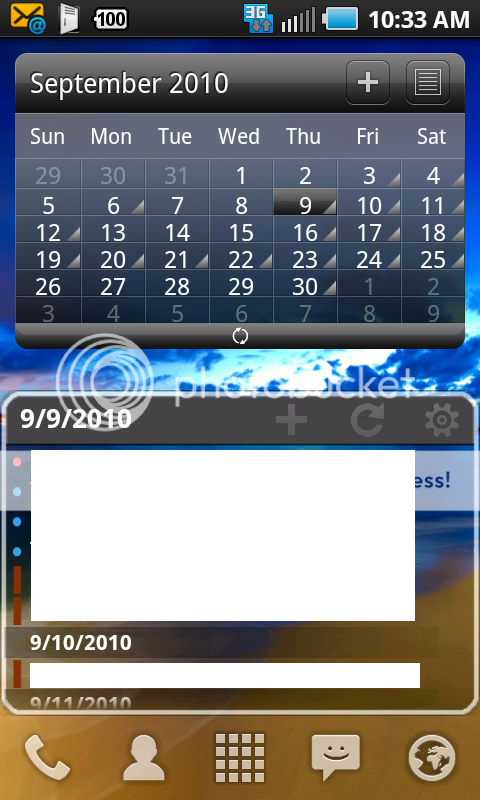
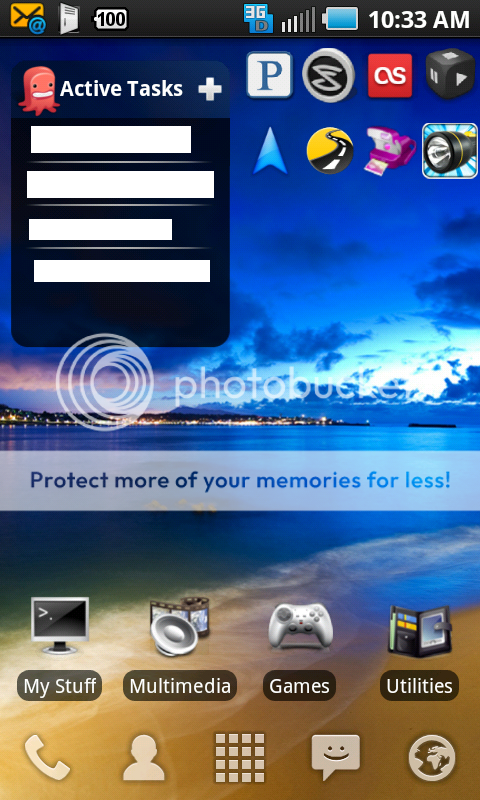
Quick setup just got the phone yesterday.. similar to my evo.
The new one is battstatt. The BG came from deviantart, but I uploaded it here:
http://www.whoisjimothy.com/public/epic/walls/lonly_tree.jpg
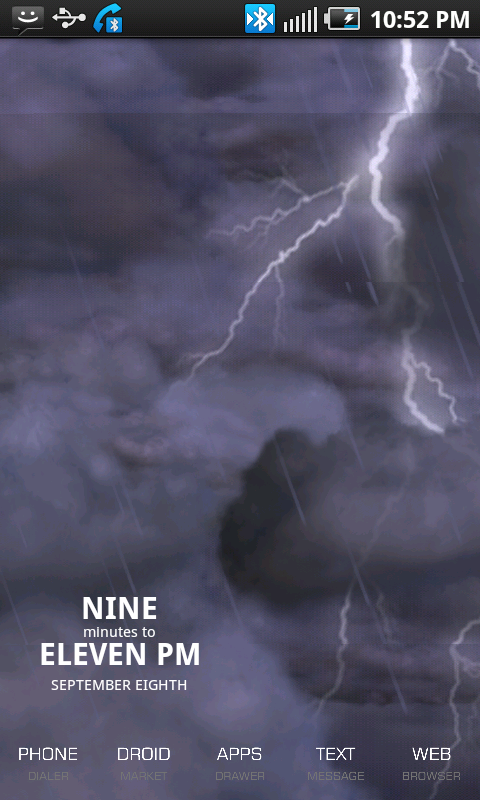
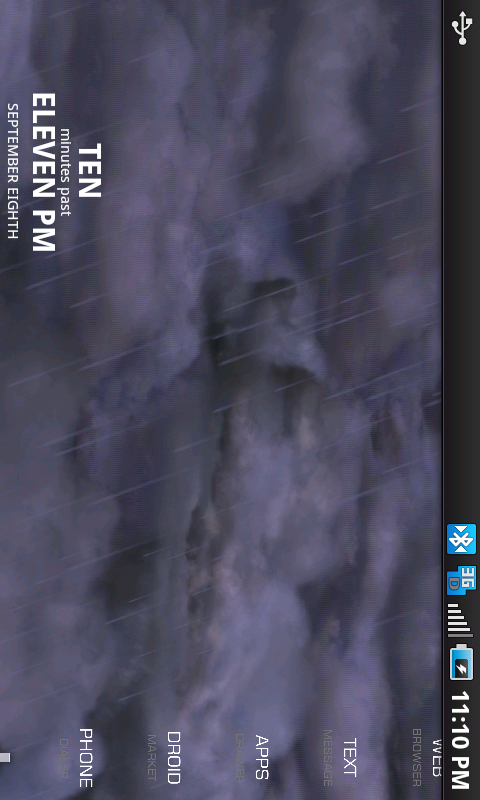

As much as I like the all black screen, I had to change it after seeing all these text only icons and widgets
I can't decide which one looks better, pure text clock and battery, or digits. They booth look so good!


Digital Clock WidgetThe clock on the bottom Picture with the numbers,,, Which one is that???


Been spending more time trying to get my home screens the way I want them actually using my phone, hah! Messing around with the layout just to see what it looks like. Desktop Visualizer is amazing and I have a feeling I'm going to be spending time making icons until I can get it just right. Here are the three pages I finished:
Main screen, no changes just moved widgets around.
Social Network Page. The area around Facebook and Foursquare are clickable, and the others have a visible box.
Took me a bit of time to space each icon box to match the background. Tapping on any of the word will bring up the correct apps.
Quick setup just got the phone yesterday.. similar to my evo.

Where did this background come from? Can you upload it?
I love that you left your main screen alone pretty much....I'm not as keen on your social network page but that last Connect screen is freakin' awesome!

How in the hell did you space it out like that lol and how did you make it so that you can name the home screens?

Still using the stock TW but enjoying the wallpapers and widgets


Beautiful Wallpaper.


Thanks. You can dl from http://antwrp.gsfc.nasa.gov/apod/image/0407/moussette_aur16jul1_full.jpg
then resize to 960x800
kngyn19 -- dude, you are in a class by yourself. Your stuff seems 100x more advanced. I'm new to this stuff and am working to learn. Love the naming -- how do I set up (where do I get) a "blank icon widget?"
This what I came up with after some searching around and trying to get it the way I wanted:
I shrunk it down cause I don't like how they make the thread long.