SUroot
Extreme Android User
Ok last question, is the Launcher Pro free? coz i don;t think my country allows paid apps T.T
You download the app free from the market, then you upgrade and pay via the app itself and their website so you should be ok.
Follow along with the video below to see how to install our site as a web app on your home screen.
Note: This feature may not be available in some browsers.
Ok last question, is the Launcher Pro free? coz i don;t think my country allows paid apps T.T

What Custom ROM do you have? I have tried quite a few Froyo customs and they all correctly report 2.2 to the market. Not sure how to get around your issue, sorry.
How do you get the icons in the Dock? I'm using Launcherpro plus and have the ibox widgets but all it does is load them straight to the Homescreen.ok i alterd a few things since last time, oh and the "widget error" was a goal.com widget think it just had a funny mind when i plugged in my USB


How do you get the icons in the Dock? I'm using Launcherpro plus and have the ibox widgets but all it does is load them straight to the Homescreen.
'Full idiots' guide required....
Hi guys,
I've currently read everything till page 5 of this post ( takes me 2 hours o.o) and i have a question T.T
is there a free app that allows u to change icons? as far as i've read, folderorganiser and bettercut are paid apps. the problem is my country does not allow paid apps T.T.
I wasn't to try this player, but AppBrain keeps saying I only have 2.1. I assume it's cause my Froyo is a custom mod, and not an official update. Anyway of tricking it in to thinking I DO have Froyo installed?
Andy

im just waiting for someone to say " hey, i love your set up, could i get a picture of that beautiful woman for my background"I am and I agree
I am just waiting for the inevitable slap for putting her on the web lol

I wasn't to try this player, but AppBrain keeps saying I only have 2.1. I assume it's cause my Froyo is a custom mod, and not an official update. Anyway of tricking it in to thinking I DO have Froyo installed?
Andy

Just Flashed MIUI
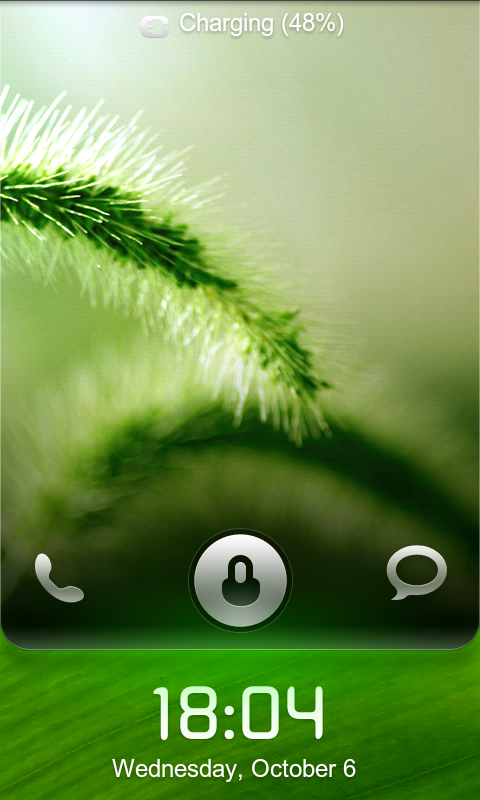
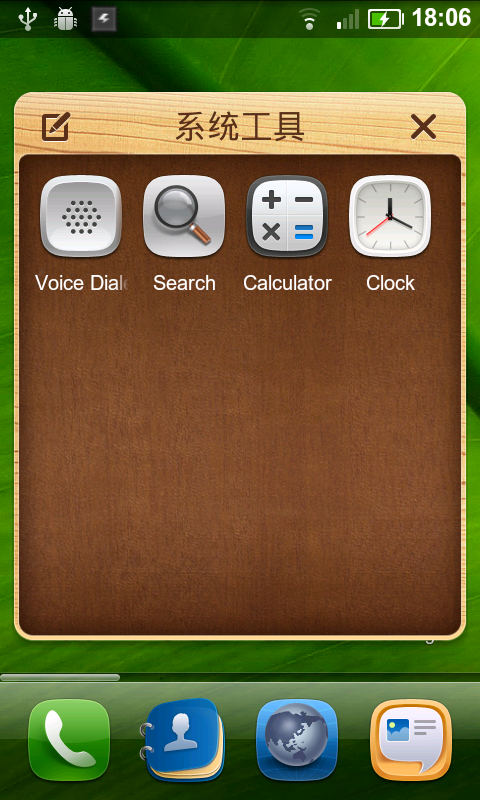
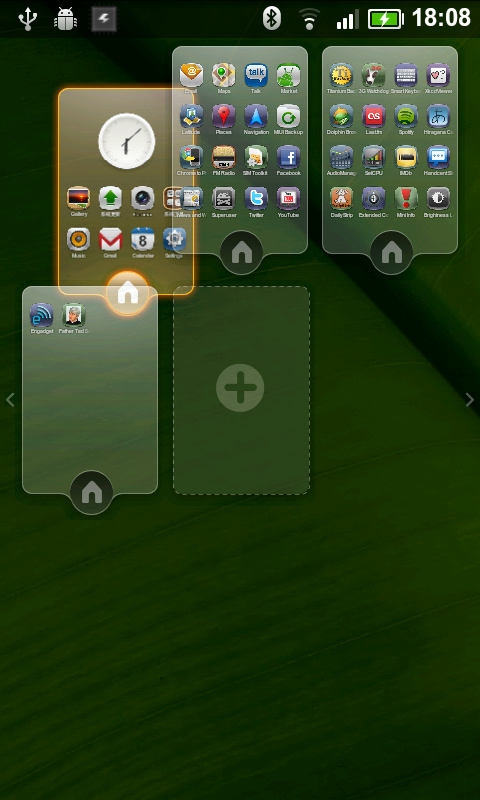
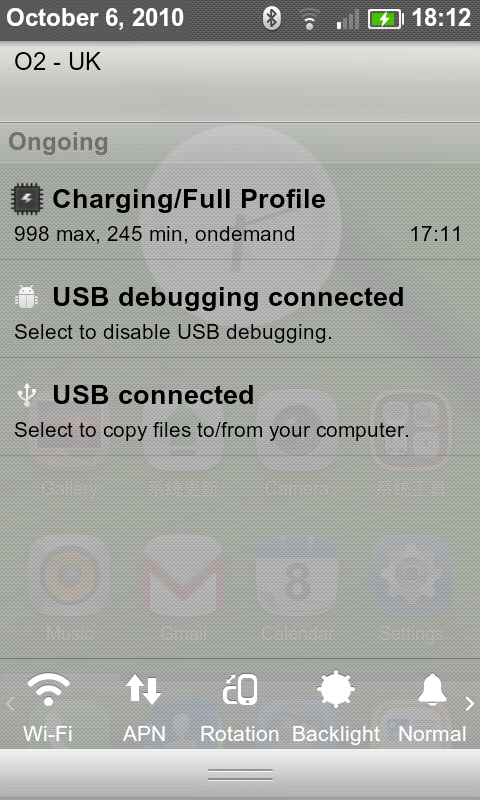
Anyone else on it? Any tips?


Waitwaitwait.
I found a nice version that had English built in, I'll link it now...
1) Yup
2) Kinda, it works a little differently...
3) Wallpaper, yeah, not sure about icons...
4) I went up to 35 and then deleted them all. I'm not sure if there's a set limit...
Multiupload.com - upload your files to multiple file hosting sites!
Just flash it like a normal ROM
Waitwaitwait.
I found a nice version that had English built in, I'll link it now...
1) Yup
2) Kinda, it works a little differently...
3) Wallpaper, yeah, not sure about icons...
4) I went up to 35 and then deleted them all. I'm not sure if there's a set limit...
Multiupload.com - upload your files to multiple file hosting sites!
Just flash it like a normal ROM
How much of it isn't English...I keep seeing hearing different reports. When I saw the videos of it I was seriously interested
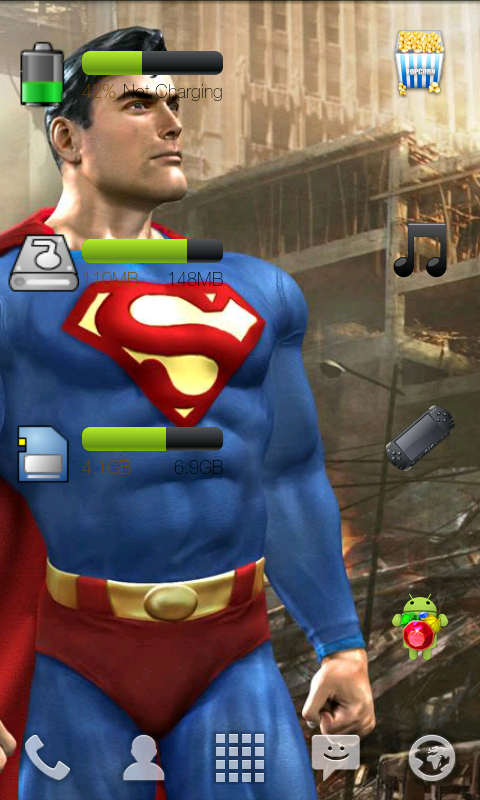
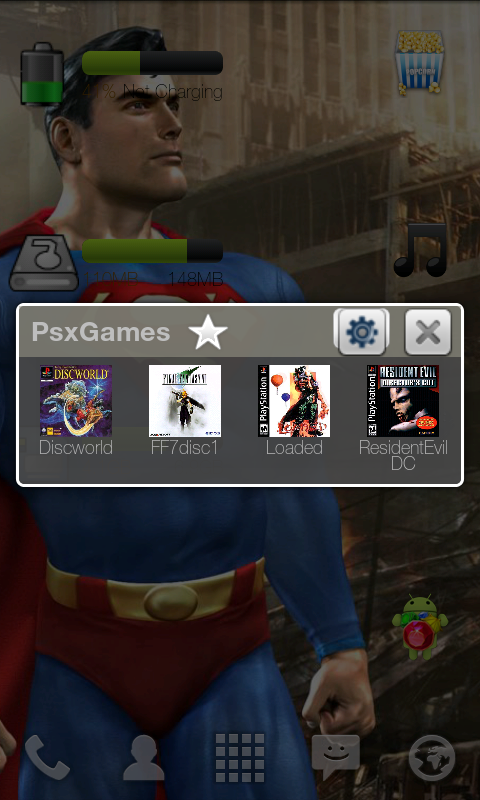
What is that battery indicator widget please ? I have brought most of the items mentioned in this thread so may as-well get one moreHow do you get the icons in the Dock? I'm using Launcherpro plus and have the ibox widgets but all it does is load them straight to the Homescreen.
'Full idiots' guide required....

Hi guys,
I've currently read everything till page 5 of this post ( takes me 2 hours o.o) and i have a question T.T
is there a free app that allows u to change icons? as far as i've read, folderorganiser and bettercut are paid apps. the problem is my country does not allow paid apps T.T.

AppOrganiser & Smart Shortcuts are both free and do that. Actually better and easier than FO.

Long press one of the 5 spots in the dock and pick change shortcut.How do you get the icons in the Dock? I'm using Launcherpro plus and have the ibox widgets but all it does is load them straight to the Homescreen.
'Full idiots' guide required....
the icons are lovely and there are quite a few, like double icons for msgs, email etc. which i needed.Interesting icons and looks nice, you could go get the Droid X middle drawer launcher icon to go with the rest of the circle icons.
Dis onethe icons are lovely and there are quite a few, like double icons for msgs, email etc. which i needed.
what's this you're talking about? i've been wondering how i can change the middle square. do you have a link, please?
Long press one of the 5 spots in the dock and pick change shortcut.

When I do this I get the following 3 options :
Change shortcut
Change icon
User swipe gesture
Whichever option I select I can't select any of the ibox icons. I only have the option of Launcherpro or custom. In custom it takes me to my photos. If I go through Launcherpro I can select Bettercut but this puts the icons on my homescreen and not the dock.
I must be missing something simple or am I simple?!