Juglistrix
Newbie
I didn't know that the android Os could get this intense .. and thanks to this thread iv learnt so much  i owe u guys big time
i owe u guys big time Follow along with the video below to see how to install our site as a web app on your home screen.
Note: This feature may not be available in some browsers.
i owe u guys big time 
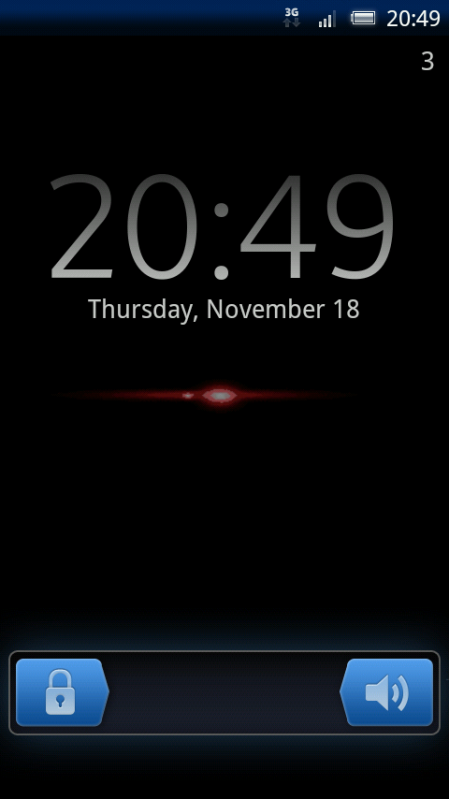
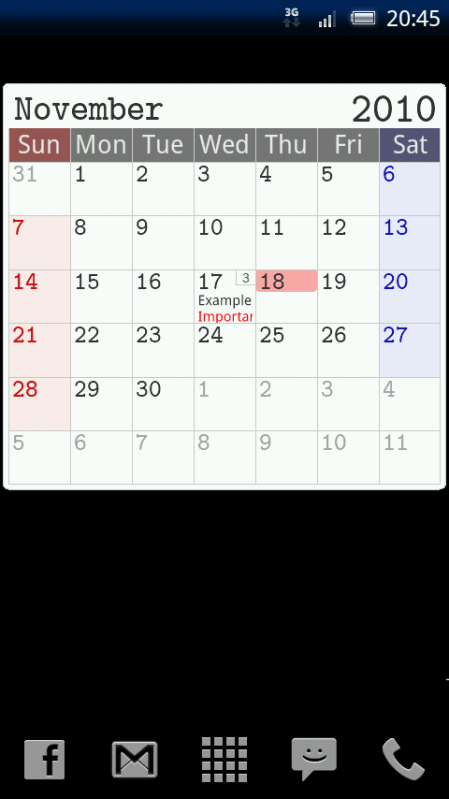
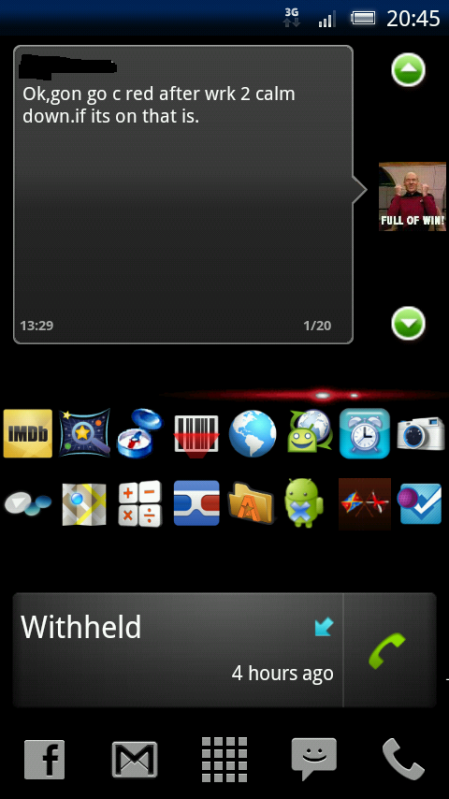
Been playing about a bit...


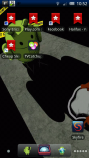
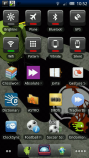
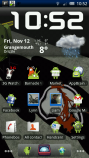
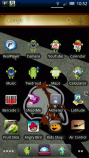

Hi.still trying to get it the way i like, i have a screen and a half to fill with crap lol


Hi.
If you install a launcher like ADW you can reduce how many screens you have. 5 is too many imo, and it will save having to install "crap" just for the sake of filling a screen you don't necessarily need in the first place.
It's called Signal Strength Widget.x10iuser, what is the app on your main screen that shows the signal bar and O2UK??

Hi.
If you install a launcher like ADW you can reduce how many screens you have. 5 is too many imo, and it will save having to install "crap" just for the sake of filling a screen you don't necessarily need in the first place.

Hi.
If you install a launcher like ADW you can reduce how many screens you have. 5 is too many imo, and it will save having to install "crap" just for the sake of filling a screen you don't necessarily need in the first place.
mine


@ Hitokiri: PLEEEEEEEASE.... I want the panels you have to control your sound, brightness, volume 3G etc. I have the power control widget which has the WIFI, Bluetooth, gps, sync and brigtness control... Is this customisable or have you used another app to give you all those options..
Once I have that, my phone will be puuuuurfect
Thanks a million.
Lee

@ Hitokiri: PLEEEEEEEASE.... I want the panels you have to control your sound, brightness, volume 3G etc. I have the power control widget which has the WIFI, Bluetooth, gps, sync and brigtness control... Is this customisable or have you used another app to give you all those options..
Once I have that, my phone will be puuuuurfect
Thanks a million.
Lee
 cheers
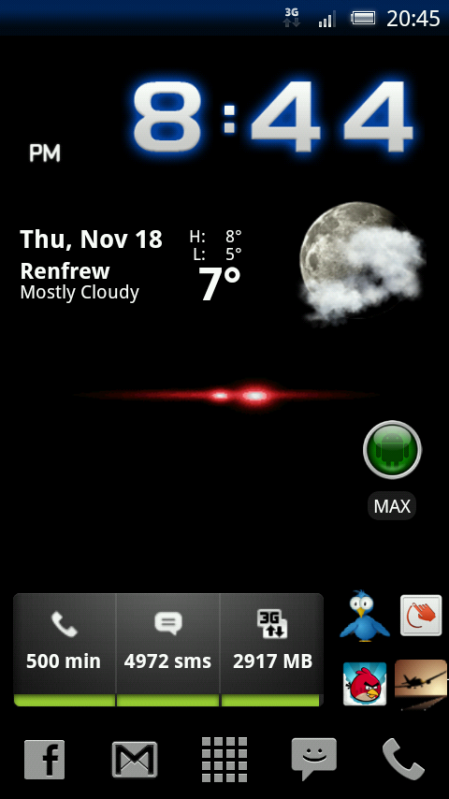
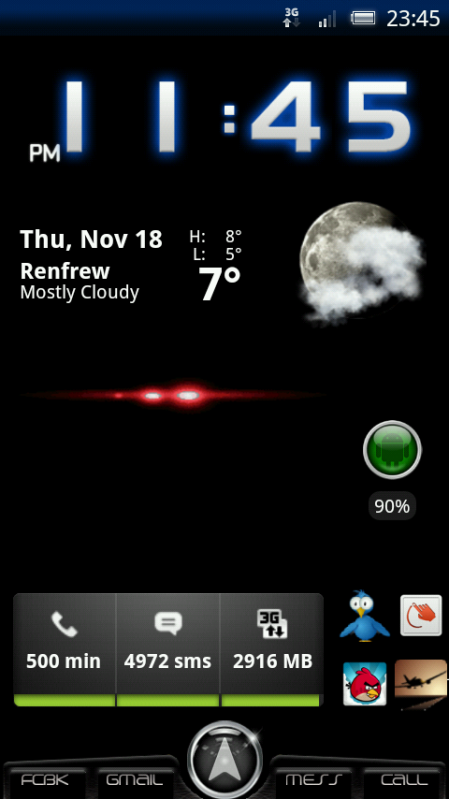
my current homescreen

What weather widget is your time and date?
 | Snowstorm weather widget by Kaj Bjurman 50,000 downloads, 3203 ratings (4.3 avg) | Free
|
 | SiMi Clock Widget by hateman 10,000 downloads, 411 ratings (4.7 avg) | Free
|
Hi.
If you install a launcher like ADW you can reduce how many screens you have. 5 is too many imo, and it will save having to install "crap" just for the sake of filling a screen you don't necessarily need in the first place.
I have ADW and I know that I should be able to have up to 7 screens and I was able to modify this when I still had 1.6 but I can't seem to find any option to adjust the number of screens so I'm set at the default number of 5 for it. Any suggestions? I've thought about reinstalling it but thought I'd ask here first if there was another option.
It is no longer in the ADW Settings menu. In order to add new screens, click on the Menu button on the X10 and press 'Edit'. This will show a few buttons on the screen.
At the top you will have 2 green + buttons and a button that looks like a Pin.
At the bottom you will have a red X button and either 1 or 2 buttons with arrows.
Click a green + button to add a screen at that side. Clicking the Pin button, makes that screen your home screen.
The red X deletes the screens and the arrow buttons moves the screens.
Hope this is of some help.