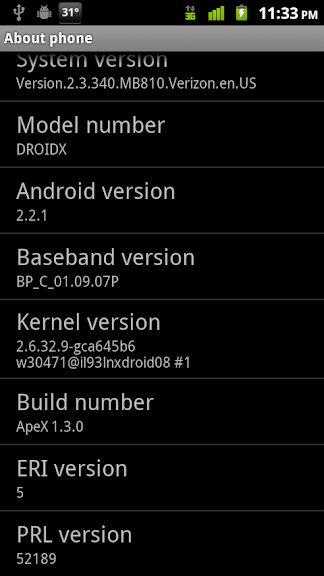
ApeX V1.3.0 for Droid X - 2 parts AOSP, 1 part Blur, all ApeX

(now with a hint of Gingerbread!)
This ROM is only for Droid X users who have done the .320 leak or have gotten to .340 via OTA update or SBF. This is not compatible with 2.3.15
Changes in V1.3.0
-Based on the 2.3.340 OTA, deodexed, optipng'd, zipaligned
-Android 2.3 theme throughout entire system (w/ black menus)
-Hopefully fixed bug with dialer going silent every once in a while
-Added Gingerbread (2.3) multitouch keyboard by default
-Keyboard script to switch keyboards (white and black Moto MT, GB KB)
-Beautiful, customizable Neural Network LWP (credits to CyanogenMod)
-3D Gallery by default (use gallery -mot if you need HDMI)
-Latest Gapps (Gmail, Voice Search, Search Bar, Market)
-Madden Demo (removable with uninstall script)
-QuickOffice fixed and Reboot in shutdown option (from hotfix)
-Lockscreen sliders are lower on screen (this is Motorola's doing)
-Script to auto apply my ADW settings
-Fixed some cosmetic typos in various scripts
Credits to P3Droid, TBH, Team DeFuse, Xeudoxus, Beesley, Cyanogen, Pete, and many more. Without all the contributions of the devs to the Android community, this would not be possible. Thanks!
Features:
-Optimized & Zipaligned framework and applications
-Combination of AOSP and Blur apps (customize with scripts!)
-Build.prop and sysctl.conf mods (ty Beesley, nenolod, drod!)
-Gingerbread Android 2.3 Theme from SDK image
-Transparent Notification Shade
-ADW.Launcher with up to 7 homescreens (5 by default)
-Customizable Neural Network Live Wallpaper
-Built-in ad blocking (toggle with script)
-MMS app w/ black background (switchable to Blur via script!)
-Yahoo! email and corporate sync working
-Custom window animations and transitions
-Spare Parts, Terminal Emulator, Wireless Tether preinstalled
-Many scripts to customize and make this ROM yours!
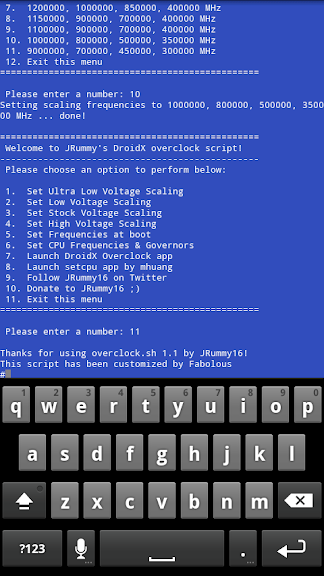
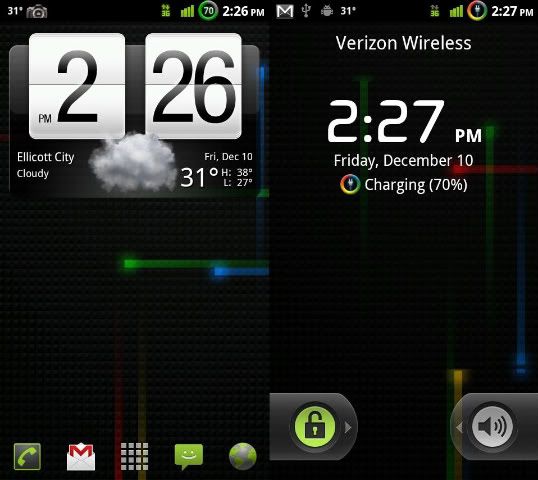
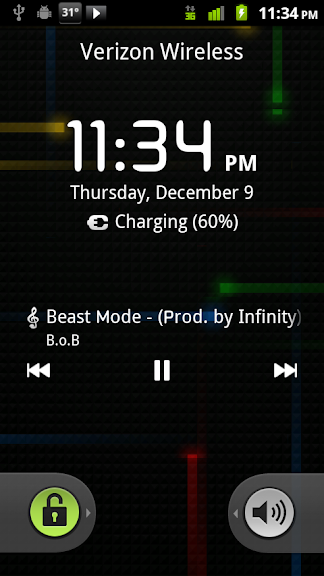
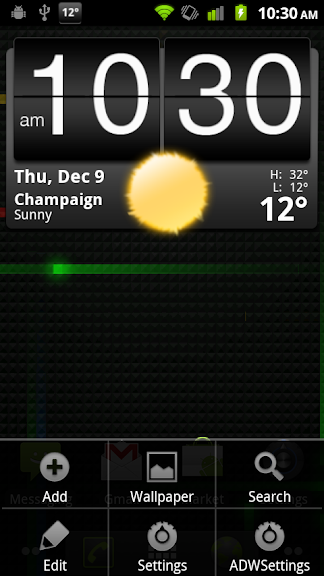
Screenshots
Scripts: Use in terminal emulator or through adb. For installation, removal, and switching of apps. To get a detailed description of what each script does, just type the script without any modifiers into terminal emulator. The dashes are to be ignored (they are pseudo bullet points).
Remove/Restore Scripts:
-calc
-dxeye
-genie
-launcher
-office
-tether
Switch Apps:
-alarm
-carhome
-email
-gallery
-messaging
-keyboard
Install/Remove system apps: (warning, these are very powerful! Use with caution)
*Place desired file on /sdcard
-install
-uninstall
Miscellaneous:
-adblock
-cpuinfo
-fabadw
-sound
-sys
-zipalign_apks
Installation Instructions: Please have a nandroid of your current setup in case this is not for you
 Users coming from 1.2.1 may be safe to keep data and cache. If there are problems, then factory reset.
 - Uninstall updates to Market, Google Voice Search, Google Search Bar, and Gmail if they're there under Settings->Applications->Manage Applications first (1.2.1 upgraders only)
-Place file on your sdcard. Bootstrap recovery and reboot recovery
-Navigate to mounts and storage. FORMAT data, and cache
-Return to previous menu and install .zip from sd card
-Choose ApeX and install!
OR
-Place file on sdcard. Install ROM from sdcard in ROM manager. Wipe data and cache.
Download Link:
Fabolous_ApeX_V1_3_0.zip
QUIRKS
-The Blur Email app (default email app) will FC if you do not have an account added through My Accounts. Just add an account first.
-If you're using Handcent and cannot send MMS, you'll need to change the native SMS app rom AOSP to Blur in order for Handcent to work properly. In terminal emulator:
-If you have multiple Email accounts using the Blur app, you'll need to restore the universal inbox:
Code:
su
sys -rw
mv /system/app/Messaging.bak /system/app/Messaging.apk
sys -ro
sync
-If you're using another launcher besides ADW, do not use the 'Search' widget. That's for ADW only. It'll get stuck at the top of your screen if you use it on LauncherPro. Use the 'Google Search' widget instead.
Themes:
Themes from 1.2.1 should be compatible. Get them here:
Themes For ApeX (12/8/10) - Droid Forum - Verizon Droid & the Motorola Droid Forum
Extras:
Apps removed from 2.3.320
-You can reinstall Blur apps from this archive by placing the desired .apk files on your sd card and then using the install script!
removedapps-1_2.zip
If you enjoy my work, consider buying me a beer
Beer Fund | FabDroid