• After 15+ years, we've made a big change: Android Forums is now Early Bird Club. Learn more here.

Root OFFICIAL CWM 6.0.2.7 and CWM Touch

as far as i can tell from a quick google search, the script should work as is in ubuntu 12.10
if not then ill see what i can do but make sure to only run it when the phone ISNT connecting properly, if you use it when the phone IS connected properly the thing might mess up your configuration, and you have to be in the mode you want to fix connection for obviously, you cant fix a fastboot connection while in adb mode

The thing is, I think it is connected properly. fastboot devices provides a serial number.
 
k, it should work, it seems like you are either having a problem with the rules file not being properly set up, or like me having an issue with older usb standards, fastboot and pre 2.0 usb ports DO NOT get along
 
ok, it worked! However, there are some errors at the bottom:

E:Can't mount /cache/recovery/command
E:Can't mount /cache/recovery/log
E:Can't open /cache/recovery/log
E:Can't mount /cache/recovery/last_log
E:Can't open /cache/recovery/last_log
 
wipe the cache, that will solve that issue, its due to the old files still in there from another recovery that the cwm cant access properly, it will make its own if you wipe it and everything will be fine
 
Woo Hoooooooo!!!!!!!! junkie2100, you are awesome. Thank you sooo much. Now on to using your deodex file :)
 
kool, just keep in mind the deodex file was made from a pre-zte update tool stock rom, so if you use it on an updated one it may slow things right back down to the way it was out of the box, i need to get the updated files but im incapable of doing so when my only connection to the internet is the phone itself and if i go into ftm mode well there is no tethering option there, its one or the other and i need both to be able to get updated. maybe if someone can zip up their cwm recovery from a zte updated rom i can get that going but untill then i dont know how ill be able to make it happen
 
Hey junkie thanks for cwm 6!! :) btw is it possible to put this recovery file into a backup nd replace the old recovery n then Do a restore instead of using a computer to install this recovery in The phone? Lol
 
How do i know if the update tool will update my install, or if it is already updated? I have not used the update tool on this phone ever.
 
kool, just keep in mind the deodex file was made from a pre-zte update tool stock rom, so if you use it on an updated one it may slow things right back down to the way it was out of the box, i need to get the updated files but im incapable of doing so when my only connection to the internet is the phone itself and if i go into ftm mode well there is no tethering option there, its one or the other and i need both to be able to get updated. maybe if someone can zip up their cwm recovery from a zte updated rom i can get that going but untill then i dont know how ill be able to make it happen

The stock rooted rom that i uploaded IS with The latest zte updated rom from like 5 days ago
 
After deodex'ng the phone you should flash this little theme I've just put together for you guys.

https://dl.dropbox.com/u/37187938/Theme-Deodex-Sequent-I.zip

Screenshot_2012-12-29-00-40-282_zps249900c8.png


Screenshot_2012-12-29-00-33-42_zps369afeaa.png


Screenshot_2012-12-29-00-24-40_zps19ba764f.png


Screenshot_2012-12-29-00-07-50_zps28a3fc27.png


Screenshot_2012-12-29-13-50-42_zpsc813c19f.png


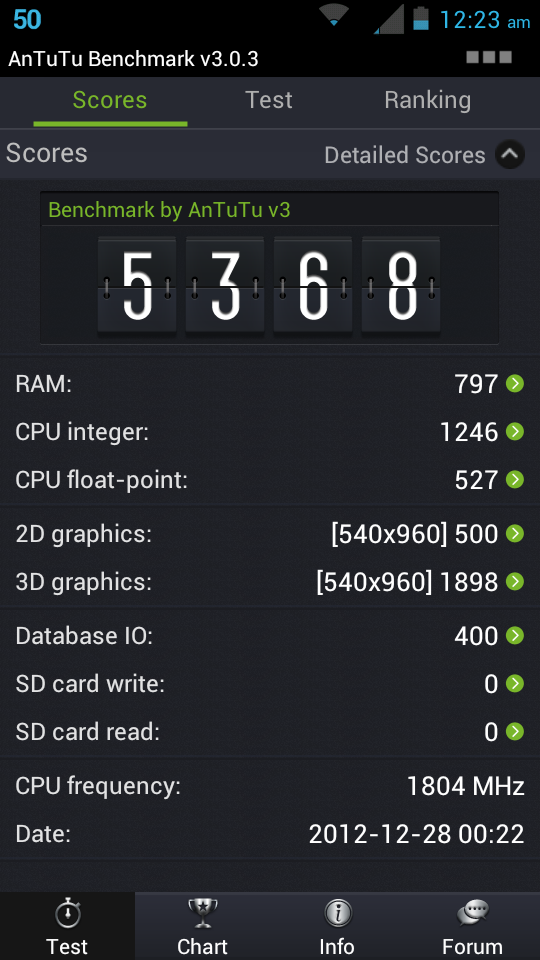
Screenshot_2012-12-28-00-23-27_zps1f8015fe.png
 
@guspeed that looks nice man. I really miss the power bar on the notification pull down...thanks!

@junkie2100 and of course the next obvious question is can you guide me to do the deodex if I grab the update? I could probably follow the shinru2004 guide, but I always anticipate problems. I just want everyone to have all the awesomeness of a clean, fast phone :)
 
or, we should just move over to the CM10 Development thread and start building some cyanogen :rock:
 
or, we should just move over to the CM10 Development thread and start building some cyanogen :rock:

well that is an option, if you want to deodex the phone tho you are free to do it, my zip will work perfectly for you since its unupdated
also shinru had it right he just forgot to stress the importance of copying the deodexed files to the phone before doing the last set of instructions
if you rm /system/app/*
or framework for that matter and dont have something on your sd card already to put back on there you are done for
of course having a backup will save you in that instance
anyway as far as cm10 i will work on some things and post up anything i come up with, for now if youd like you can try getting hoarks cm9 config for the warp(arthur) putting all those files from the arthur directory in his tree in the warp2 directory, then copying our files over it replacing the stuff necessary. who knows it may even just work but i will take a look at everything see if i can get the proprietary files switched out for the ones from our stock rom though im not sure itll be necessary considering the similarities
 
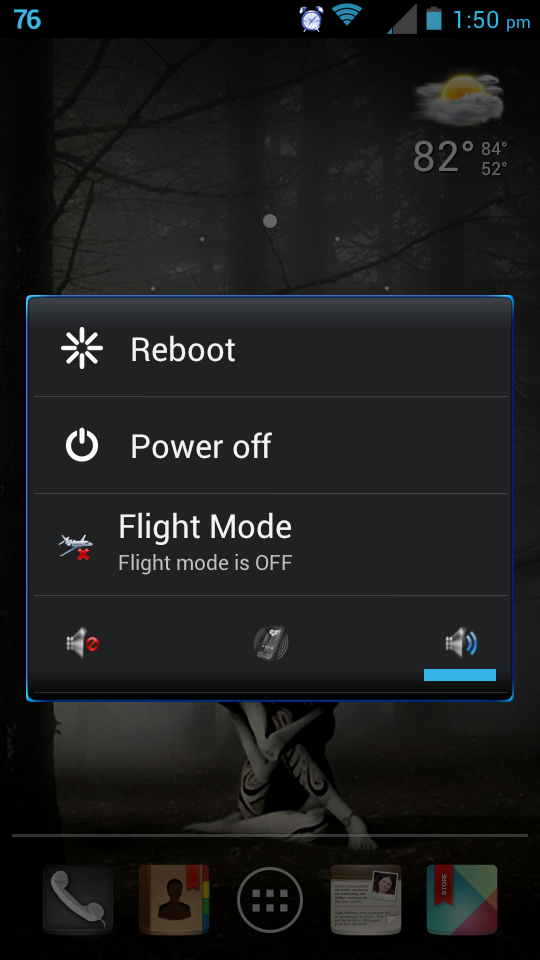
uhhh, just to be clear Guspeed, you just gave me my most missed feature from cm. THANK YOU!!!!!!!! This app is very cool. Even has the battery percentage like cm.
 
partition sdcard works perfectly :) Just did an 8gb card, with sdext 512, swap 0. Both partitions verified in linux. 6.81gb fat32, 488.51mb ext3.
 
deleting backups from the sdcard works. Full backup and restore from full wipe works. clearing cache and dalvik works. Everything works!!!
 
couldnt get it to work
can someone please put detailed instructions here on how to put cwm onto the phone please

it keeps saying waiting for device, and i have the proper adb drivers installed
 
you are in fastboot mode (green android, red led). Put the recovery.img in your adb directory, and enter the following:

[HIGH]fastboot flash recovery recovery.img[/HIGH]
[HIGH]fastboot reboot[/HIGH]

enjoy
 
you are in fastboot mode (green android, red led). Put the recovery.img in your adb directory, and enter the following:

[HIGH]fastboot flash recovery recovery.img[/HIGH][HIGH]fastboot reboot[/HIGH]enjoy

side note, if you unplug the phone while in bootloader mode it will not work when you plug it back in, you will have to pull the battery.
and if fastboot mode doesnt work for you you can use the adb method discussed earlier in this forum using the dd command
 
Back
Top Bottom