GrandMasterB
Go Go Gadget Flow!
You forgot your images ??
Naughty Bits had me soooo excited.....and then completely let down.

Follow along with the video below to see how to install our site as a web app on your home screen.
Note: This feature may not be available in some browsers.
You forgot your images ??



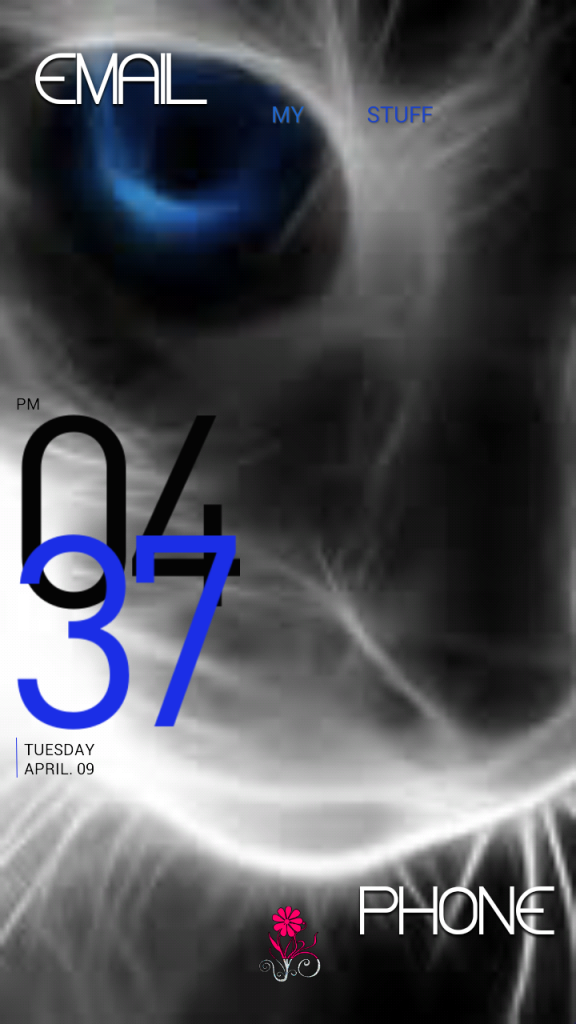
Just one question..... if you are going to cover your entire wallpaper why use one with a face? Can't see the cutie behind the widgets.

I am really loving my phone.
 I know what you mean about the phone, After 5 months I'm still amazed every time I power mine on.
  arty:
arty:


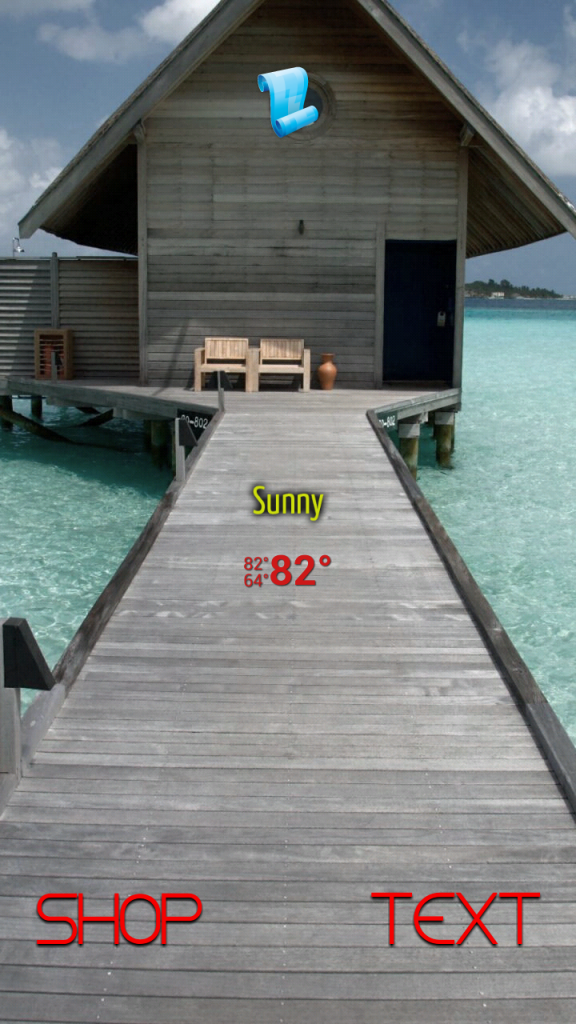
home screen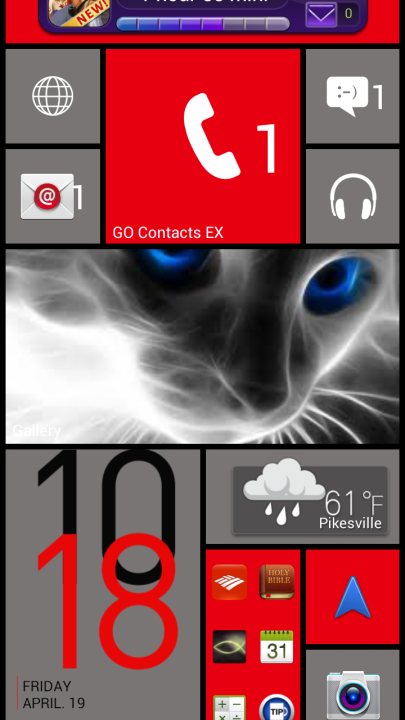
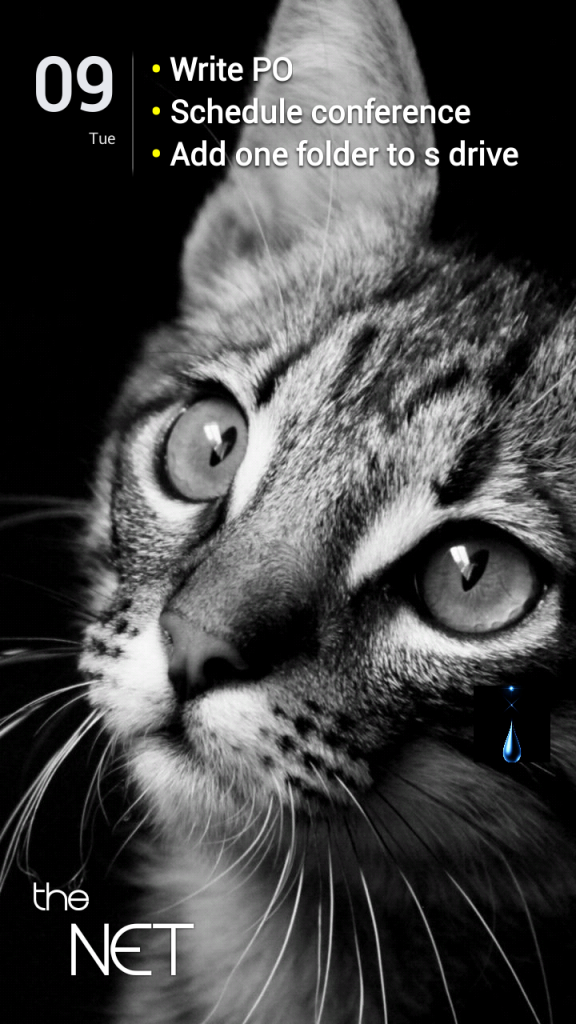
lock screen
I think I have an addiction. I change my screens every couple of weeks!
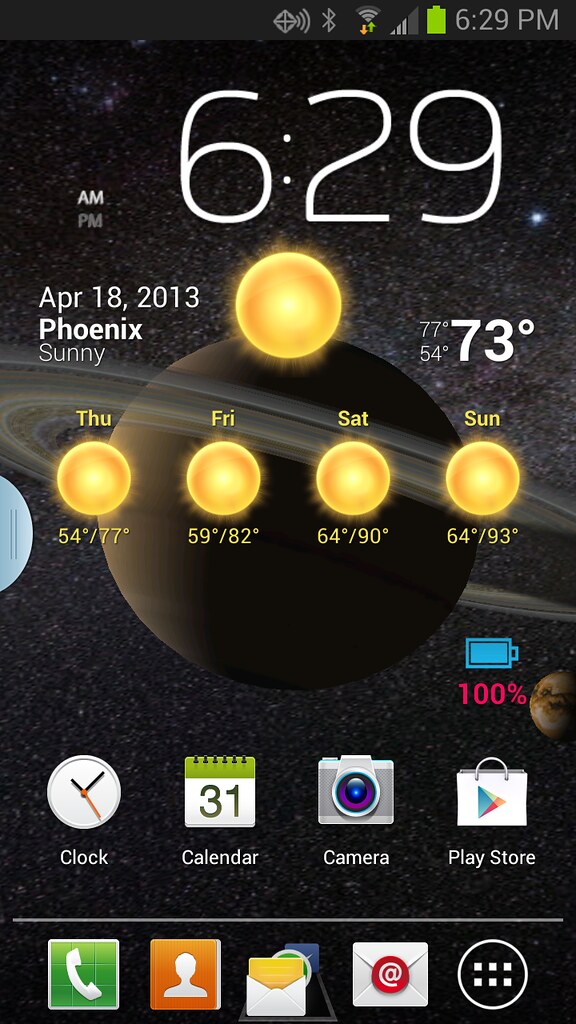
Or better yet, use the original fully configurable Rings Digital Weather Clock widget
That one has been a centerpiece of my home screen since day 1

★ Widget hotspots for interaction
+tap battery ring ->return to configuration screen
+tap bottom left widget corner->popup system information window
+tap weather icon->launch forecast screen
+tap top half of time ring->launch anything!(user selected from configuration screen)
+tap lower half of time ring->launch anything!(user selected from configuration screen)
Or better yet, use the original fully configurable Rings Digital Weather Clock widget
That one has been a centerpiece of my home screen since day 1

LOVE IT!!!!!
What did you use for this look?
I'm not a big fan of rooting, launchers and 3rd party widgets. Here's to simple.

How did you get your images to be spread out on the screen?
That's just the stock Photo Wall live wallpaper. Pretty sweet if you've never checked it out. Comes loaded on the Note 2 out of the box.