
One of my colleagues in work told me he received a notification over the weekend to upgrade his HTC Desire HD to 2.3. Strangely I did not receive the notification (both corporate phones). I went into Settings - About Phone - System Software Update and then tapped the "Check Now". Indeed the phone found the update and asked to download it. After the download was complete I initiated the update process, the phone restarted itself and appeared to start the updating, but after a few seconds a red question mark appeaed above the phone it restarted itself without updating.
The phone is relatively new so I did a factory reset and retried but got the same result.
Anybody have any ideas?
The phone is relatively new so I did a factory reset and retried but got the same result.
Anybody have any ideas?

 My Desire HD is hosed after trying VodaFone Gingerbread Update. Tried Recovery, Factory Reset, and deleting SD data. Still the same result every time; boots to white screen with HTC logo and no futher. Might try reapplying update.zip now I've deleted my data, but it won't be long before the battery cover no longer fits at his rate
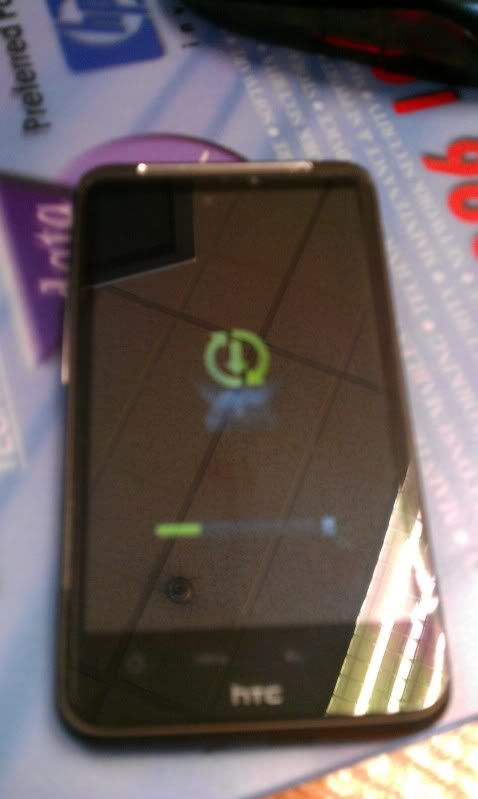
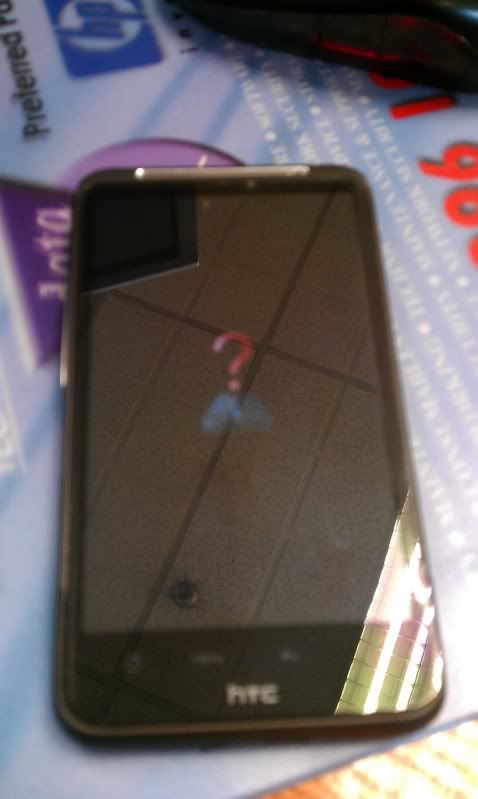

 Had to take it in to get it sent for repair. It was totally unusable. Just stuck on the white screen with green HTC logo.
