
Install the app
How to install the app on iOS
Follow along with the video below to see how to install our site as a web app on your home screen.
Note: This feature may not be available in some browsers.
-
After 15+ years, we've made a big change: Android Forums is now Early Bird Club. Learn more here.
You are using an out of date browser. It may not display this or other websites correctly.
You should upgrade or use an alternative browser.
You should upgrade or use an alternative browser.
Help Beautiful Widget question.
- Thread starter Brian2071
- Start date
-
- Tags
- samsung epic 4g
<=U=L=T=R=A=>
Member
Tap and hold on the screen then a pop up window comes up and select widgets and there u are select the beautiful widgets

Its best to first remove the google search bar from the top of the home screen so the upper field of the home screen is open to take the clock and weather image. Once you choose a clock and weather style make sure you save both after choosing one. Then go to the home screen and long touch with your finger where the google search window once was. Click on android widgets then select and save "beautiful weather" from the list. Your clock and weather icons should now appear in the general area of where the google search bar once was.
I finally got it to show up on the home screen. Thanks for the help. The only thing left is to get the clock/weather to look more like the Sense screen.
I picked Airportone for the clock and standard for the weather skin because they looked the closest. The problem is the white numbers for the clock are just laying on top of my wallpaper which is visible through the numbers. What I was wanting was the familiar white numbers with the black background.
Any help would be great.
I picked Airportone for the clock and standard for the weather skin because they looked the closest. The problem is the white numbers for the clock are just laying on top of my wallpaper which is visible through the numbers. What I was wanting was the familiar white numbers with the black background.
Any help would be great.
Try "KeoFlipBoldNaked" for the clock. Then use Boca for the weather. I like this combo because it kinda looks like HTCs clock except the background is more transparent and blocks less of your wallpaper. Give it a try let me know what you think. Boca is the closest thing to HTCs weather app. It looks just like this only with bolder numbers on the clock flip cards.
(photo removed)
(photo removed)
Now were talkin'...Just what I was looking for. Thanks!
You are very welcome!

I just bought Beautiful Widget and selected the clock and weather skins. My questions is: how do you get it on the home screen. I've tried a few things but the stock home screen is still there.
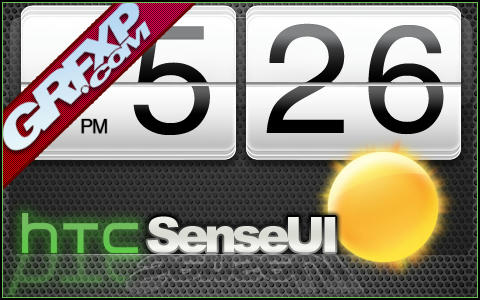
Download Link: SenseUI (SenseUI.zip)
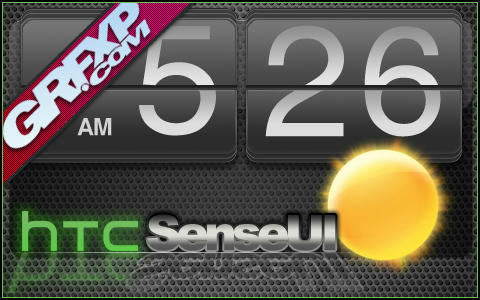
Download Link: SenseUI Charcoal (SenseUICharcoal.zip)
Very simple install:
1) Download/Install the latest Beautiful Widgets app.
2) Place the SenseUI and/or SenseUI Charcoal folders on the sd card: sdcard\data\beautifulwidgets\skins\
3) Look for skins within the app and apply
Credits: GrafiXpressions - Express yourself in vinyl form!... (GrafiXpressions - Express yourself in vinyl form!...)
*Here is what it looks like on my screen:
SenseUI version:
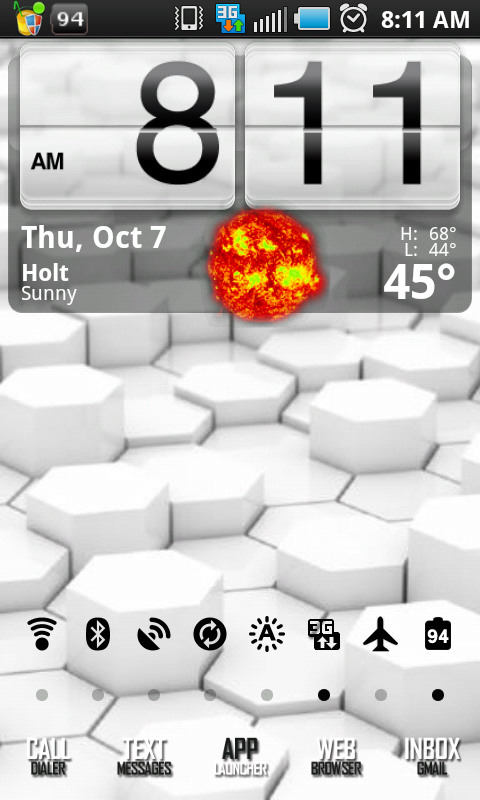
SenseUICharcoal Version:
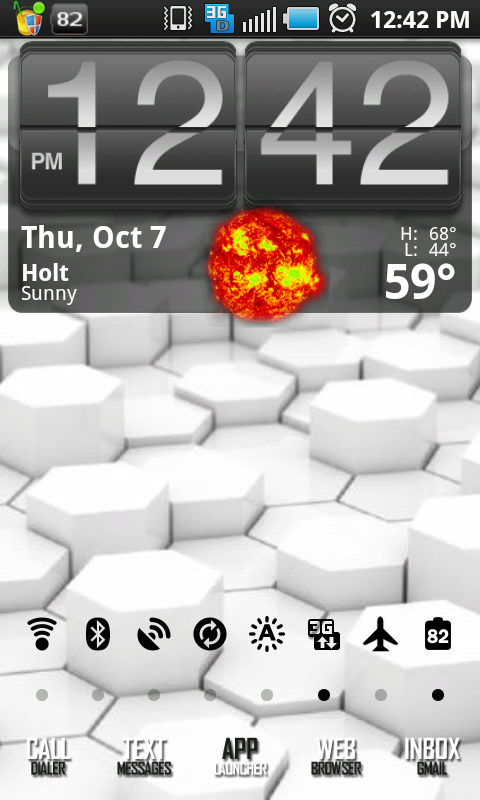

There are a lot of skins sometimes it takes a while for them to come to the phone. I also noticed if I had a weak signal it sometimes would stall.
sandman512
Member
Not to thread jack, BUT how can I get those icons on the bottom? THANKS!
Download Link: SenseUI (SenseUI.zip)
Download Link: SenseUI Charcoal (SenseUICharcoal.zip)
Very simple install:
1) Download/Install the latest Beautiful Widgets app.
2) Place the SenseUI and/or SenseUI Charcoal folders on the sd card: sdcard\data\beautifulwidgets\skins\
3) Look for skins within the app and apply
Credits: GrafiXpressions - Express yourself in vinyl form!... (GrafiXpressions - Express yourself in vinyl form!...)
*Here is what it looks like on my screen:
SenseUI version:
SenseUICharcoal Version:
Not to thread jack, BUT how can I get those icons on the bottom? THANKS!
the answer, and many other similar answers, can be found in this cool thread:
http://androidforums.com/samsung-epic-4g/162920-what-does-your-epic-4g-screen-look-like.html
Not to thread jack, BUT how can I get those icons on the bottom? THANKS!
You can find them here. They come in many different colors too.