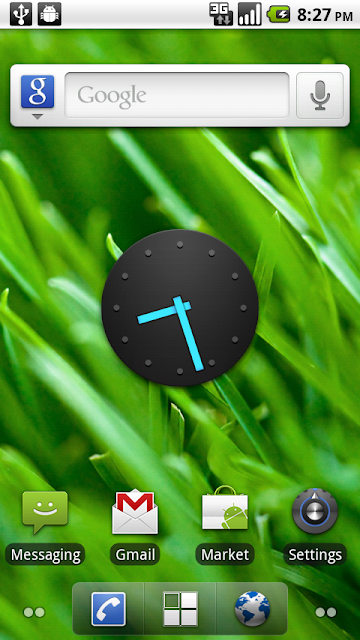
Thanks, but I couldn't get it to install. I downloaded it just fine to my sdcard, but when I go to install it, it says "application not installed"
Although the apk is called deskclock, the installer only shows "clock" and has the same icon as the one already in my drawer. Do I have to uninstall sometime to get this to work?
EDIT
I also tried just dropping it in system/apps via root explorer but it is not showing up anywhere?
This site uses cookies to help personalise content, tailor your experience and to keep you logged in if you register.
By continuing to use this site, you are consenting to our use of cookies.