• After 15+ years, we've made a big change: Android Forums is now Early Bird Club. Learn more here.

Help Camera Problems???

speedygonzo

Member
So i was in third period today at school and i needed to take a picture of some notes from a school textbook and when i opened the camera application all i got was a ton of green horizontal lines... The front camera works fine, its just the rear camera. Ive rebooted abot three times already and nothing happened. Any suggestion? Has this happened to you?

Heres a screenshot of what i get...
Screenshot_2012-02-01-13-02-51.png
 
So i was in third period today at school and i needed to take a picture of some notes from a school textbook and when i opened the camera application all i got was a ton of green horizontal lines... The front camera works fine, its just the rear camera. Ive rebooted abot three times already and nothing happened. Any suggestion? Has this happened to you?

Heres a screenshot of what i get...
Screenshot_2012-02-01-13-02-51.png

Not sure if it will help but have you tried to force stop the camera? Settings > apps > all > camera > clear data, then force stop
 
I have a different problem and figured I would ask here instead of starting a new thread.

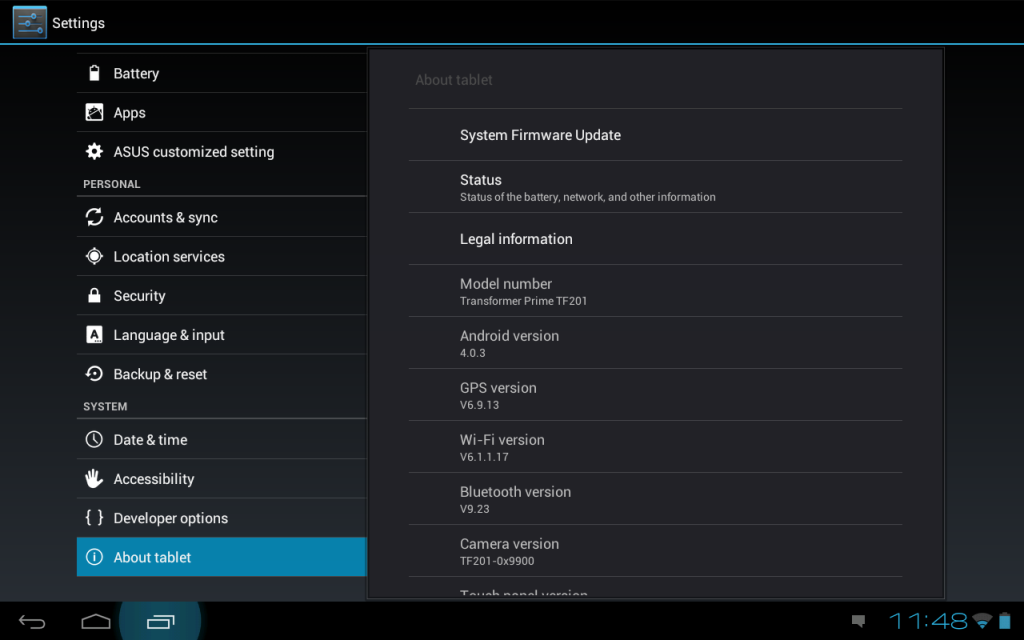
My camera says I have an asus firmware camera update but when I tell it to update it always fails and then won't let me use my camera.
 
I am having the exact same problem as OP.

My camera was definitely working on Honeycomb, then i did the ICS upgrade followed by the prompted "camera firmware update" and now it gives me the green lines. About 50% of the time the app crashes all together.

Any ideas? I will do a full factory restore and reboot, and if that doesn't fix it try and get best buy to warranty it....
 
I am having the exact same problem as OP.

My camera was definitely working on Honeycomb, then i did the ICS upgrade followed by the prompted "camera firmware update" and now it gives me the green lines. About 50% of the time the app crashes all together.

Any ideas? I will do a full factory restore and reboot, and if that doesn't fix it try and get best buy to warranty it....

Wow, i totally forgot about factory restoring the tablet. Gonna try it when i get out of school today.
 
Same issue as original post. Wiped prime out to original factory settings. Reinstalled ICS. No luck. Believe it to be a software not hardware issue with ICS or firmware updates. Worked fine before ICS and firmware updates. Locks up then auto-reboots. Sometimes so bad even front camera does not work. Image looks exactly like original post.
 
It's been a few weeks since you posted that you were going to try doing a factory reset. I'm just curious whether that fixed the issue for you or if it persists. I am having the exact same problem and I only just noticed it.
 
It's been a few weeks since you posted that you were going to try doing a factory reset. I'm just curious whether that fixed the issue for you or if it persists. I am having the exact same problem and I only just noticed it.

Yeah, it didnt work at all. Me and a few others are discussing this on xda and diagnosed it as a hardware problem as some are reporting if you pinch the area near the camera, its works untill you release the pinch.
 
Back
Top Bottom