
Install the app
How to install the app on iOS
Follow along with the video below to see how to install our site as a web app on your home screen.
Note: This feature may not be available in some browsers.
-
After 15+ years, we've made a big change: Android Forums is now Early Bird Club. Learn more here.
You are using an out of date browser. It may not display this or other websites correctly.
You should upgrade or use an alternative browser.
You should upgrade or use an alternative browser.
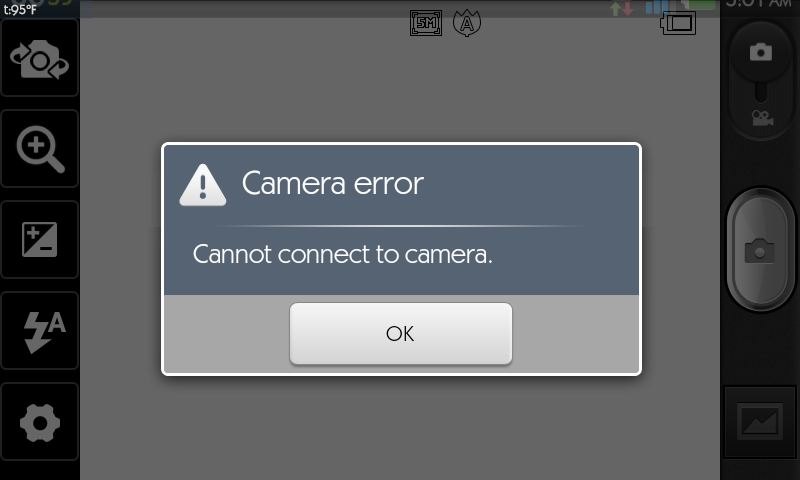
Help Can't connect to camera?
- Thread starter chknhwk
- Start date
-
- Tags
- lg connect 4g


sleedeane
Android Expert
Once upon a time, that could be a sd card thing.
With my phone, it seems the internal DCIM is used, not the ex_sdcard>DCIM.
I don't get it.
(except recently I found the destination option in camera settings, letting me put the camera media on the card).
Try changing that, if your phone has it.
Or a re-boot?
With my phone, it seems the internal DCIM is used, not the ex_sdcard>DCIM.
I don't get it.
(except recently I found the destination option in camera settings, letting me put the camera media on the card).
Try changing that, if your phone has it.
Or a re-boot?

lilonex3
Well-Known Member
do you have any other camera apps on the phone that you use to take pictures with? If so that might be the problem if the app is running you cant connect to the camera.Happened to me before when I had my indulge.I would have to shut down camera 360 to use my normal camera.
tarasledge
Lurker
What did u do to fix it?
use widgetsoid and use the run SD scanner options. (not sure of the name exactly) or you can eject the sd card in the settings app and and then check if the camera works. If not a simple reboot will do it.What did u do to fix it?