

nedamdam
Android Enthusiast
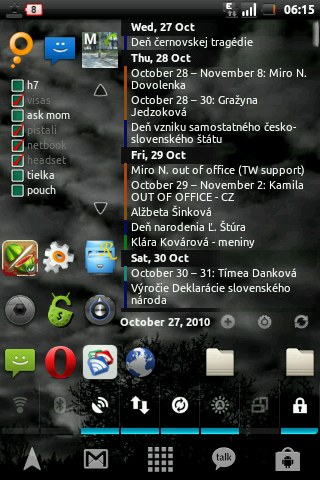
So I changed my DPI setting to 150 since in launcher pro I use 5 rows instead of 4 so it doesn't overlap etc.
And wanted to ask if changing the DPI setting may affect the battery usage (recalculating screen) or CPU (making it slower) or the games will lag? etc.
Thanks for any answer
EDIT: Changed it back, I think was lagging and the text boxes were smaller not on the whole page. And the confirmations had green lines in the middle
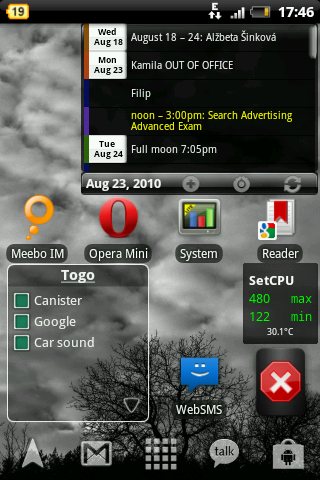
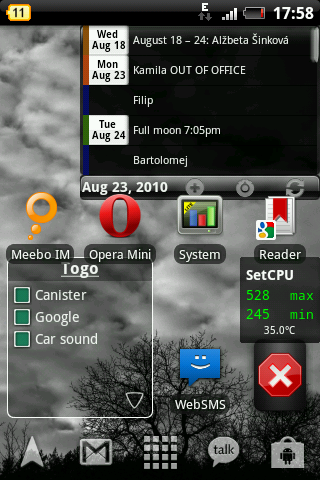
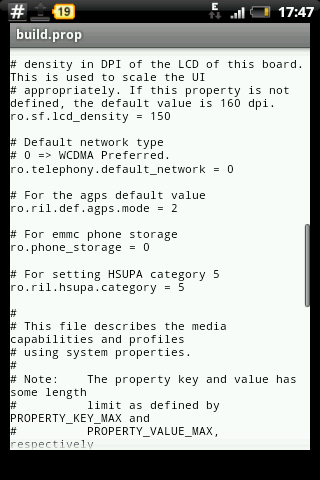
How I did it:
1. Root Explorer , mount R/W in system
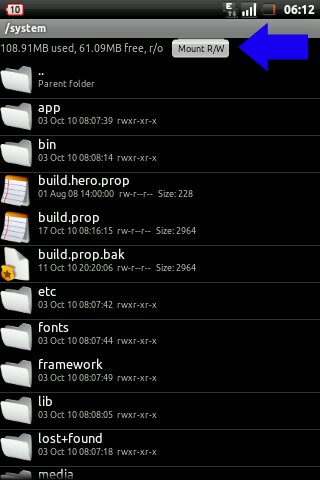
2. Open in text editor.
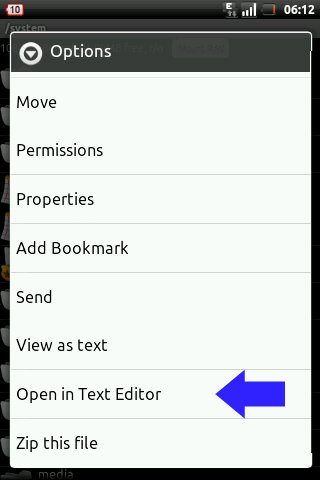
3. Edit the build.prop line with ro.sf.lcd_density=150 and save the file
4. mount R/O and reboot
Still if someone knows something about the battery usage and cpu etc. So I know in future if I should play arround with this one
EDIT: Am on 120 for few weeks now.
And wanted to ask if changing the DPI setting may affect the battery usage (recalculating screen) or CPU (making it slower) or the games will lag? etc.
Thanks for any answer
EDIT: Changed it back, I think was lagging and the text boxes were smaller not on the whole page. And the confirmations had green lines in the middle
How I did it:
1. Root Explorer , mount R/W in system
2. Open in text editor.
3. Edit the build.prop line with ro.sf.lcd_density=150 and save the file
4. mount R/O and reboot
Still if someone knows something about the battery usage and cpu etc. So I know in future if I should play arround with this one
EDIT: Am on 120 for few weeks now
.