• After 15+ years, we've made a big change: Android Forums is now Early Bird Club. Learn more here.

Help How do I remove the icons from the lock screen?

I don't think you can...unless you use a launcher like nova
7apaseza.jpg
 
The only way to remove the quick launch icons without a 3rd party launcher is by removing the app from the quick launch bar on the home screen. The quick launch buttons on the home screen are directly tied to the lock screen icons.
 
Stock can't accept as what SolApathy suggest.

You can fully control if your phone is root with custom ROM.

Example custom ROM that support this customization - ViperOneM8.

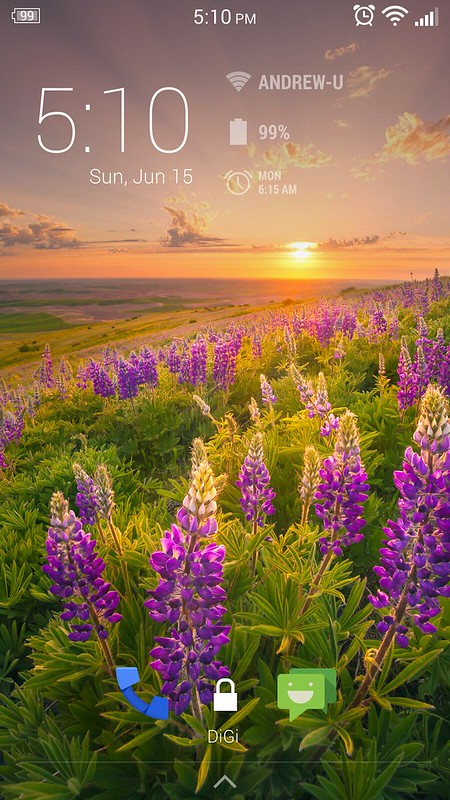
My Lockscreen:
14402629986_ae77a91f21_c_d.jpg


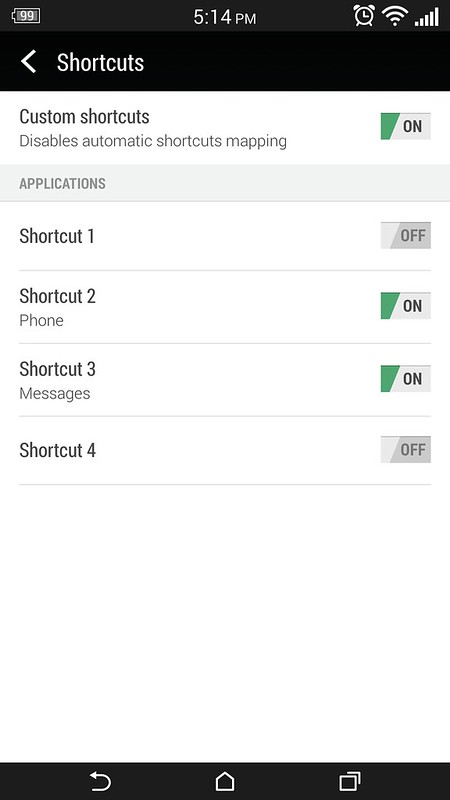
Lockscreen setting by ViperOneM8:
14425764185_61d9113827_c_d.jpg


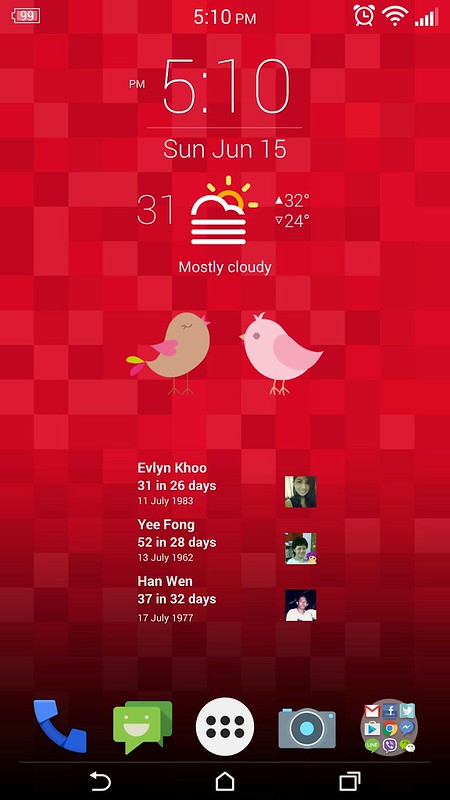
My Home screen with icons themes support by ViperOneM8:
14424448962_55f51e195f_c_d.jpg
 
Default can't, you need to root and use custom ROM.

ViperOneM8 ROM is one of the ROM support it to remove icons at lock screen without affecting home launcher icon.

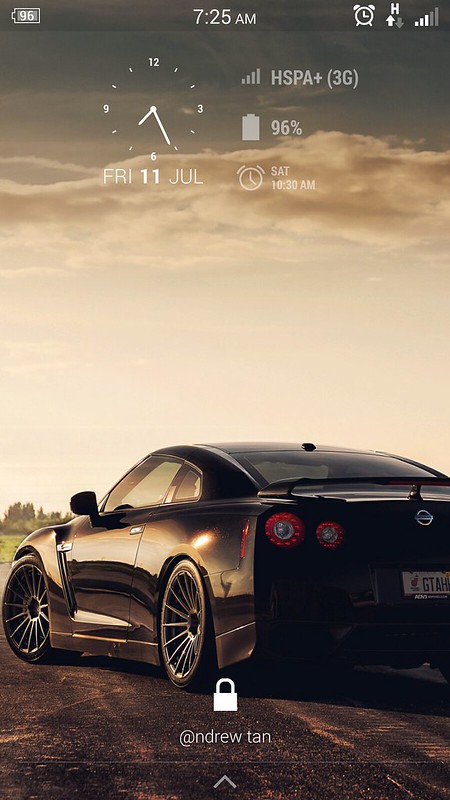
Example on what I did:

14437040969_6454274bde_c_d.jpg
 
Back
Top Bottom