

Have you ever noticed how colors look slightly different on different phones? Sometimes colors are super vivid and warm, other times they are more muted and cool. Most of the time this has to do with the display technology, but you can also adjust the display "temperature" with software. Here's how to do it on the Mate 8.
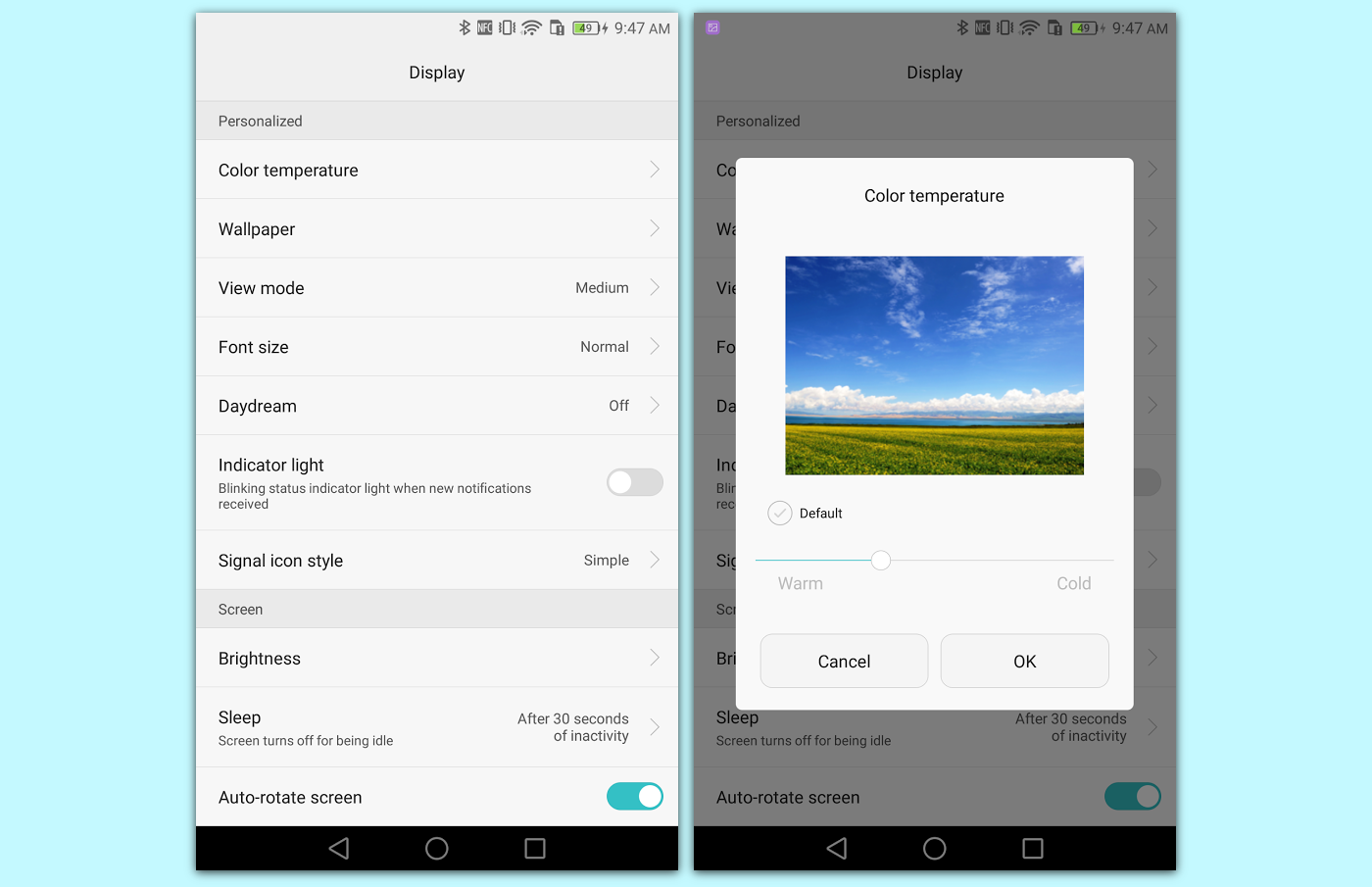
- Go to Settings > Display
- Select Color temperature
- Uncheck Default and use the slider
- You can see the temperature in the test photo
- Tap OK when you're done