• After 15+ years, we've made a big change: Android Forums is now Early Bird Club. Learn more here.

HUGE battery drain, WTF is this wakelock?!?!?!!

strodda

Android Enthusiast
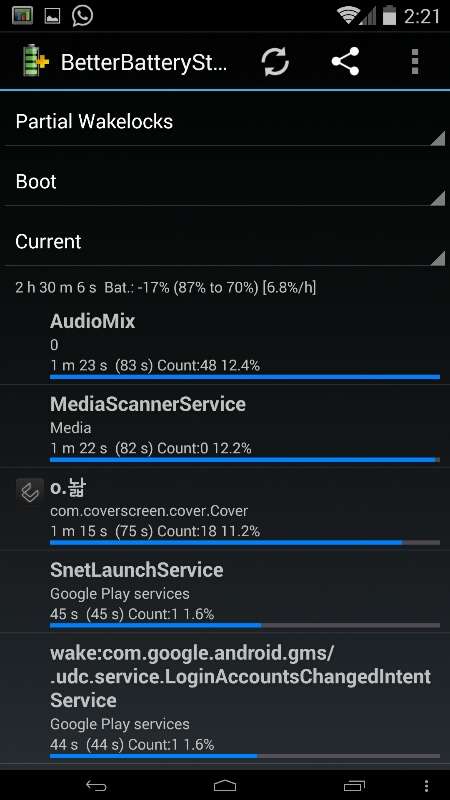
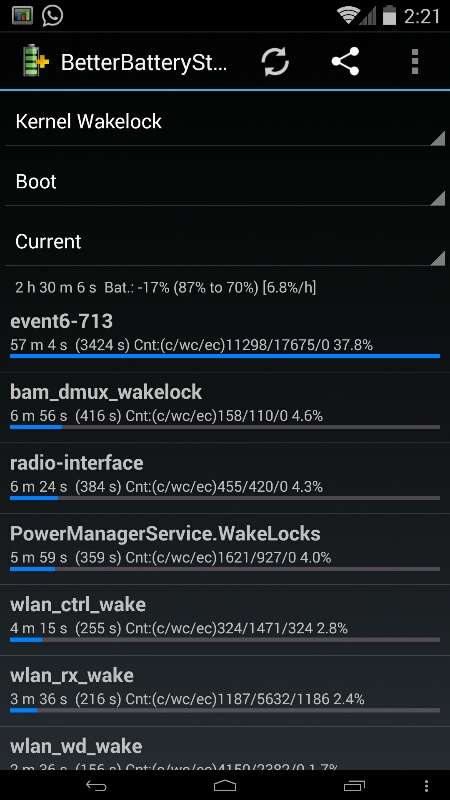
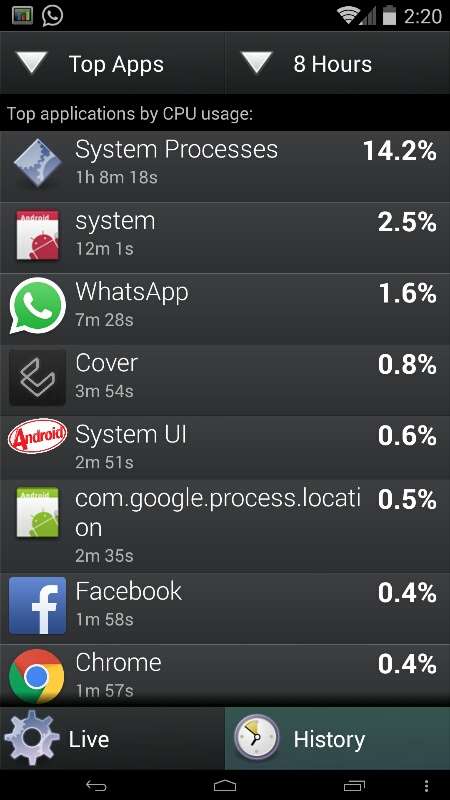
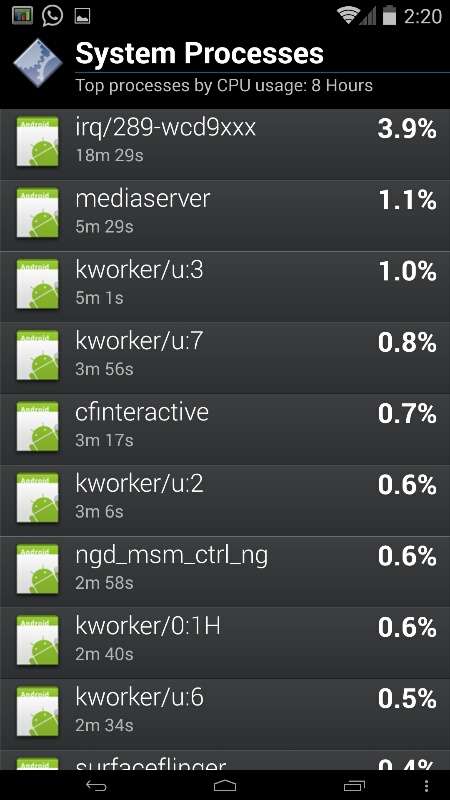
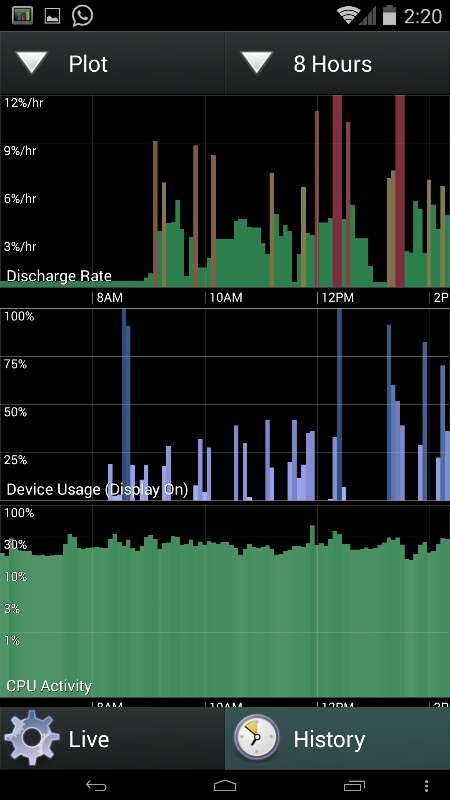
I've searched and can't find anything. I've installed multiple apps to help figure it out, but it never gets better. The pics say it all... what the hell is going on? I have flashed multiple ROMs and it never gets better. And yes, I wipe and do a clean install every time. This "event6" thing is killing me. The phone never goes into deep sleep.
zE5EVY.jpg


2WAIrb.jpg


2bg7aD.jpg


ycgfl0.jpg


iehQ9M.jpg


iGAdD8.jpg
 
If I am, its not intentional. I'm running the 9/20 build of Mahdi. I believe its a 4.4.4 ROM.

Good chance it's a custom kernel then. Stock is 3.4.0-perf-g95fa932 (lge@android-build).

Appears to be a kernel issue as evidenced by your screenshots. Return to stock would likely fix it.
 
I've been having massive battery drain for a few months. I tried task killers, battery doctors, virus checkers and so on. I'm not an expert but I did come across some advice on the Internet about Google Play Music. I tried it and for the last week my battery has at least tripled in performance. The only thing I could ever find that was using lots of juice was the Media Services that's in Battery Settings. Anyway, here is a link to the article and I will tell you after I stopped auto sync on Google Play Music my battery problem is SOLVED. It's been more than a week and it's still good. The only thing you will have to do is manually sync any new music, but that's easy!! Also, after I turned off the Sync function my phone charges faster and doesn't heat up like it used to. I know this is for a Nexus but it solved my issues.


http://techsplurge.com/13494/google-nexus-4-mediaserver-battery-drain-problem-solution/
 
Battery drain the most common problem in Stock Android. Custom ROM provides all the facility that you have which overcomes the problem. It has stability too, so go for custom ROM enabled cyanogen phone.
 
Back
Top Bottom