

funkylogik
share the love peeps ;)
....im not an android noob but what i need help with is PC lol..... they hate me (though i managed to fix our old laptop when the new one got reposessed) *proud*
Say tomorrow or wednesday, i fire up the laptop.... would someone help me with odin and CF please? (Even just unzipping and installling.... this is how inexperienced i am!)
All i want is root and superuser rights just now to uninstall samsungs crap software and backup app info.... then ill start deciding what rom i want.
Is there a cool person like that here?.. imagine ur in an airport control tower with donuts n coffee tryin to talk a drunk guy through landing a plane coz the pilot hates me.... thats what itl be like.
Ill check this thread hopefully untill i die
Say tomorrow or wednesday, i fire up the laptop.... would someone help me with odin and CF please? (Even just unzipping and installling.... this is how inexperienced i am!)
All i want is root and superuser rights just now to uninstall samsungs crap software and backup app info.... then ill start deciding what rom i want.
Is there a cool person like that here?.. imagine ur in an airport control tower with donuts n coffee tryin to talk a drunk guy through landing a plane coz the pilot hates me.... thats what itl be like.
Ill check this thread hopefully untill i die


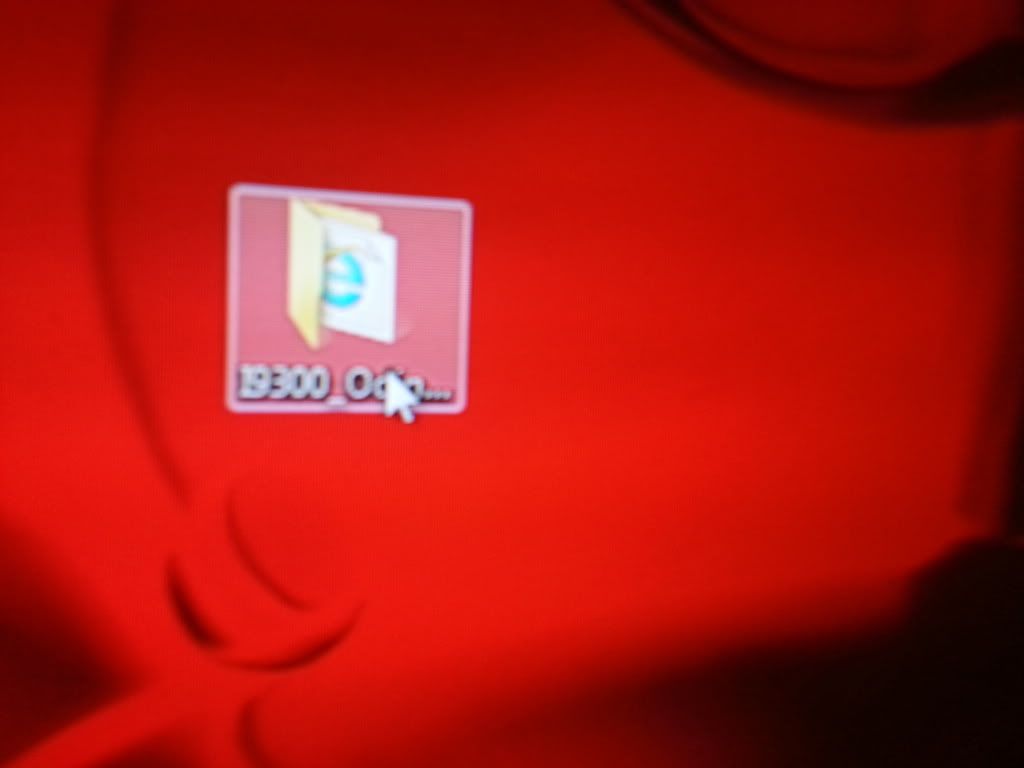
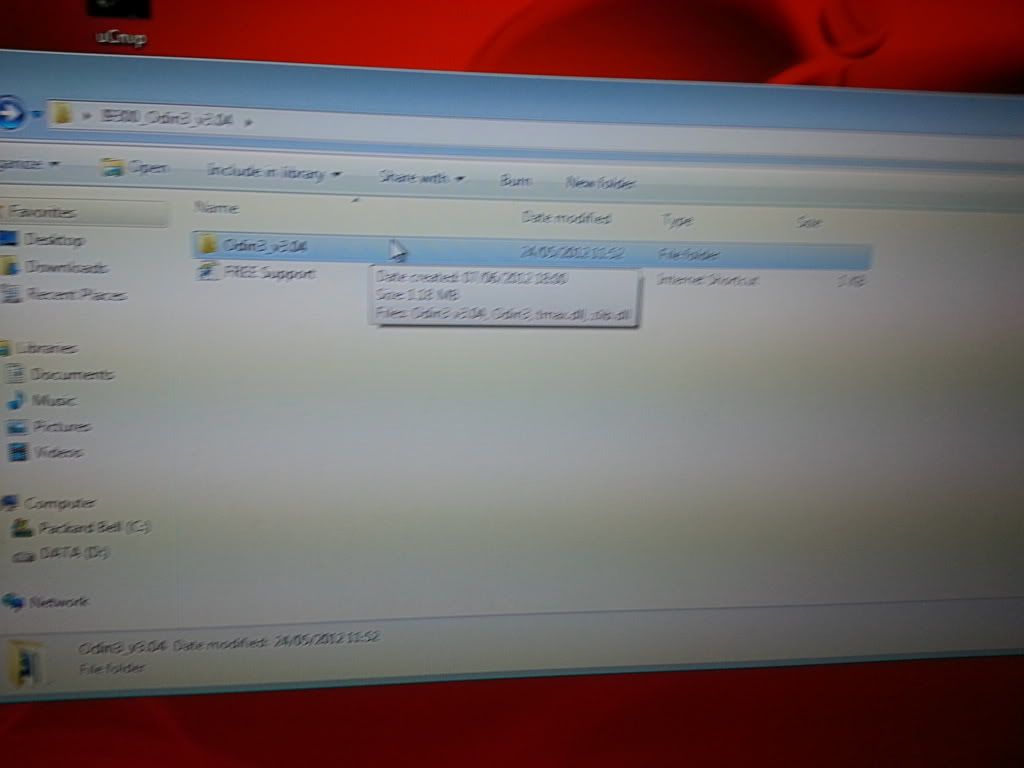
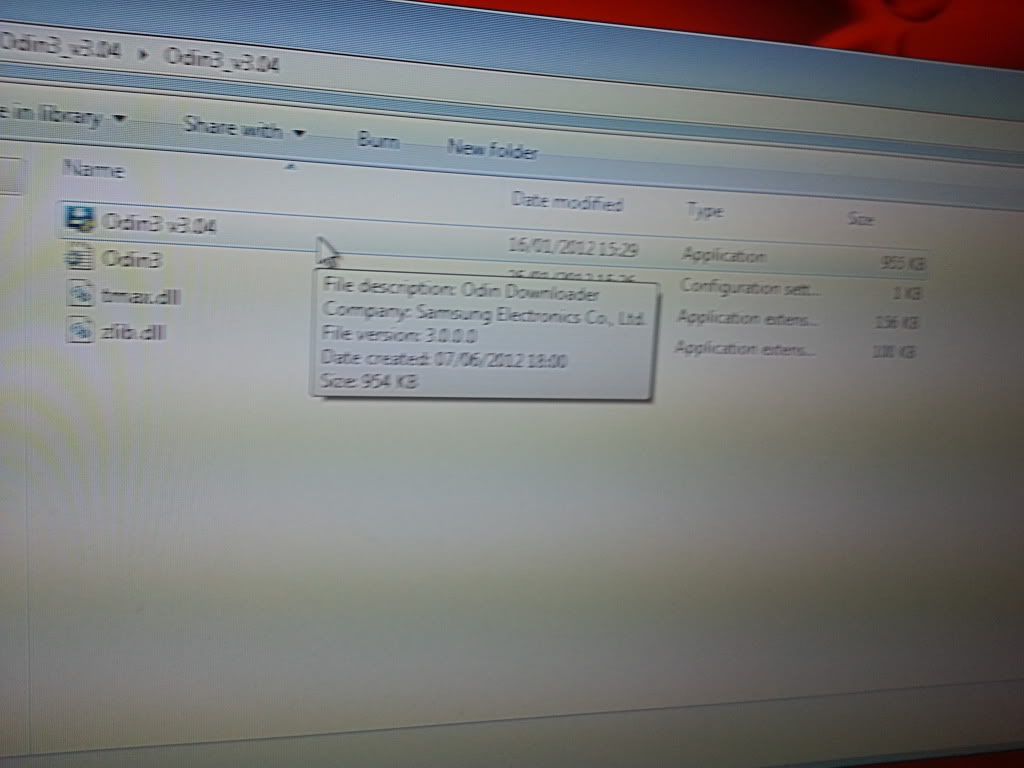
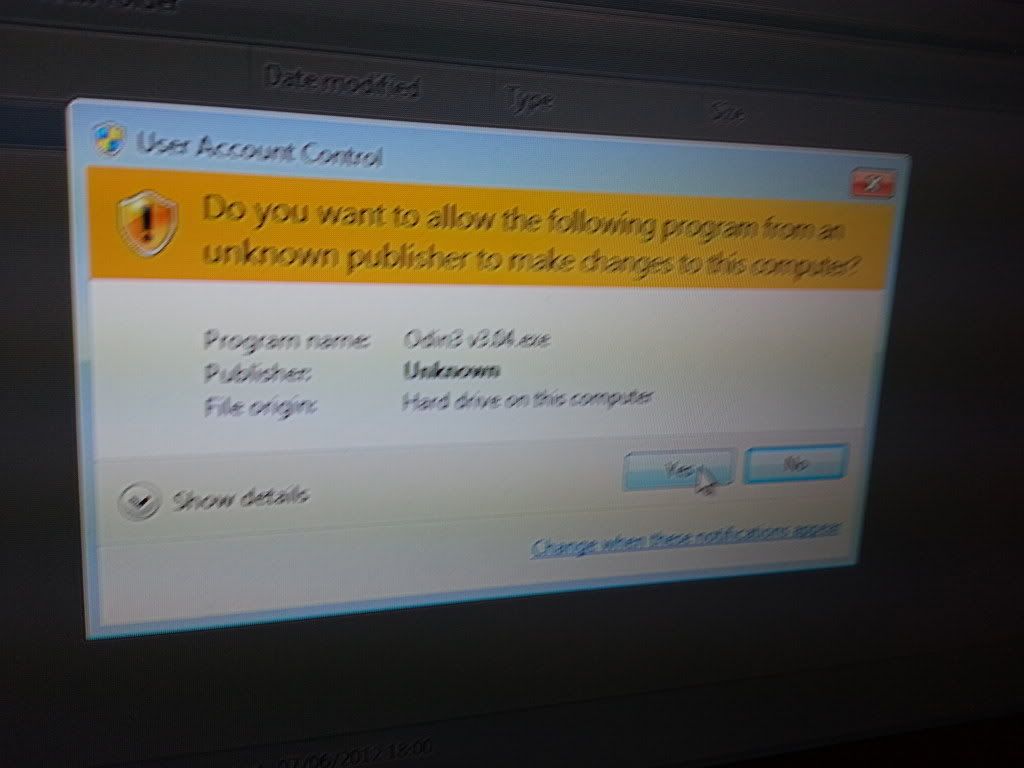


 It's no trouble mate. Double click on Odin3 v3.0.4.exe and it should ask you if you want to allow the program to make changes to your pc or something like that, click yes and Odin will load up.
