mojosodope
Android Enthusiast
Crap that I can't root via a mac
Follow along with the video below to see how to install our site as a web app on your home screen.
Note: This feature may not be available in some browsers.


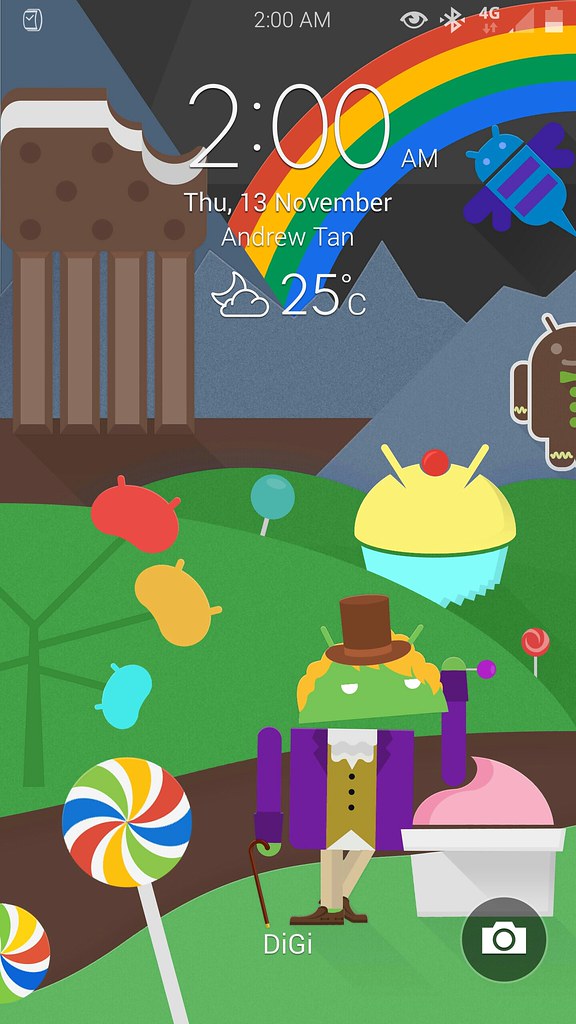
Stunning! Love it!My awesome Note 4 today N910F with a custom ROMusing Difft icons and awesome wall I posted and ,everyone on G+ is crazy about
Be honest , is this beautiful or what!

Where do we find Widgets at on the note 4 and do you have to be rooted to use a launcher like nova ?
You do not have to be rooted to use a home replacement app (launcher).
- Touch and hold an empty space on a Home screen.
- Tap Widgets (located at the bottom).
- Tap and hold a widget and drag to the preferred home screen. For the widget to be successfully added, there must be sufficient space within the selected Home screen.
- If applicable, select additional options to activate widget.
NOVA is an excellent choice.
This might be a silly question, but why does one get a launcher like Nova? What does it give you that you don't already have?You do not have to be rooted to use a home replacement app (launcher).
- Touch and hold an empty space on a Home screen.
- Tap Widgets (located at the bottom).
- Tap and hold a widget and drag to the preferred home screen. For the widget to be successfully added, there must be sufficient space within the selected Home screen.
- If applicable, select additional options to activate widget.
NOVA is an excellent choice.
pretty much the ability to customize. stock is just that stock. so without having to root, you can make your phone look more to your liking. i myself was using stock up until about 2 weeks ago because this stock cranked in comparison to prior releases on prior phones. i went back to my trusty go next launcher 3-d shell.This might be a silly question, but why does one get a launcher like Nova? What does it give you that you don't already have?
JM