Hi everyone,
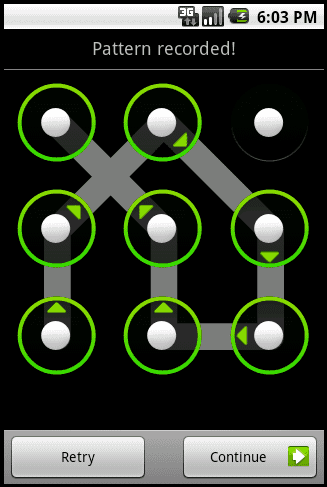
I tried searching for this topic but I couldnt find it. I just upgraded my htc hero to android 2.1. I never set a password for the lock screen. So it ended up putting a password on its own. I called sprint tech support and talked to them for about an hour and finally figured out that the password is my google account password. Thats all well and good but I am not a big fan of password protecting my phone because I really dont have any information of value on it, but I do like having the lock screen so I dont pocket diel. I found a few programs that will disable the lock screen that will get around this problem, kind of. Does anyone have a clue how to disable the password protection and still keep the lock screen. Its just really irritating because I dont usually lock my phone and every time I try to wake it I have to unlock it.
Thanks
I tried searching for this topic but I couldnt find it. I just upgraded my htc hero to android 2.1. I never set a password for the lock screen. So it ended up putting a password on its own. I called sprint tech support and talked to them for about an hour and finally figured out that the password is my google account password. Thats all well and good but I am not a big fan of password protecting my phone because I really dont have any information of value on it, but I do like having the lock screen so I dont pocket diel. I found a few programs that will disable the lock screen that will get around this problem, kind of. Does anyone have a clue how to disable the password protection and still keep the lock screen. Its just really irritating because I dont usually lock my phone and every time I try to wake it I have to unlock it.
Thanks