• After 15+ years, we've made a big change: Android Forums is now Early Bird Club. Learn more here.

Massive EVO wallpaper collection OVER 1800! (Updated: 2/4/11)

"1. From the home screen, (depending on launcher), tap menu>Wallpaper>Gallery>folder you dropped wallpapers into should appear in the gallery list, select one and done."

This is how I found, I was able to get to them using ASTRO
 
"1. From the home screen, (depending on launcher), tap menu>Wallpaper>Gallery>folder you dropped wallpapers into should appear in the gallery list, select one and done."

This is how I found, I was able to get to them using ASTRO

Hmm. Well i've never tried to use ASTRO to view pictures or even set wallpaper. It should have no problem opening the picture. It should at the very least present you with a "complete action using" screen where you can select gallery as an option to open the jpg file with. I would suggest using gallery and skipping ASTRO altogether and see if that works.
 
I did "complete action using" but I chose ASTRO over Gallery because that is where my files are. I saved them under sd\downloads and created a wallpaper folder. If I select the pics directly from the files I am able to view them.
 
I did "complete action using" but I chose ASTRO over Gallery because that is where my files are. I saved them under sd\downloads and created a wallpaper folder. If I select the pics directly from the files I am able to view them.

Ahh, Okay, you might have to clear ASTRO's defaults so that you can get the gallery view back.

Try settings>applications>manage applications>ASTRO File Manager>clear defaults.

Once you do that, try again but choose gallery to complete action with. Your wallpapers should show up in gallery despite using ASTRO to do anything :)
 
I downloaded all the wallpapers and Wall Switcher and set it to change my wallpaper evey 12 hours. Since I will own my EVO for 2 years (720 days) I will never see the same wallpaper twice. This is really cool. In 2 years when I get a more powerful HTC EVO2 I will start over.
 
Ahh, Okay, you might have to clear ASTRO's defaults so that you can get the gallery view back.

Try settings>applications>manage applications>ASTRO File Manager>clear defaults.

Once you do that, try again but choose gallery to complete action with. Your wallpapers should show up in gallery despite using ASTRO to do anything :)

I have done that and there are no defaults set, so nothing to change in Astro. The Wallpapers aren't showing up in my gallery. They are stored on my sd card so I am sure I can move them there.

Yep.....I think they are moving them now. Wish me luck :)

Thank you thank you thank you
 
I have done that and there are no defaults set, so nothing to change in Astro. The Wallpapers aren't showing up in my gallery. They are stored on my sd card so I am sure I can move them there.

Yep.....I think they are moving them now. Wish me luck :)

Thank you thank you thank you

Good luck :)

I have my wallpaper directory structure like this

sdcard\My Documents\Wallpapers

They show up in gallery just fine that way.

I downloaded all the wallpapers and Wall Switcher and set it to change my wallpaper evey 12 hours. Since I will own my EVO for 2 years (720 days) I will never see the same wallpaper twice. This is really cool. In 2 years when I get a more powerful HTC EVO2 I will start over.

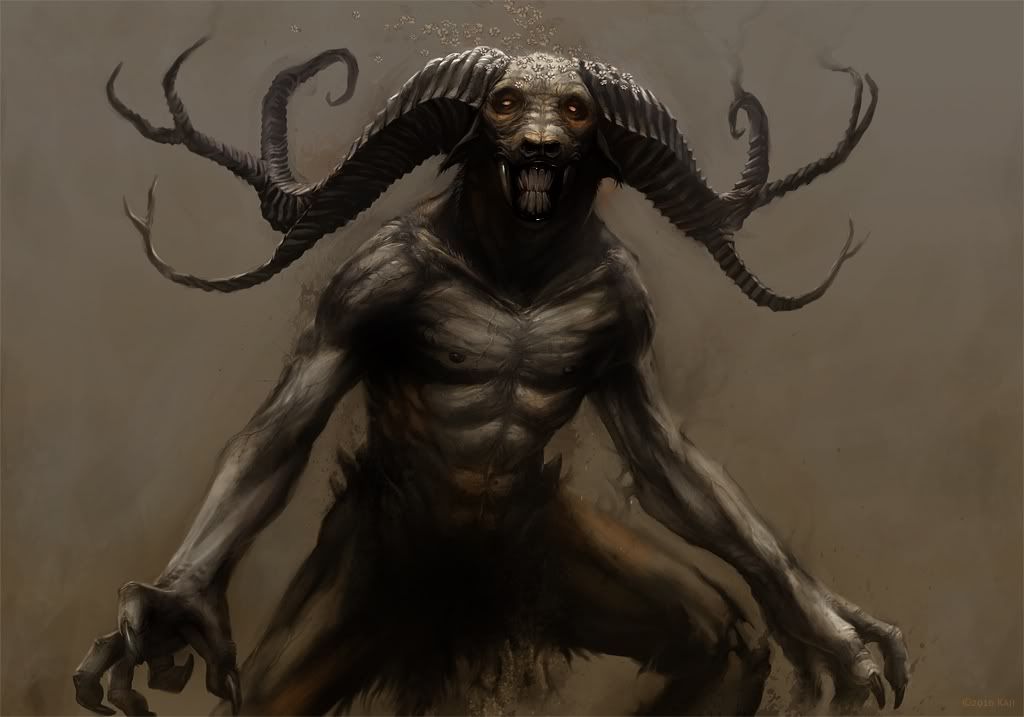
I have mine the same way lol.
 
It didn't work exactlly. It got snagged up on one bad file, I can't delete it (Astro keeps FCing), but will try from home using usb hard disk. I did get over 500 into gallery so it does work, I just must have had it in a directory that Gallery couldn't get to before.

Thanks for all the help
 
i downloaded the nomedia zip and put it in a folder on my sd card: sd card > documents > wallpaper.

and i put a wallpaper file in the wallpaper folder. i have a question. after i unzipped the file it looks like it's just an empty folder called 'nomedia'. i am on a mac though so maybe i can't see something. when i look at that folder using astro on the evo i see the nomedia folder and another file called: .nomedia

but i can still see my wallpaper file in my gallery when i look at all my albums. i can also see something called images which has all these random downloaded images - maybe from webpages? i wish i didn't have to look at that.

in my gallery i would like to see only pictures i have taken, not my wallpaper or whatever else.

please help.
 
Holy wallpapers Batman! Thanks so much, it couldn't have been any easier with astro to drop all those on the phone and now with wallswitch I have more backgrounds than I know what to do with!!
 
I think this thread should be converted to a dump of wallpapers in general. Let me first start with what I'm using.

1280820650438.jpg
 
Can't thank you enough for this. And the .nomedia file is great; my gallery was already getting filled with tons of icons. My problem though is that now those '.nomedia'ed folders don't show as selectable when I try to change my wallpaper. In other words, they're not filling up my gallery, but I can't get to them either. Any ideas?

The stock wallpapers are always available - as well as a few extras that came with LauncherPro - but I'm guessing that's because they are on the phone's internal drive, right?
 
Bump.
Not in this area much but it seems this is worthy enough to be included in the global stickey. What is the consensus? Anyone can pm TS and request a thread to be put in there but IMO this one deserves it
 
Awesome collection!!! I have it set to 6hrs and it def satisfies my need to always change my wallpaper, I love not knowing what i am going to see next!! Should keep me going for a long time!!!
 
Back
Top Bottom