• After 15+ years, we've made a big change: Android Forums is now Early Bird Club. Learn more here.

Root Most stable vanilla jb ROM?

Seriously Scotty... MIUI! :o
bwahaha! only reason i can stand it is it doesnt look like miui with the theme and apex launcher. main reason im kinda liking it is the theme i used makes the sms app and menus and such black- i really hate white backgrounds!

ill get some screenies later this afternoon. :)

The thing has no app drawer right?
with the stock launcher,no. just like an effin iphone.

use apex or nova and the ui is familiar. you have an app drawer,the cartooniness of the icons changes,you can set your homescreens to look just like other AOSP roms.

(apply peer pressure here) c'mon ral,your curiosity is gettinf the better of you! you know you wanna flash! :D :p
 
Anyone else getting a problem where pressing the unlock button does nothing?
JT R15
when i unlock miui,it goes to a black screen. i have to pres the power button again,then the screen goes off. then it will unlock normally.

i had the same prollem with another rom,but i cant remember wich one. jellytime does not have it-it seems to unlock normally.

ill get some screenies later this afternoon. :)
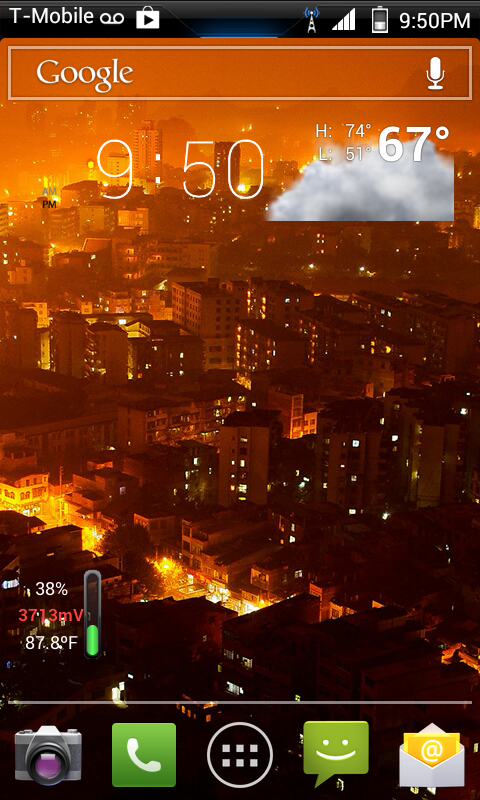
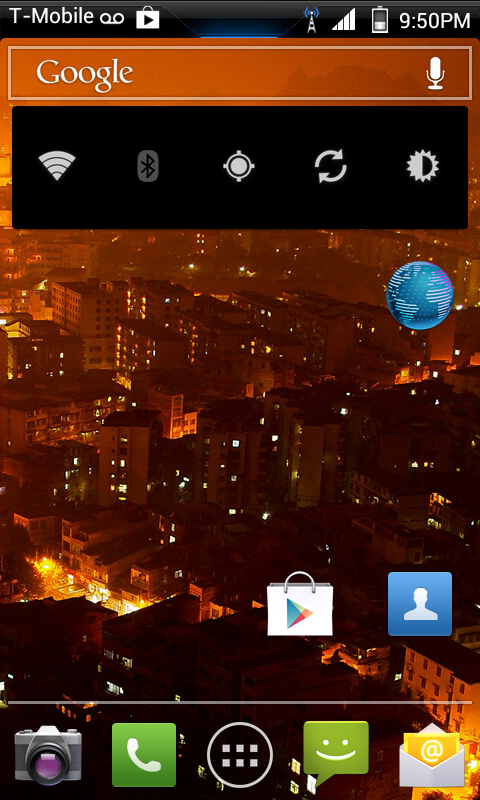
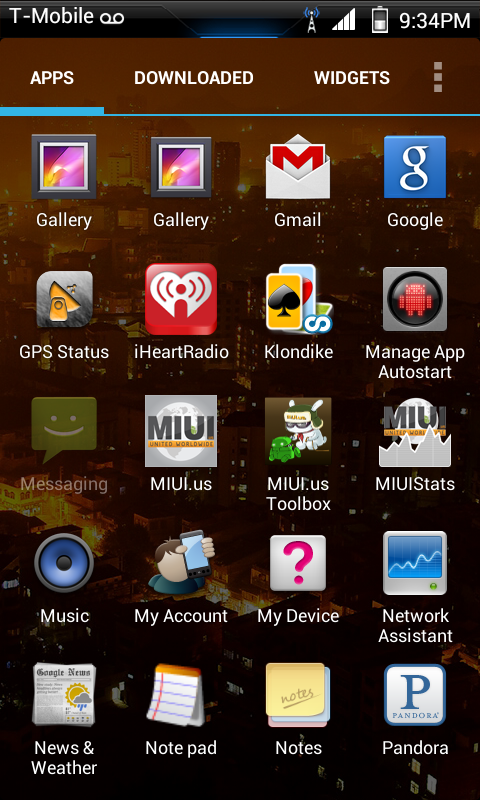
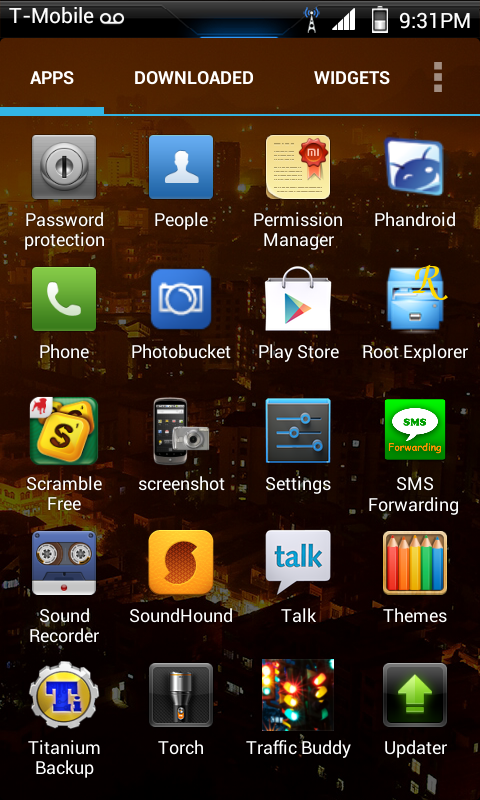
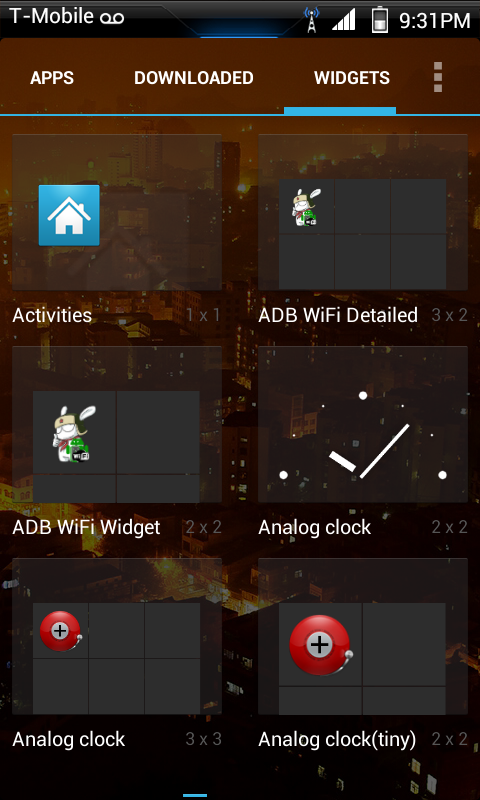
as promised(threatened :D):

ScreenShot-2.png


ScreenShot-3.png


ScreenShot.png


ScreenShot-5.png


ScreenShot-1.png


ScreenShot-4.png


that was with one of the themes applied(crap! i forget wich one now :o)it ran pretty good the first day. yesterday it started being extremely unresponsive. restoring the stock theme didnt help,i dint put forth any further efforts into figuring out what was slowing it down,back to jellytime.

i think ill give aospX a try... i tend to prefer cm roms,but its fun to run pure,completely unmolested aosp now and be reminded what differences there are
 
Just flashed Jelly Bean Jelly Time R21 and so far so good... Bluetooth, Wifi, Tethering, Headset all seam to be working a treat.

It seams to bit that bit faster then Blackout ICS 3.1.

The only thing is there are 2 launchers Nova and Trebuchet... I just want the stock Jelly Bean launcher... can I delete both of these or should I pick one above the other?

Anyone have any experience with JB JT?

Thanks
Jay
 
Open Titanium Backup, click menu and create an "update.zip". After you flash the new ROM, before you reboot this, you can flash this zip. When you reboot Ti Backup will be installed, and you can install the rest of your apps using Ti Backup.

Hi ral

I flashed the pacman rom, then the gapps, and then the update zip.
In recovery when i flashed the update zip it said ti backup had been installed. Then when I rebooted, ti backup's not there :confused:

What shall I do? Go to google play and install it from there?
 
Hi ral

I flashed the pacman rom, then the gapps, and then the update zip.
In recovery when i flashed the update zip it said ti backup had been installed. Then when I rebooted, ti backup's not there :confused:

What shall I do? Go to google play and install it from there?

I installed it like this, except that I named it 'TitaniumBackup-5.6.0.zip'. All my files for flashing go into a specific folder on my SDCard and all worked like a charm. Flashed Pacman, then gapps then TB. All was there when I rebooted.

You should maybe try the whole process again ensuring you cleared the caches etc etc. If it still doesn't install then the first thing you do is set up your Play Store account and install it. Everything should be fine then.

Dave
 
I installed it like this, except that I named it 'TitaniumBackup-5.6.0.zip'. All my files for flashing go into a specific folder on my SDCard and all worked like a charm. Flashed Pacman, then gapps then TB. All was there when I rebooted.

You should maybe try the whole process again ensuring you cleared the caches etc etc. If it still doesn't install then the first thing you do is set up your Play Store account and install it. Everything should be fine then.

Dave

Nice one, cheers! For some reason it never installed ti backup after flashing it. Got it from the market instead and did it that way.

the rom Seems about the same as cm10 nightlies. Hopefully the battery's better though. On cm10 the phone would be awake constant with the screen off
 
Hi ral

I flashed the pacman rom, then the gapps, and then the update zip.
In recovery when i flashed the update zip it said ti backup had been installed. Then when I rebooted, ti backup's not there :confused:

What shall I do? Go to google play and install it from there?

If it's not there might as well download from Google Play.

as promised(threatened :D):

Looks like AOKP :rofl:

Just flashed Jelly Bean Jelly Time R21 and so far so good... Bluetooth, Wifi, Tethering, Headset all seam to be working a treat.

It seams to bit that bit faster then Blackout ICS 3.1.

R21 Seems like the most stable of the past ten releases or so.

The only thing is there are 2 launchers Nova and Trebuchet... I just want the stock Jelly Bean launcher... can I delete both of these or should I pick one above the other?

I use Nova, but am hoping one of our AOKP experts can answer this. What happens if we uninstall Nova and Trebuchet.
 
Anyone know know of the most stable ics miui rom....wifi etc works. Would like to give one a go and see what there all about...thanks
 
Nice one, cheers! For some reason it never installed ti backup after flashing it. Got it from the market instead and did it that way.

the rom Seems about the same as cm10 nightlies. Hopefully the battery's better though. On cm10 the phone would be awake constant with the screen off

Glad you're sorted.

I see good battery life from Pacman but, as I read from someone's post recently (can't remember where though ... ), if you use the phone the battery gets used. Doesn't matter which ROM you use, if you're using the phone the battery seems to diminish at the same rate. Seems like this one is pretty good at "idle", that is, when the screen's off.

Dave
 
Glad you're sorted.

I see good battery life from Pacman but, as I read from someone's post recently (can't remember where though ... ), if you use the phone the battery gets used. Doesn't matter which ROM you use, if you're using the phone the battery seems to diminish at the same rate. Seems like this one is pretty good at "idle", that is, when the screen's off.

Dave


Fair enough. After about 8 hours of the phone being discharged, I'm down to 85 percent. Airplane mode, no wifi, nothing, just sitting idle. It's awake constant though like with cm10.

I have better battery stats app. What am I supposed to look out for if somethings dodgy? There's too much jargon!
 
One thing I've noticed with pacman ROM is the screen doesn't rotate on the home screens. In apps like Facebook, the rotation works fine though.
 
I'm slowly getting bored of Jelly Time. I need to flash a new radio/RUU, so after that I might try something new :-P

Mabye even... (sigh) MI - no. I can't do it.
 
One thing I've noticed with pacman ROM is the screen doesn't rotate on the home screens. In apps like Facebook, the rotation works fine though.

Works fine on mine. Plus you've got the option to enable 180 deg. rotation so your home screen is fine even when the phone is upside down ..... :D

Dave
 
synergye is now releasing periodical (tested builds) of the codefireX ROM. These should be more stable than the nightlies. This ROM is based on Jelly Bean 4.1.2.
 
Back
Top Bottom