• After 15+ years, we've made a big change: Android Forums is now Early Bird Club. Learn more here.

Help My Samsung Galaxy SII starting to do weird things

Suddenly I have been noticing the phone is kept turning on the light and then goes to the idle mode by itself without even pressing any button.

It keeps waking up from Idle mode and going back again.

What is that?

I see the light turns on and off repeatedly.

Damn of course this will kill the battery life, wont it?

Don't tell me your phone is starting to die.

It's still new and it didn't live with me more than 1 month.

Now the battery drops down 1% every 20-30 minutes in idle mode.
Nooo. this is unnatural!
 
Did you do a firmware upgrade?
Did you install any app recently?
Do you have BetterBatteryStats so that you can see what processes is causing the wakelogs, and maybe uninstall the offending app?

Try those first....
 
Did you do a firmware upgrade?
Did you install any app recently?
Do you have BetterBatteryStats so that you can see what processes is causing the wakelogs, and maybe uninstall the offending app?

Try those first....

I didn't do any firmware upgrade.
i didn't install any new app.
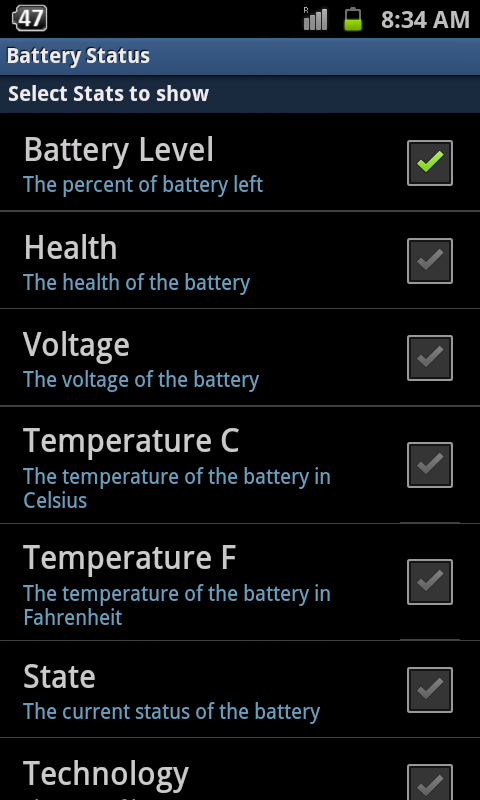
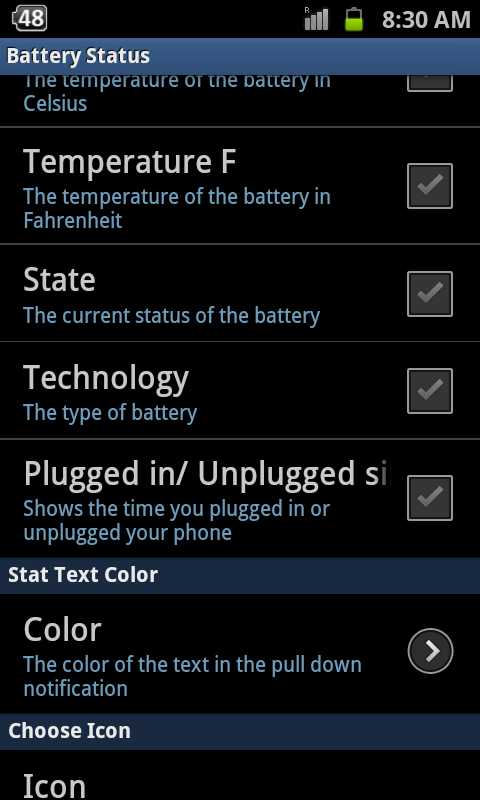
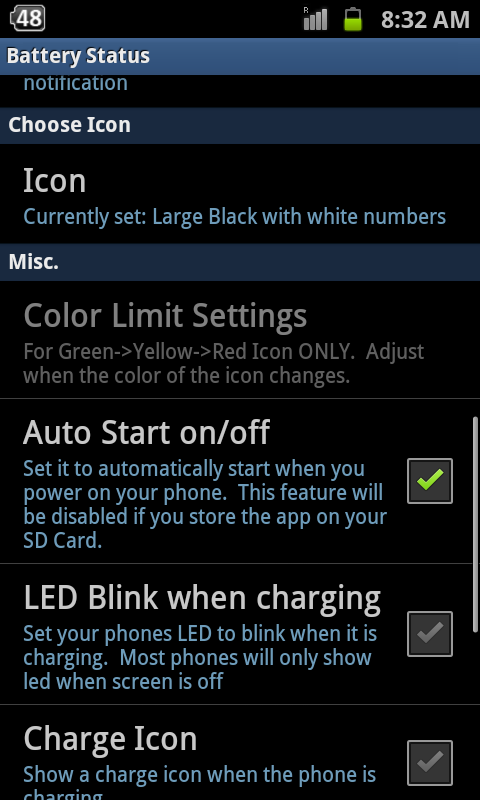
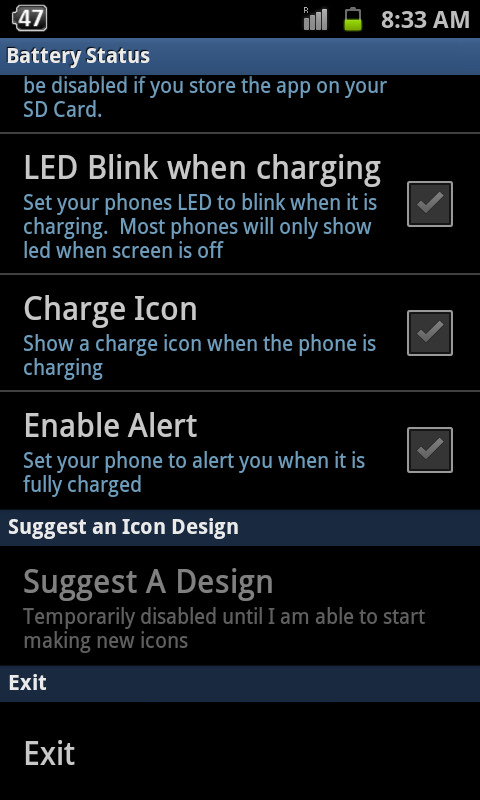
I have a battery statute app but don't know how to check the wakelogs with it.

What I only did is that I replaced the SIM card.
 
Use the batterystats app, then try to look for partial wakelogs since charged. Its all there but not sure how to explain in step by step for this.

Anyway, look for the few highest processes and list them down. See if we can identify the app. You have any app that can detect change in sim card? Say an anti-virus app?
 
OK here is the front face of the app:
1-51.png


This is when I click Settings

2-34.png


3-26.png


4-16.png


5-10.png
 
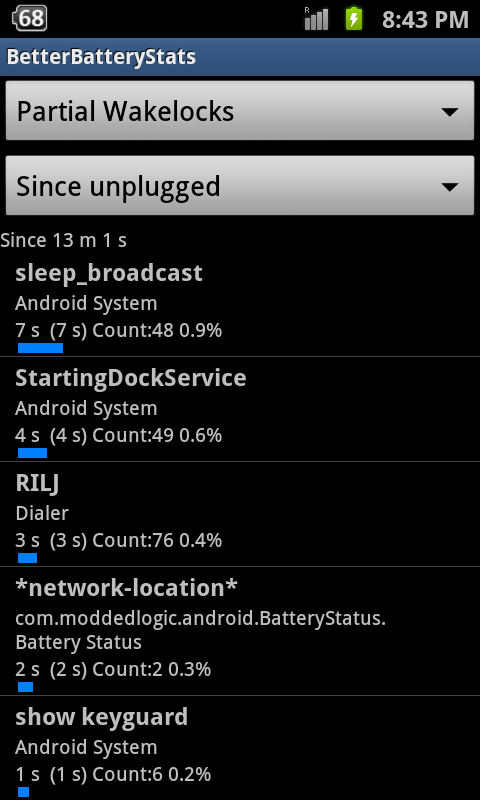
Sorry. Not sure what the app shows. Have a look at these 2 screen shots. One is from BetterBatteryStats that show some minor partial wakelogs. The other is the stock battery stats that shows general usage where phone awake and screen awake generally tallies. Which is good. Wish could freeze that Gtalksync though.

Its in PDF format since I don't have a software to resize the original PNG file.

Cheers
 

Attachments

There is a zip (apk) file at the end of one of the post. Please read carefully. Although paying for good apps is not a bad thing. The poster did mentioned he is not charging but you have to find it there. Google play is easier that it gets updated on its own.
 
I really don't know how to thank you Russell, and also you are the only one that quickly and the first one that replies to my posts.

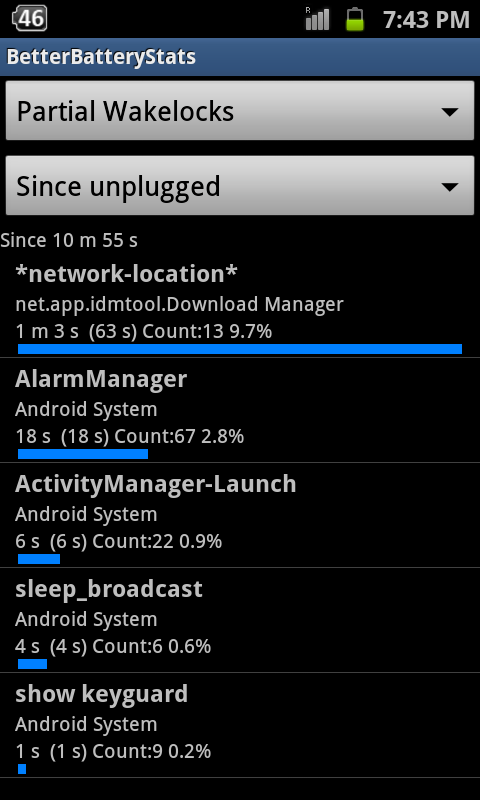
I have installed the version in the thread and here is a screenshot which I took from my phone, and here is the Partial Wakelogs:

So can you investigate it and see what's going on?
I have seen something that says Network Location... I have a doubt about this because it is an Egyptian SIM card.

But it's better you find out yourself what's causing the wake.

SC20120609-194307.png


Thanks.
 
It doesn't actually look like you have much of a wakelog problem. The download wakelog can occur if you off the screen when downloading something and it's just completing the work (I guess).

It might be the alarm that cause the on/off screen problem. Read about how sometimes the alarm can cause wakelogs last time. Minimal is expected but not a lot.

Anyway, if it doesn't happen, then let it be. If it does, then reboot the phone and see if it happens. If still happens, then guess have to look for some expert.
 
Hello Russell.
Actually I wasn't downloading anything.
And now I uninstalled the Internet Download Manager (IDM) and it's not waking up now!
Why does the Internet Download Manager cause the wake logs even if I am not downloading??

And also I wasn't setting the alarm.
 
At least you know what app was causing the issue and that's good enough. Maybe its (IDM) checking for updates and that's why have that wakelog.

As for the alarm, as long as you use the calender with notifications for certain appointments or task, it might appear. I really don't know. I do know if you have no alarm set and no reminders set, it doesn't appear.

Other than that, if phone battery generally last a day, and it doesn't cause problems that make the phone unusable, say wifi or data issues, then it should be fine.
 
Yes I got it now.
You are right.
Yes when I used the Egyptian SIM card, there is no Internet connection or 3G.
And the wakelocks say IDM (Network Location).
Maybe it means that network is required to update the app??

But why doesn't the IDM app show that it needs an update, I didn't even see an update notification for it at all!! Strange.
 
Than IDM is just constantly checking for data connection. You either uninstall the app and find another more data friendly one. Or maybe get an app like Onavo that can restrict data access for apps.
 
Ok thanks Russell. Can you mention a name of app that is similar to IDM and restricts the data connection?

Actually I couldn't use that IDM on my Samsung. It's completely different than the PC version. I thought it would exactly look like the Windows one. but when I launch it, it only shows a very little windows and tells me to enter the link of the file.

No Options, File, Settings, Scheduler menus at all just like the Windows version.
 
Back
Top Bottom