• After 15+ years, we've made a big change: Android Forums is now Early Bird Club. Learn more here.

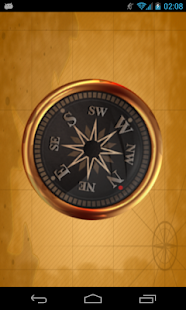
[New updated] Flashlight - Compass - File Manager

https://play.google.com/store/apps/details?
id=com.xframelabs.flashlight

_lf10uYte7D2T-RMEzYes-HN7JzWe1QWKo7gHE42w94uFSZkahFEI1sMhuM5m8C3x7o=h310

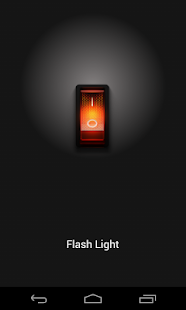
This is simple app, but very useful for everyone.
Just 1 click to turn on / turn of flash.
More features:
- Auto turn on flash when app start
- High brightness
- Save status On/Off flash when app resume
- Very simple and useful
- Save 5 - 10% phone battery
 
M_I_6kAtQjAVh_4L19COYQcTfiBMTPZPuZZRByqbvIBEFQqrf93c-J38Pgr9yzP0QQ=h310-rw

0dEg90oB_SqUPTunLHKohkdt-O-zfCPhoOuPqRpX_trMk2oGRXHaA2WTBSKz9djRzM0=h900-rw

UNYbjkhWkQDkiiDr6YPimxjfThyFjWLVLptxpQI9GUt-IqPriMDdzzSp3Zq60T9cmT-S=h900-rw


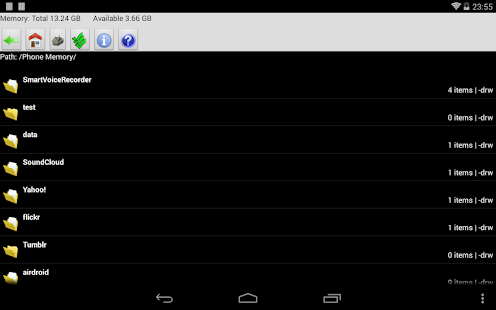
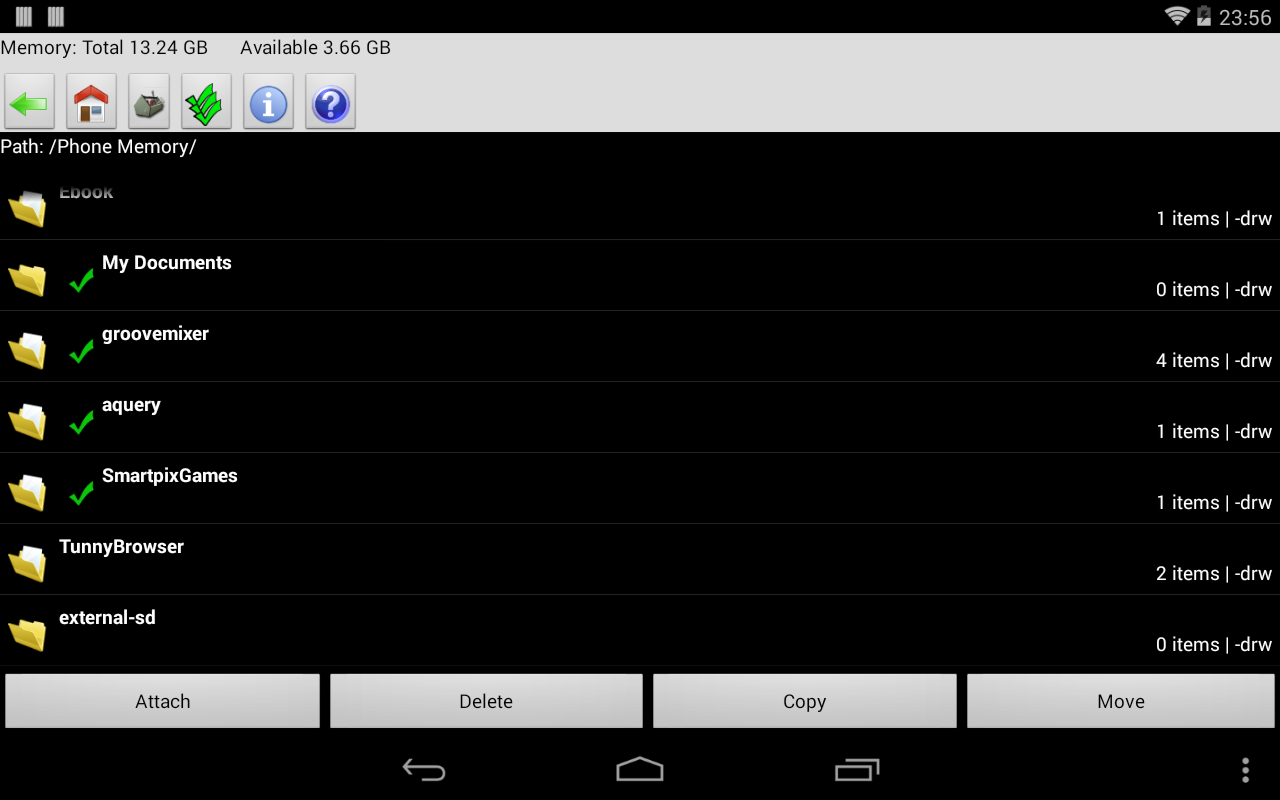
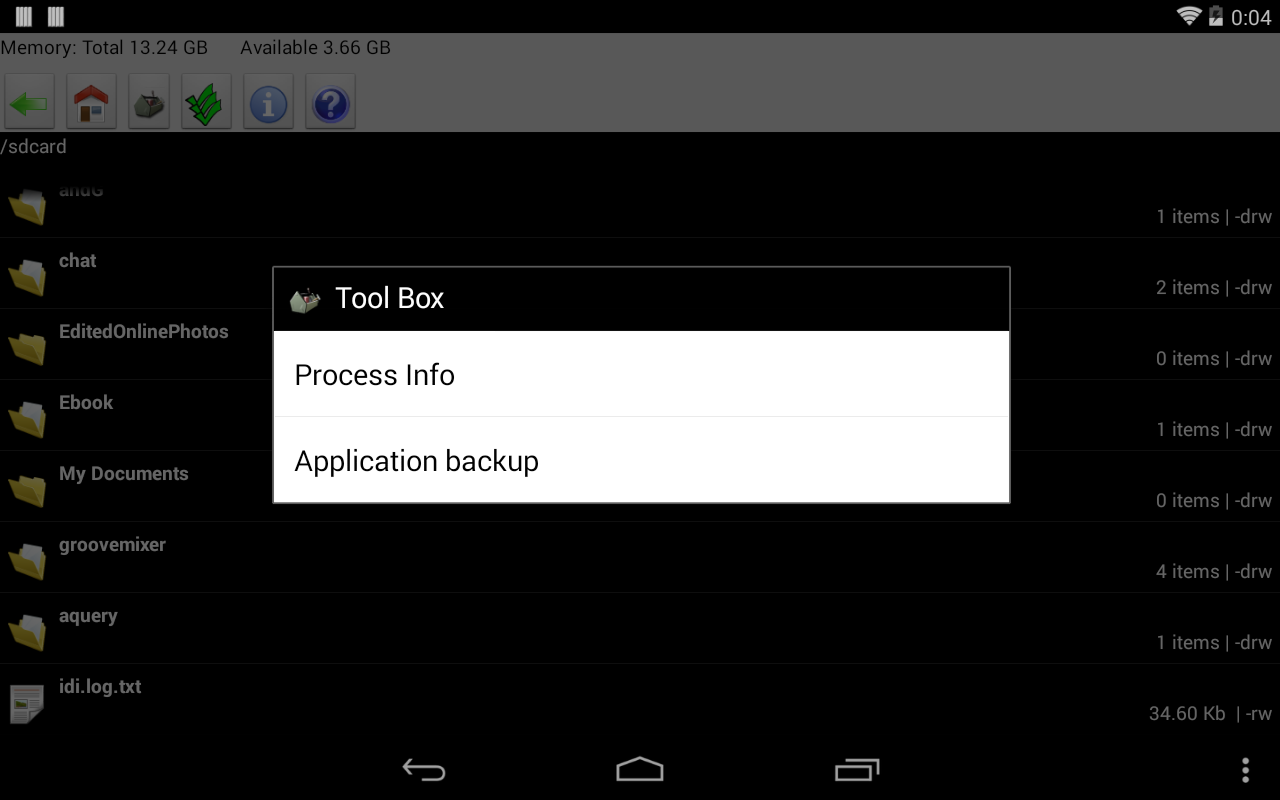
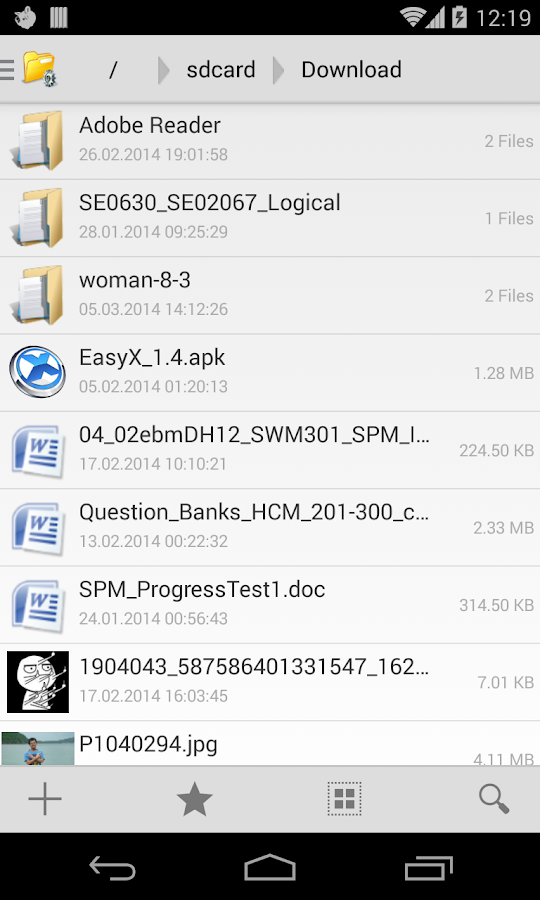
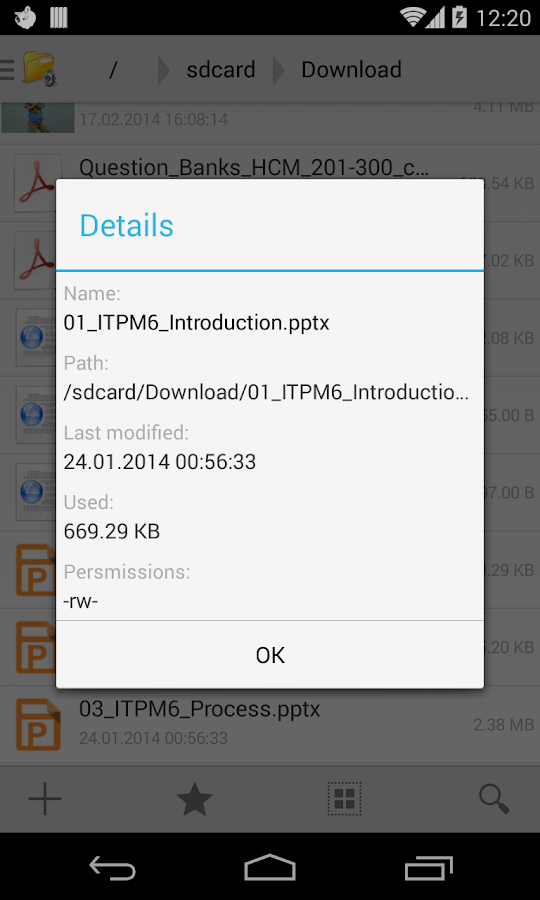
File Manager application is the Android explorer allows you to browse your SDCard, show list folder and file very fast, very simple.
Link download: File Manager - Explorer

Features:
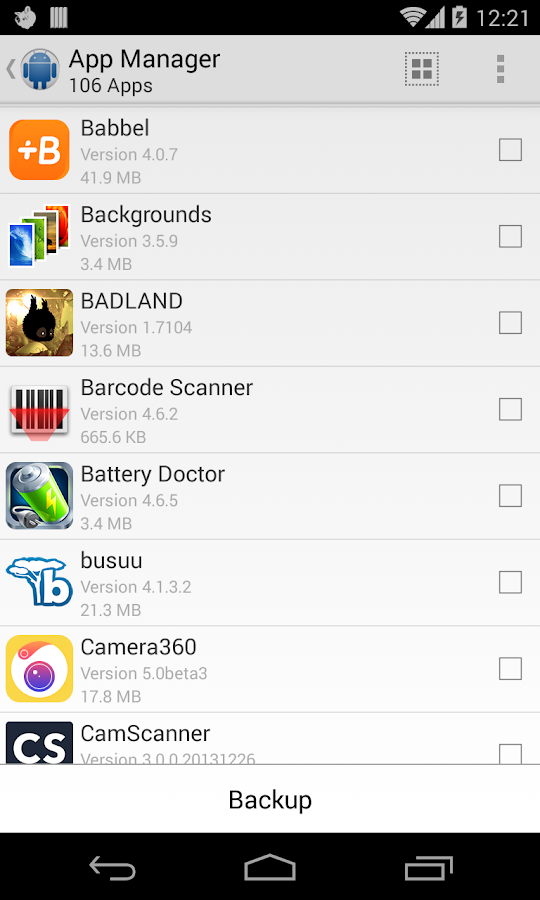
* Application backup
* Multi-select file supported.
* Show list of files with thumbnails for images.
* Move, copy, rename, and delete files.
* Create, delete, copy directories (folders).
* Zip / Unzip file or folder.
* Search file
* Sorting types: Alphabetical, Type, Size,...
* Share file to email, socials network.
* Acts as an extension to other applications, like Gmail, to attach files.
* Support for many file types such as: .png, .jpg, .mp3, .xls, .doc, ...
* Compare with tablets
Keywords: File Explorer, File Manager, File Browser, Root Explorer, Gallery, file manager, filemanager, file explorer, manage file, folder, share file, show file

Recently Tested File Manager Configurations:
LG G2 File Manager
Samsung Galaxy S2 File Manager
Samsung Galaxy S3 File Manager
Samsung Galaxy S4 File Manager
Nexus 4 File Manager
Nexus 7 File Manager
Nexus 10 File Manager
LG G Pro File Manager
Sony Xperia Z File Manager
Motorola DroidX File Manager
Motorola Droid2 File Manager
Samsung Fascinate File Manager
Samsung Epic 4G File Manager
Motorola Droid File Manager
Motorola Defy File Manager
T-Mobile G2 File Manager
LG Optimus File Manager
LG Ally File Manager
Samsung Galaxy Note File Manager
Samsung Galaxy Note II File Manager
Samsung Galaxy Ace File Manager
HTC One File Manager

Link download: File Manager - Explorer
 
G7FAdCqnSulZd2QiheLVxeeyFUJDHbhQ_e2RlStaS-4ERLA2n5tmudv8Mmlgpjv7eb-5=h900

o2EIUNuXgUjjPuCdhhEu8jwhOU1ulXKnCwtiGvV4zk6y6a2RIduc6cOLP-t5ArmtHCk=h900

UBYRjusHkycLwZvLhxcgXuoQYzTIAefM6OHy8J-JVPGtmPNKlF0Ekh8D3FFh5E3bMpg=h900


File Explorer application is the Android explorer allows you to browse your SDCard, show list folder and file very fast, very simple.

Link download: File Explorer

Features:
* Application backup
* Multi-select file supported.
* Show list of files with thumbnails for images.
* Move, copy, rename, and delete files.
* Create, delete, copy directories (folders).
* Zip / Unzip file or folder.
* Search file
* Sorting types: Alphabetical, Type, Size,...
* Share file to email, socials network.
* Choose file to other applications, like Gmail, to attach files.
* Support for many file types such as: .png, .jpg, .mp3, .xls, .doc, ...
* Compare with tablets
* Multi language: English, Russian, Deutsch, German, Vietnamese, Turkish, Slovak, Italian, Polish,...

Keywords: File Explorer, File Manager, File Browser, Root Explorer, Gallery, file manager, filemanager, file explorer, manage file, folder, share file, show file

Recently Tested File Manager Configurations:
LG G2 File Manager
Samsung Galaxy S2 File Manager
Samsung Galaxy S3 File Manager
Samsung Galaxy S4 File Manager
Nexus 4 File Manager
Nexus 7 File Manager
Nexus 10 File Manager
LG G Pro File Manager
Sony Xperia Z File Manager
Motorola DroidX File Manager
Motorola Droid2 File Manager
Samsung Fascinate File Manager
Samsung Epic 4G File Manager
Motorola Droid File Manager
Motorola Defy File Manager
T-Mobile G2 File Manager
LG Optimus File Manager
LG Ally File Manager
Samsung Galaxy Note File Manager
Samsung Galaxy Note II File Manager
Samsung Galaxy Ace File Manager
HTC One File Manager

Link download: File Explorer

 
Back
Top Bottom