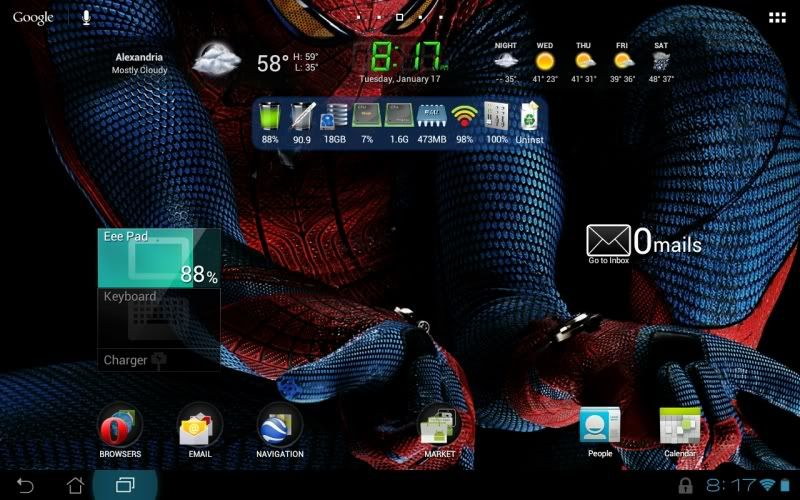
This is a repost, full credit to "demandarin" on XDA.
I have figured out a way to apply wallpapers like they're supposed to be with no loss in quality. applying through gallery or quick menu forces you to crop the picture resulting in the images you posted. check out my method.
Go to marketplace and get a free app called picSpeed wallpapers.
Go to the Gallery app and choose your pic you want to apply as the wallpaper. press set as. then choose wallpaper. now, since you installed that app I mentioned, a pop up menu will show asking you which method do you want to use to apply the wallpaper. choose PicSpeed.
now it will allow you to apply the whole image without being forced to crop
hit the Thanks if this solved your wallpaper woes
I have figured out a way to apply wallpapers like they're supposed to be with no loss in quality. applying through gallery or quick menu forces you to crop the picture resulting in the images you posted. check out my method.
Go to marketplace and get a free app called picSpeed wallpapers.
Go to the Gallery app and choose your pic you want to apply as the wallpaper. press set as. then choose wallpaper. now, since you installed that app I mentioned, a pop up menu will show asking you which method do you want to use to apply the wallpaper. choose PicSpeed.
now it will allow you to apply the whole image without being forced to crop
hit the Thanks if this solved your wallpaper woes