
I've ditched sense for launcher pro. It's great! Check it out if you havent already!
Can you elaborate?
Follow along with the video below to see how to install our site as a web app on your home screen.
Note: This feature may not be available in some browsers.
I've ditched sense for launcher pro. It's great! Check it out if you havent already!

Can you elaborate?
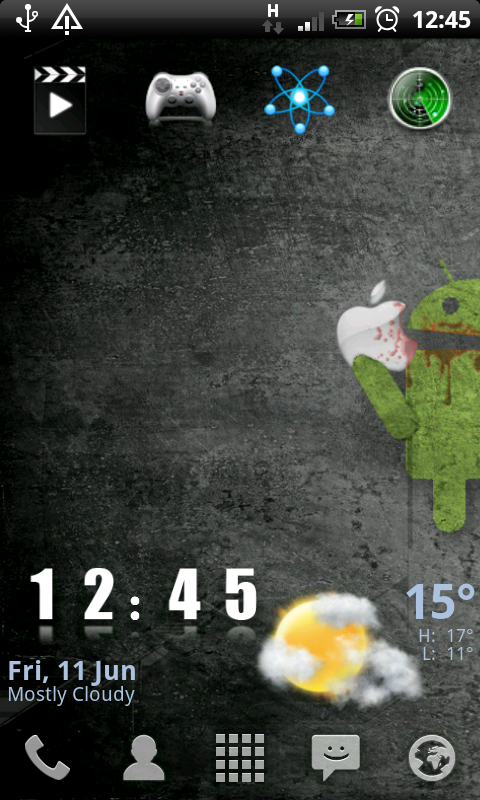
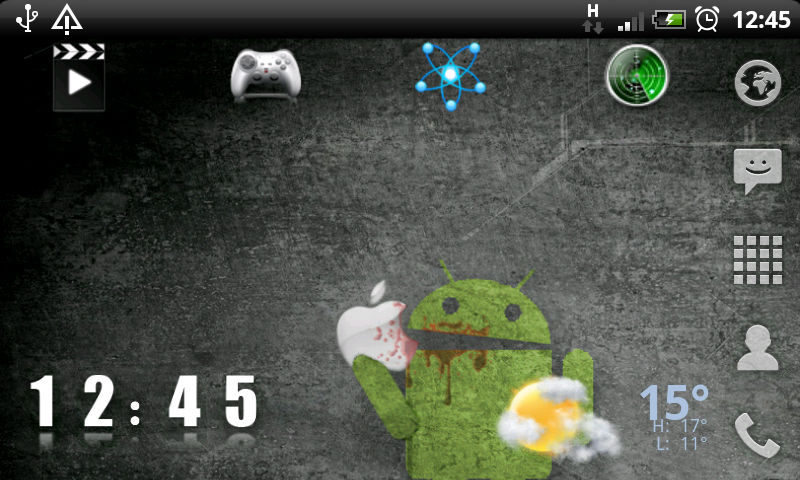
LauncherPro is a home replacement app that allows you to customize the homescreens further than what your stock phone has. My favourite feature is the customizable dock and 5 rows of apps.
There are a lot of threads that talk about this app:
http://androidforums.com/applicatio...eta-there-not-better-launcher-hands-down.html
http://androidforums.com/applicatio...rpro-beta-perfectionists-look-no-further.html
http://androidforums.com/nexus-one/79871-n1-launcherpro-pure-happiness.html
http://androidforums.com/motorola-droid/79910-launcherpro-better-than-helix-adw-you-judge.html

I been reading most of these and other comments on launcherpro and am looking to have a play with it, however can anyone else find it on the marketplace?
i have just read 'missing recently updated apps from the android market on phandroid news and am not pleased to say it seems to have affected my searching ability on the marketplace as i can no longer find LauncherPro
The dev has the .apk on his website
LauncherPro
Yes, also don't forget to check off unknown source in application setting.how do you install the .apk file?
just download using the web browser on my phone then open using a file manager like astro?
another noob question but how do i open launcherpro beta from the android market?
the open button i cant press, when i press the home button it doesnt work.
does my desire need to be rooted? or am i doing something wrong?
thanks
JoeMoe
You can just press the home button and you will be asked which application you'd like to complete the action with, just choose launcher pro

I couldn't agree more, and, yes, it's in froyo.Where is the promised divx and 720p recoroding update...Divx was one of the main reasons i switched to the desire...yet HTC have still not released an update. I s there any news about this update or will it be launched in the second half of 2010 with 2.2 froyo...Its frustrating that I have to convert every movie file which takes ages when divx should have been built in....
LauncherPro is a home replacement app that allows you to customize the homescreens further than what your stock phone has. My favourite feature is the customizable dock and 5 rows of apps.
There are a lot of threads that talk about this app:
http://androidforums.com/applicatio...eta-there-not-better-launcher-hands-down.html
http://androidforums.com/applicatio...rpro-beta-perfectionists-look-no-further.html
http://androidforums.com/nexus-one/79871-n1-launcherpro-pure-happiness.html
http://androidforums.com/motorola-droid/79910-launcherpro-better-than-helix-adw-you-judge.html


Where is the promised divx and 720p recoroding update..

Don't know about the desire but it looks like the guys at XDA Developers are working on 720p for the Nexus 1.....
Nexus One Does 720p With a Few Tweaks


May I ask what it brings to the Desire that it does not have already ?
And if you try and dont like can you go back to the origional home screen ?
Sorry if questions are dumb I am a noob.

Well if they do actually get a 720p video out of it then it shows the camera on the Nexus and probably Desire is CAPABLE of that resolution. If the camera can't actually cope with that res then all the "encoder" is doing is "creating" extra info to give the impression of 720p.
Given that rumours went around that the camera could do it from day one, though we know it doesn't, then I'd be surprised if the camera couldn't cope with 720p res. Therefore all it will take is for someone to create an accurate encoder.
As a slight aside, not sure what use it is really given the amount of space needed to store the files. Get yourself a Flip or something

Can remove text underneath icon short cuts
How do you remove text underneath icon shortcuts?
I have been using it and manage to remove it from apps on my desktop but if i have a label for example games and that opens up to 4 apps that are games how do i remove the word games from beneath the icon
Thanks
Those icons are for shortcuts to FolderOrganiser groups. I found if you do a widget from FolderOrganiser it keeps the text with them turned off in LauncherPro, but if you do a shortcut instead it will remove the text and work the same way.
Sent you a PM with the link tuatha, was originally posted on the forums somewhere but can't find it so have uploaded to share.
