• After 15+ years, we've made a big change: Android Forums is now Early Bird Club. Learn more here.

Post Your Home Screen Captures

TVCCS

Android Enthusiast
I've seen threads like this at other forums...and might as well add one here...post your home screens if you like. I've seen some clever ideas from others, and it gives people a chance to see what other launchers, widgets, etc. look like on the phone.

There is free screen capture software available on the Market via an app called ShootMe...the developer says it's for rooted phones, but it seems to work okay on the V without rooting.

https://market.android.com/details?id=com.bw.picme.local

ScreenShot It also works...there is a five pic free trial.
 
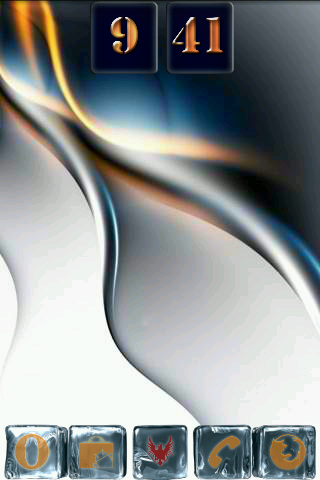
Retro Clock - Use these because when you click on the clock it takes you straight into your alarms.
Retro Date
Widgetsoid switcher to lock the screen
Mute Widget
Launcher Pro dock
Car Dock icons
 
Yeah...I like Retro Clock and Car Dock Home v3 I see there as well...I'm still using the stock launcher...borrrrring...I know. I'm still sorting through what apps I do and don't want on the home screen...and the phone.
 
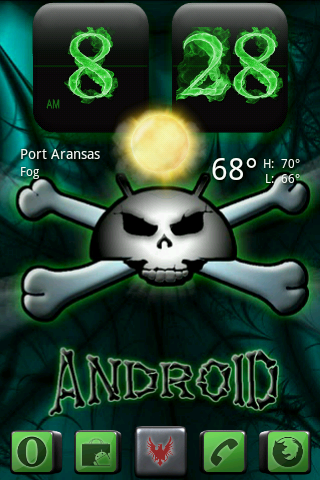
Here is my current home screen:

300r98z.png


GoLauncher
FlipClock Black Out
Clockr (I know...why two clocks? I just love them both and couldn't decide! LOL)
 
I used the capture app like you said but i'm having a hard time with the other steps... please help

You'll need to locate the saved screen capture image on your SD Card. Then publish that image to the web using a service like tinypic.com, Photobucket, Flickr, or another site. Copy the url of the published image from that site into the image URL box here, which is the small yellow box with the mountains in the toolbar above where text is entered here at AF. That will link to the image you published, and in turn post it here.
 
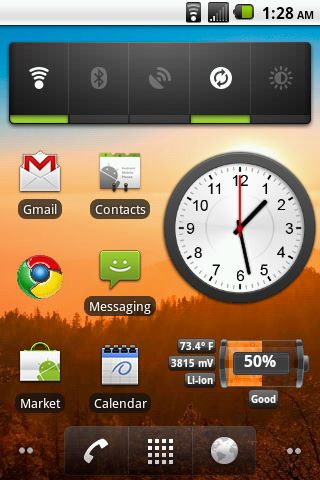
http://[IMG]http://i1127.photobucket.com/albums/l628/Davidsuarezd/snap20110227_0828[/QUOTE]

The [IMG] tags need to be at the beginning and end of the image URL, and only one [url]http://.[/url] There also needs to be the extension that identifies it as an image...such as .jpg or .png.

The procedure I outlined before uses the "Direct Link" option in Photobucket for the image to be pasted here through the photo icon. You can also paste the image's URL directly as an embedded image using the IMG code option...if you do that, you don't have to use the image box here to paste the URL.

Edit it if you can, and you should see the image appear.

And...try and work off your original post...instead of adding a new post every time as you experiment. :rolleyes:
 
Phone:LG Optimus V
Carrier:Virgin Mobile
Rom/Cpu:Zefie's CM7/844 Mhz Stable
 

Attachments

  • 1298927327766.jpg
    1298927327766.jpg
    34.6 KB · Views: 321
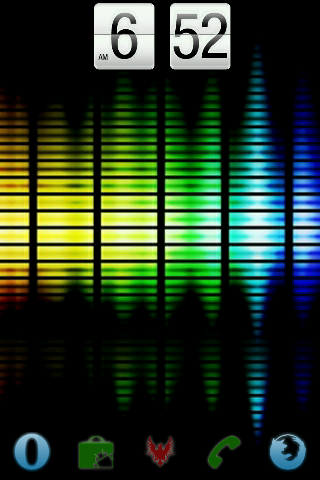
I don't like a lot of crap on my main screen. Zeam launcher & FlipClock nice grey:

snap20110228_153250.png


I am a huge fan of Retro clock/date too!
 
This is my first smart phone. I'm still learning all of the bells and whistles but I'm very happy with it so far! :D

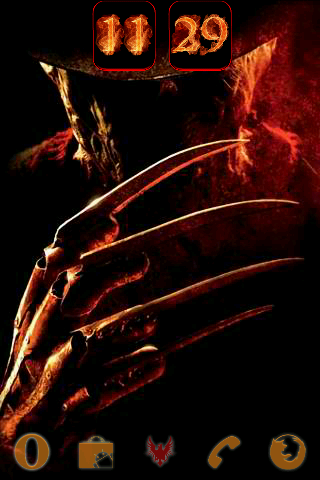
Screenshot%203.jpg

maybe i need to play around with the phone a little more. but i was only able to get the 4x2 flip clock and on the very bottom row i put 4 applications, how were you able to make all this fit? doesnt give me the option to add anything else.
 
I don't know. I just followed the instructions. I went to where all the apps were, pressed and held then that screen went away and the home page I was on showed up. I put the icon where I wanted it. The page I posted is full so nothing else will get on it. If I got to the apps listing and press and hold while I'm on that page, it won't let me add anything to it. I have to put it on another page with more room.
 
Back
Top Bottom