WhizGidget
Well-Known Member
That's really gorgeous! What widgets did you use for that?
(anxiously awaiting The One on Verizon so I can start customizing a new phone)
Follow along with the video below to see how to install our site as a web app on your home screen.
Note: This feature may not be available in some browsers.
That's really gorgeous! What widgets did you use for that?

That's really gorgeous! What widgets did you use for that?
(anxiously awaiting The One on Verizon so I can start customizing a new phone)
I just got the One yesterday. I'm still in the process of setting it up. I'm still using the Sense launcher at the moment. But, I might switch to Apex soon. I hate the app menu in Sense...

Same here.Don't care too much for the look of the folders w/stock SENSE 5 either.I use HOLO HD LAUNCHER as the default launcher w/a shortcut to BLINKFEED.I'm guessing this is possible w/APEX as well,if you desire to keep using BLINKFEED.



What are you using for this?

What are you using for this?

In a home screen related note, as I play with this thing and look around I realize there's not so many (any?) horizontal home screens, how does that work?
I see there's some force rotate apps but I suspect mixed results...
Any love for the horizontal? If so how?
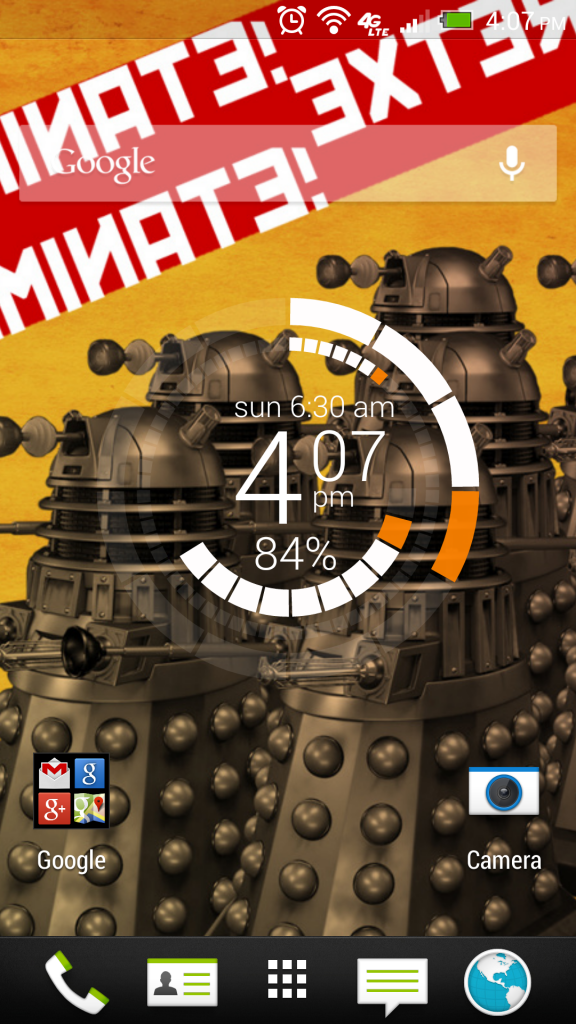
My contribution...

Check out this video for a tutorial on how to do it. As with all videos by that channel, always read the description first so you can download the relevant files beforehand