• After 15+ years, we've made a big change: Android Forums is now Early Bird Club. Learn more here.

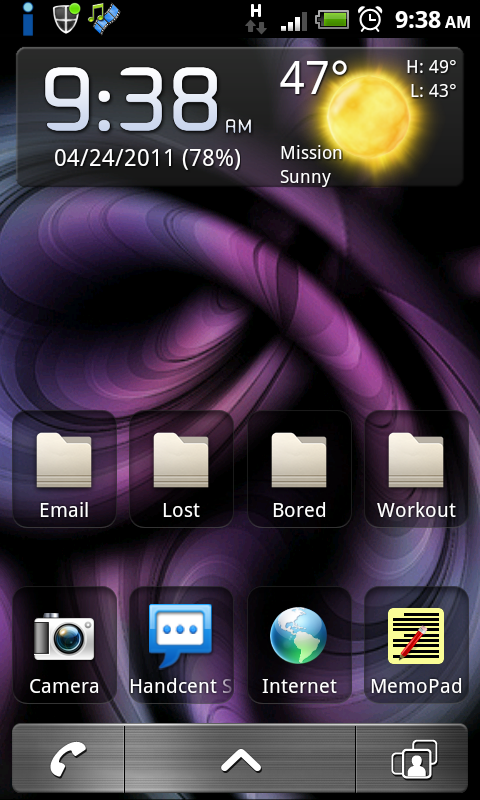
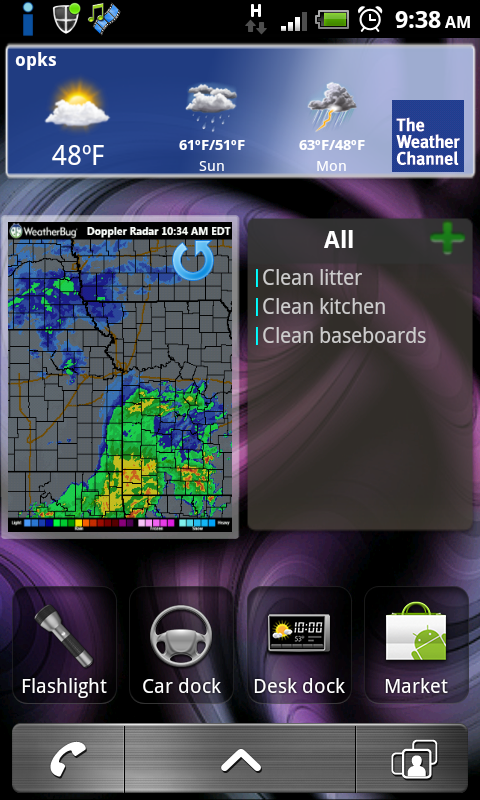
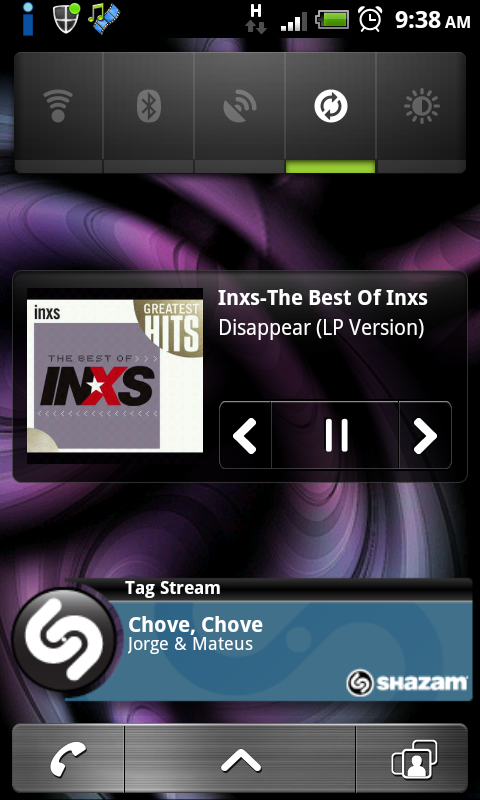
Post your MyTouch 4G desktop

If you were following my example make sure the android sdk folder is on the root of your c: drive and named "androidsdk". Otherwise you cd like this:

cd c:\[whatever you have named the sdk folder]\tools (or platform-tools depending on your version of the sdk)

But that all doesn't matter as that step is not need for screen shots, just for making sure drivers are all set. In this case you appear to only have the usb drivers installed. That's not what you need.

Two things to try:
Make sure you are in debugging mode and usb set to charge
Download and install pdanet and follow installation instructions as its the easiest way to install the correct drivers. (once done you can delete pdanet)

Once that's all set go back into dmss and your device should show in the left side panel
 
is there a way i can take screenshots of my 4g without rooting and using linux mint? i always used this app on my mytouch slide called "screenshot". the description of the app said the phone needed to be rooted but my slide was never rooted and i had no problem taking screen shots. it doesnt work on my 4g :(
 
If you were following my example make sure the android sdk folder is on the root of your c: drive and named "androidsdk". Otherwise you cd like this:

cd c:\[whatever you have named the sdk folder]\tools (or platform-tools depending on your version of the sdk)

But that all doesn't matter as that step is not need for screen shots, just for making sure drivers are all set. In this case you appear to only have the usb drivers installed. That's not what you need.

Two things to try:
Make sure you are in debugging mode and usb set to charge
Download and install pdanet and follow installation instructions as its the easiest way to install the correct drivers. (once done you can delete pdanet)

Once that's all set go back into dmss and your device should show in the left side panel

AHHHH i love it lol it was the pdanet then goin to tmo's website thank u BUNCHES!!!
 
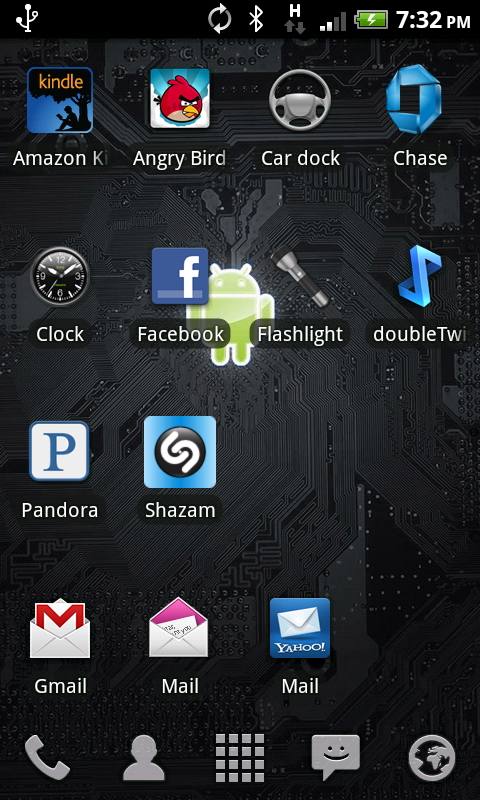
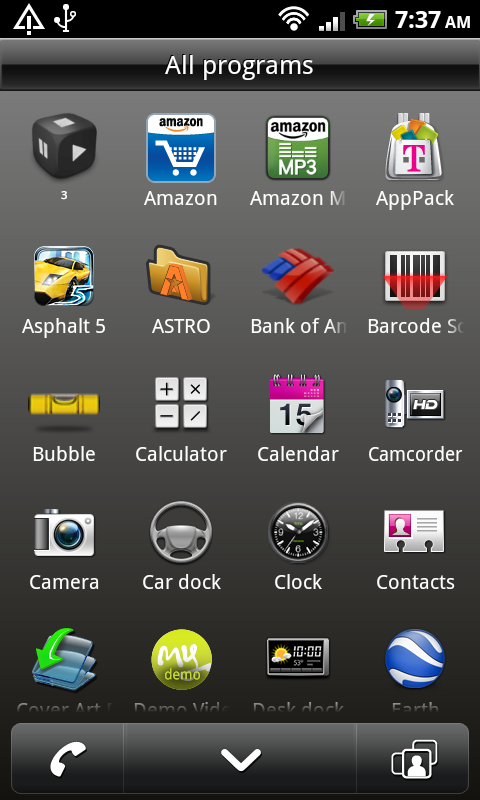
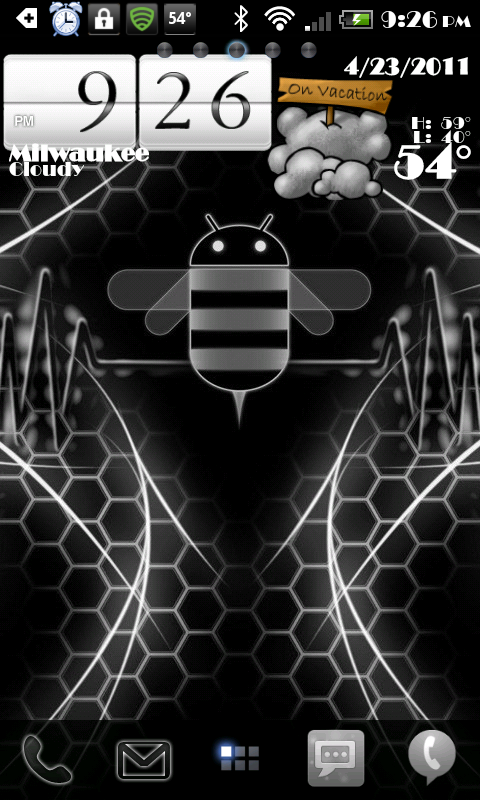
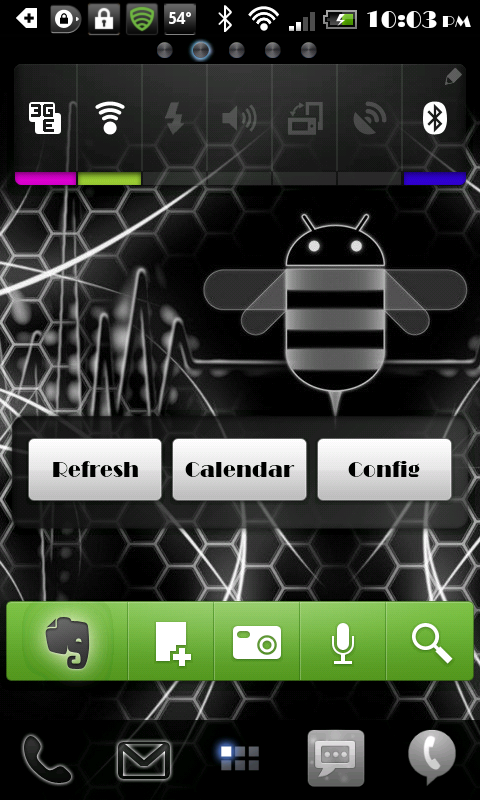
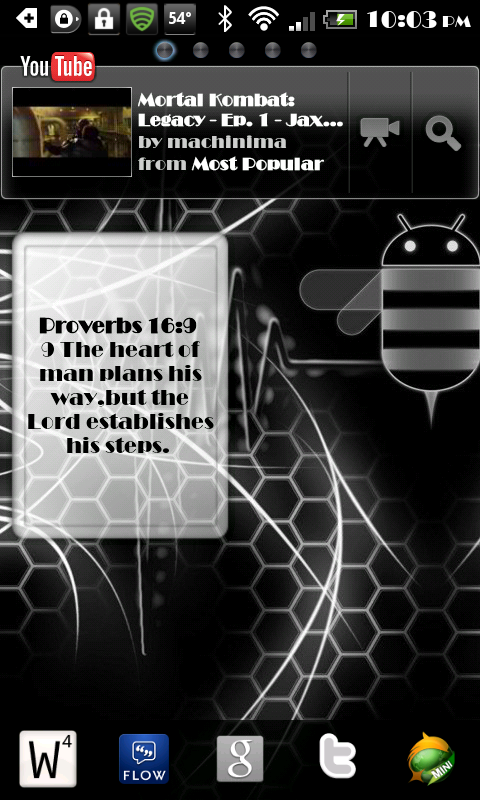
Just temprooted. Here are a few screenies. Pretty simple set up, not clustered at all

screenshot2du.png


screenshot3b.png


screenshot4zd.png


screenshotyo.png


screenshot1he.png
 
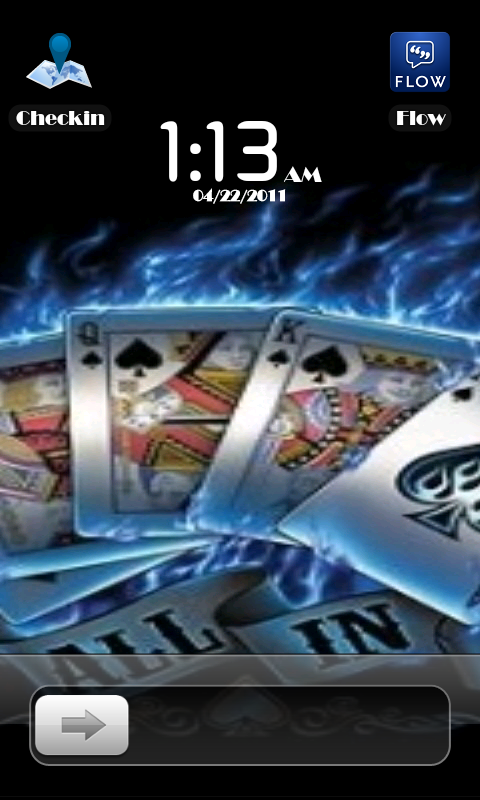
:P just posted this SS with few more to prove to someone how to get superior battery consumption. So I guess this SS counts also :P even if its lockscreen.

SS110211LS.png
 
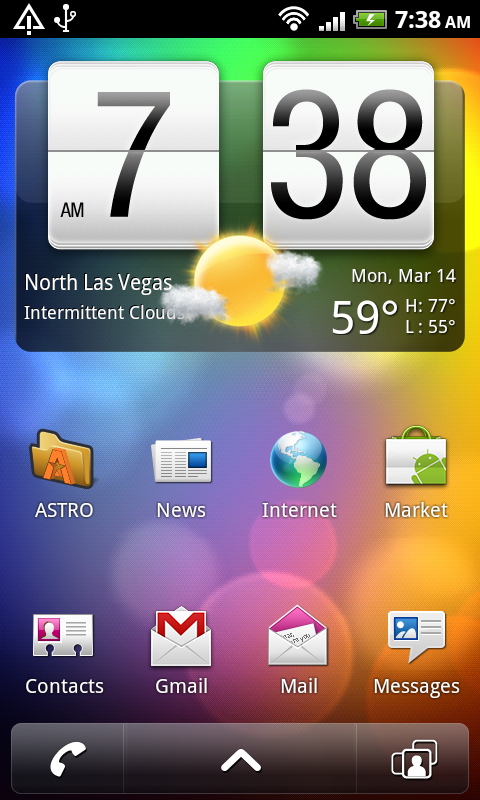
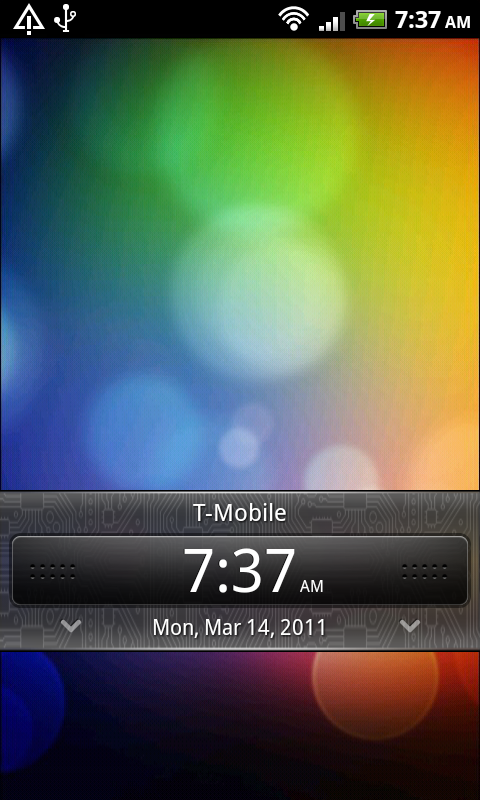
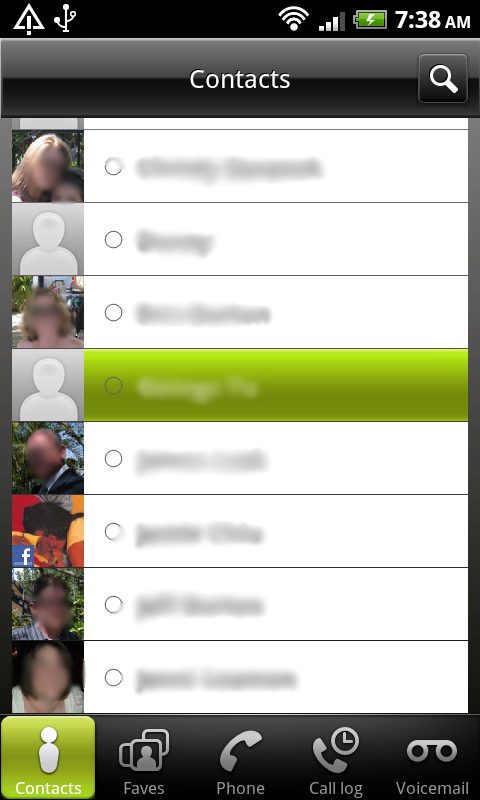
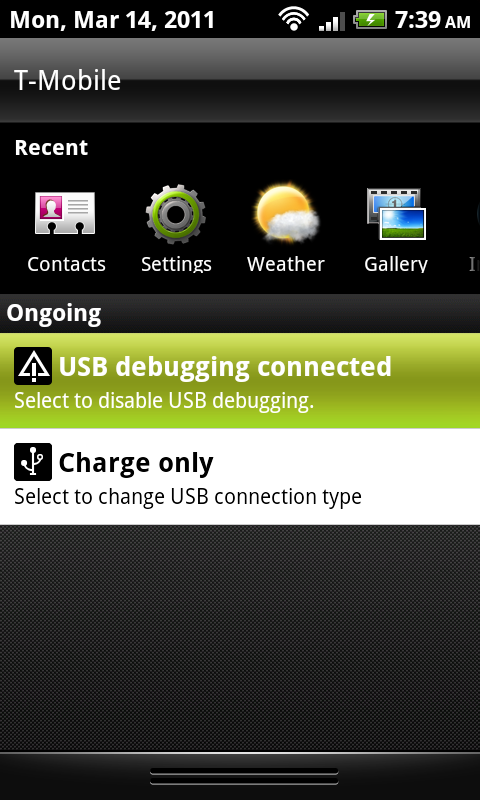
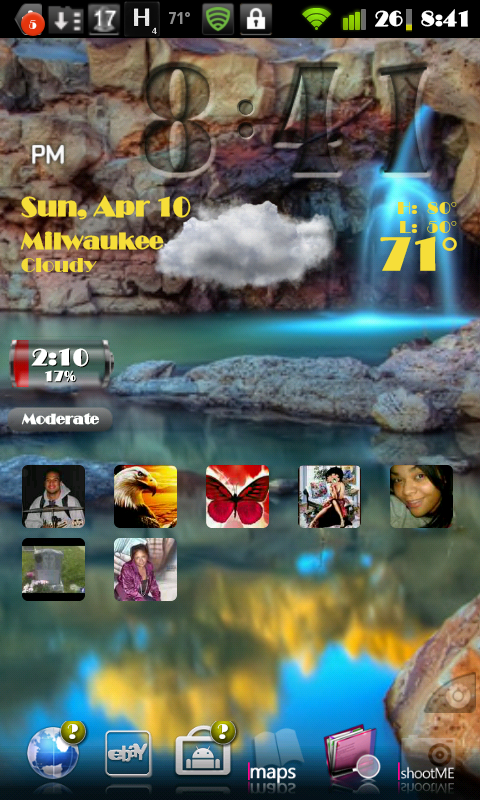
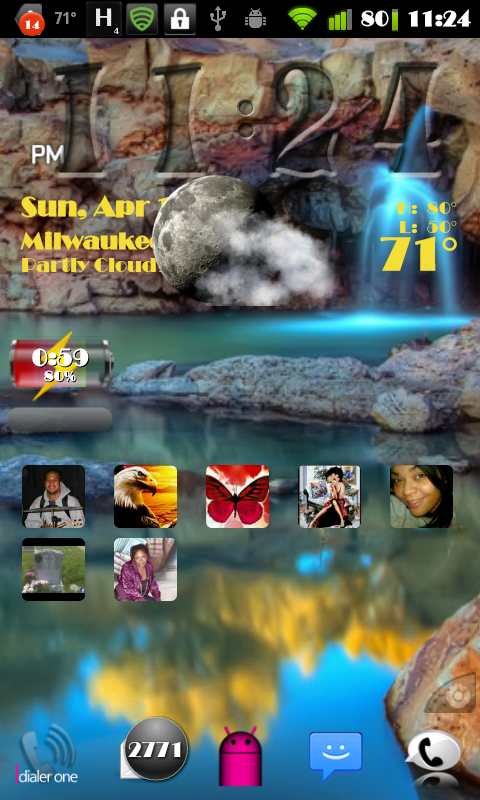
my newest shots

1st : lock screen

2nd : home screen. i only have one desktop now
 

Attachments

  • snap20110314_022047.png
    snap20110314_022047.png
    76.4 KB · Views: 98
  • snap20110314_021850.png
    snap20110314_021850.png
    90.7 KB · Views: 118
Its all stock mySense including the clock widget. There are no special apps (besides the Androidian myModes theme I edited) and the phone is not rooted. I don't see a reason to use beautiful widgets. That app was made to copy the Sense widget to begin with. IMO it is completely pointless to install another app to do what the stock clock widget already does.
 
You can add them as attachments when you post or the better way is to upload to a photo sharing site like photobucket and embed the image in your post.
 
Embed your pictures url like this:
I]


Also noticed you should change your sig since you're rocking the 4g now, lol

OK, THANKS! I wanted to ask you just what you meant by that, but I didn't wanna sound anymore #slower than I already was. And HUSH - MY SIGNATURE JUST POPPED BACK UP AFTER MY 25TH POST! :p LOLOLOLOL
 
Back
Top Bottom