RJSH_1727
Member
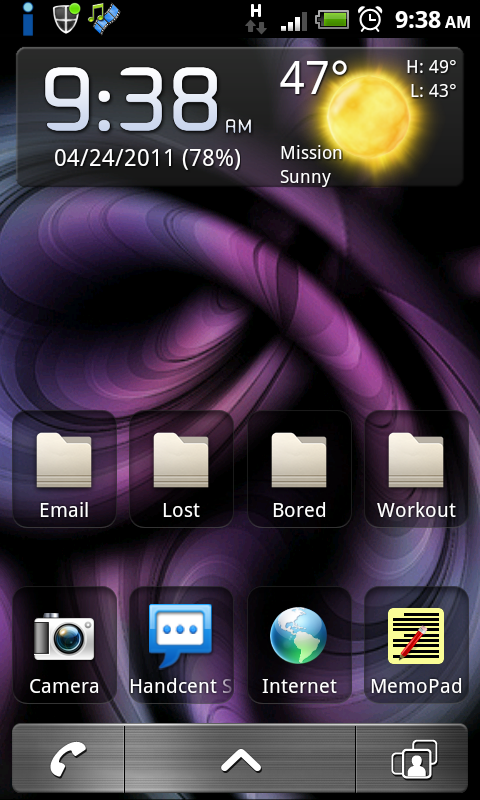
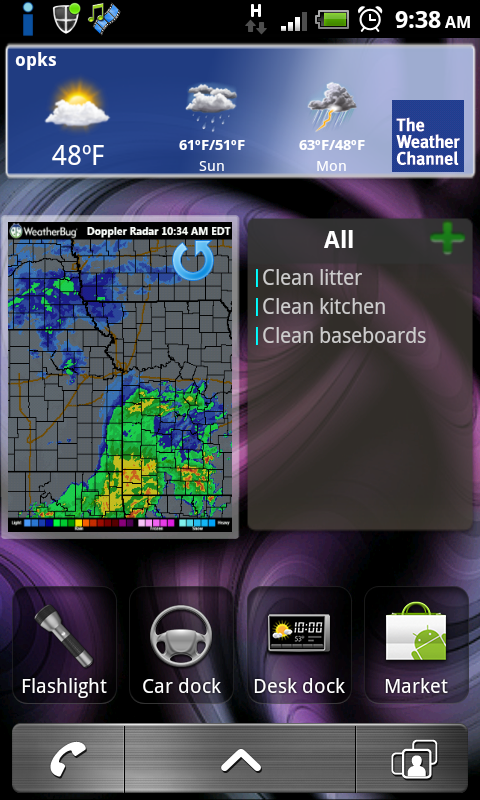
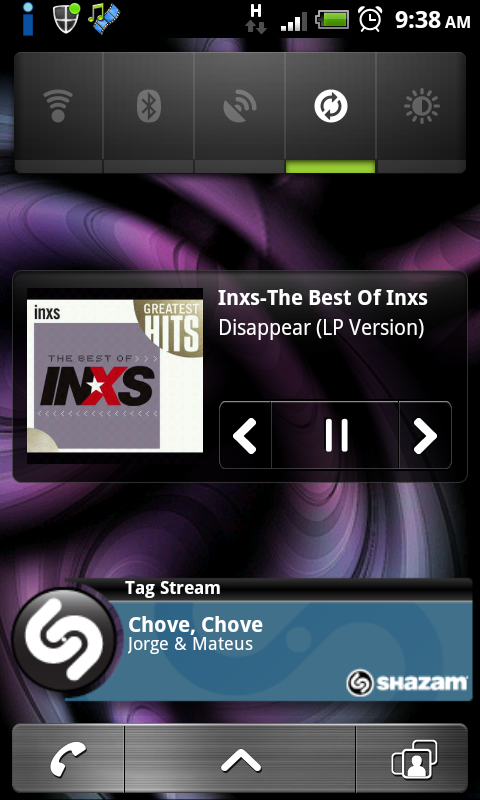
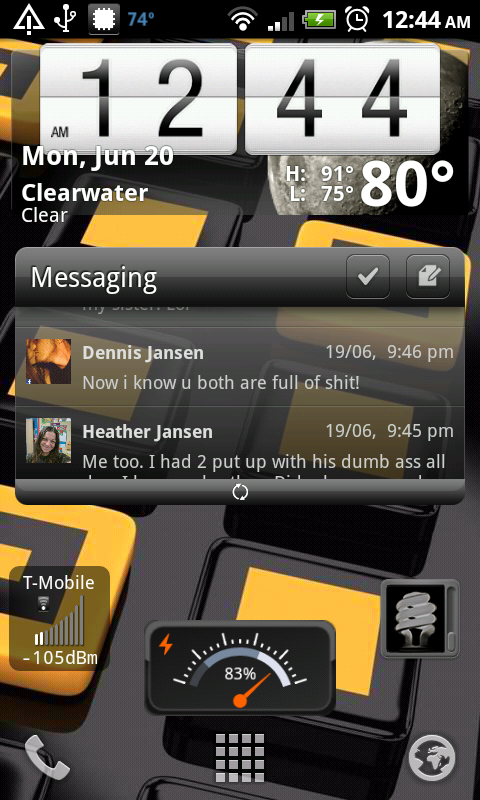
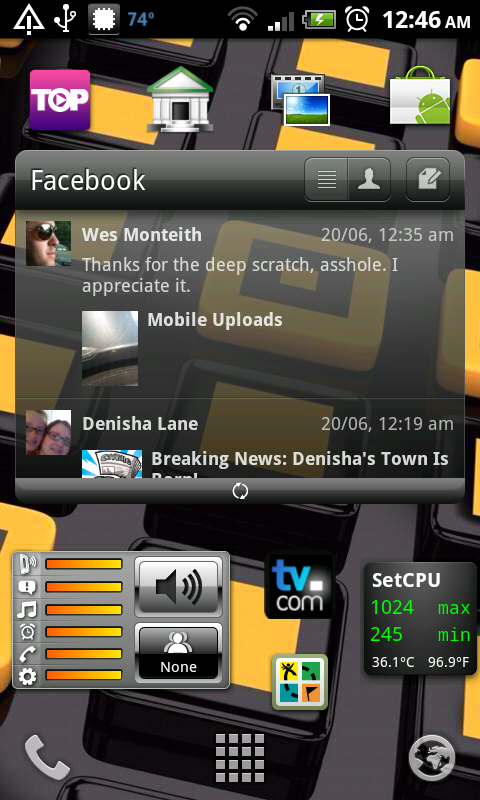
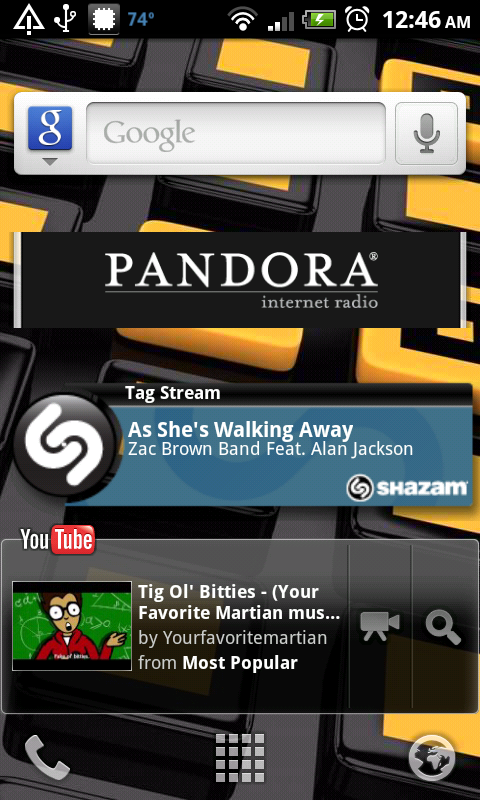
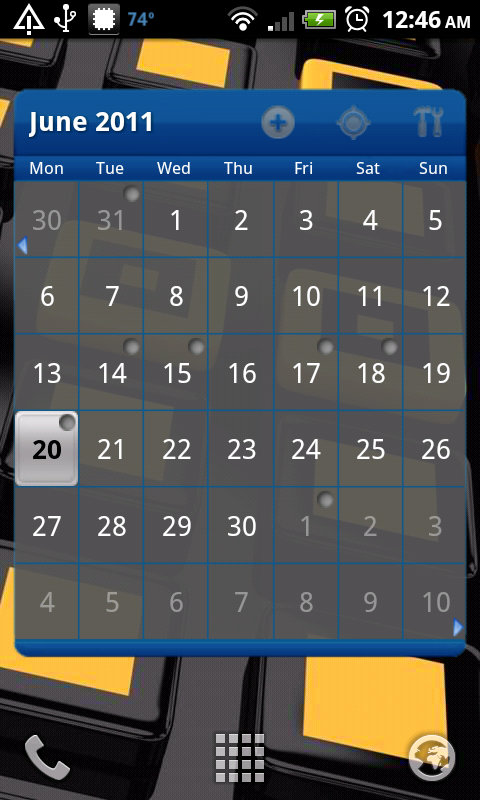
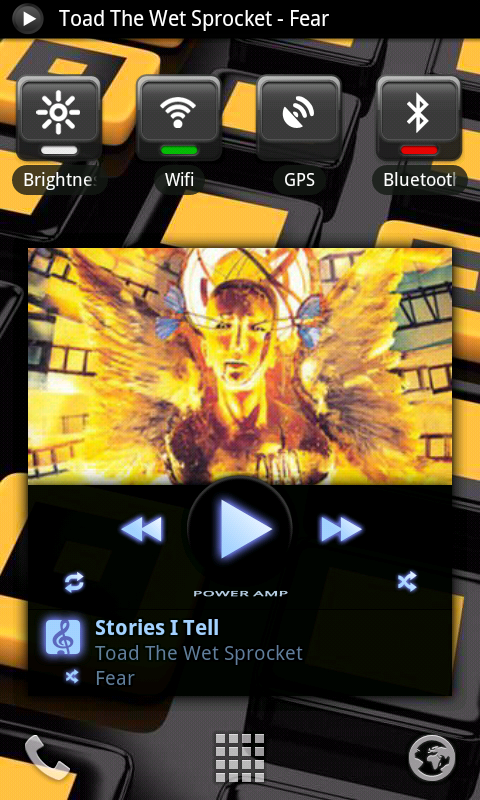
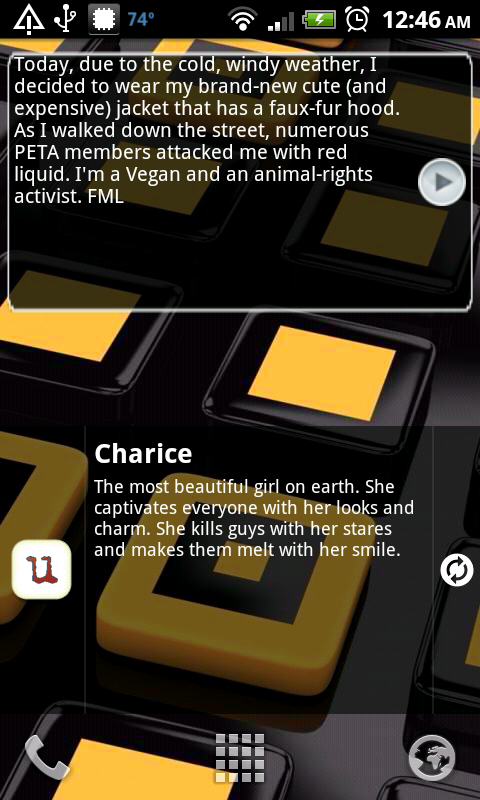
I like that wallpaper!
 And is that the stock task widget you have on your screen? Thanks!
Follow along with the video below to see how to install our site as a web app on your home screen.
Note: This feature may not be available in some browsers.
And is that the stock task widget you have on your screen? Thanks!
great thread! =)
i've been debating between using adw or sticking with stock. i hate the myfaves button is the main reason for using adw. and it looks a little less organized.. can you guys help me pick one please? tia!
(using adw) OR .. (using stock)


Rather than take actual pictures of your phone, there is a way to just take screen shots off your phone. The instructions can be found here.
Also, I know on other threads people list the launcher (if you're not running stock) and the widgets/apps they're using. Just a thought...


Okay Alain your screen shot did not work. Let me fix for ya.. BTW nice
Everyone with there rooted phones. Makes me feel left out and alone. :'(
Hope I got it right this time.
I guess not. Can someone pls tell me how to upload my screen shots. Thanks.


Thanks dude. Let's try this again. https://picasaweb.google.com/alperez1978/ScrapbookPhotos#5612510710901694354
Thanks dude. Let's try this again.

If you were following my example make sure the android sdk folder is on the root of your c: drive and named "androidsdk". Otherwise you cd like this:
cd c:\[whatever you have named the sdk folder]\tools (or platform-tools depending on your version of the sdk)
But that all doesn't matter as that step is not need for screen shots, just for making sure drivers are all set. In this case you appear to only have the usb drivers installed. That's not what you need.
Two things to try:
Make sure you are in debugging mode and usb set to charge
Download and install pdanet and follow installation instructions as its the easiest way to install the correct drivers. (once done you can delete pdanet)
Once that's all set go back into dmss and your device should show in the left side panel