

theandies
Android Enthusiast
If you resize the Asus weather widget to be one size bigger in height then it adds a forecast section.
That's all it is. I'm using a combination if BW and Asus for a lot of things.
Follow along with the video below to see how to install our site as a web app on your home screen.
Note: This feature may not be available in some browsers.
If you resize the Asus weather widget to be one size bigger in height then it adds a forecast section.
Currently I use:
HD Widgets,
Asus Dual Battery Widget
Vortex Live Wallpaper.

That task-mng app, One-click-clean.. whats that one called?


If you resize the Asus weather widget to be one size bigger in height then it adds a forecast section.
I'll need to post an updated desktop image!Anti09 really like the large words for gallery etc.what is that and what does it look like when you open one up?
I'm just guessing but it may be desktop visualizer.
I'll be darned. I didn't even realize that! LOL Well, I like how it looks with BW better under the Asus widget because it also allows me to pen the full weather app by just hitting it.


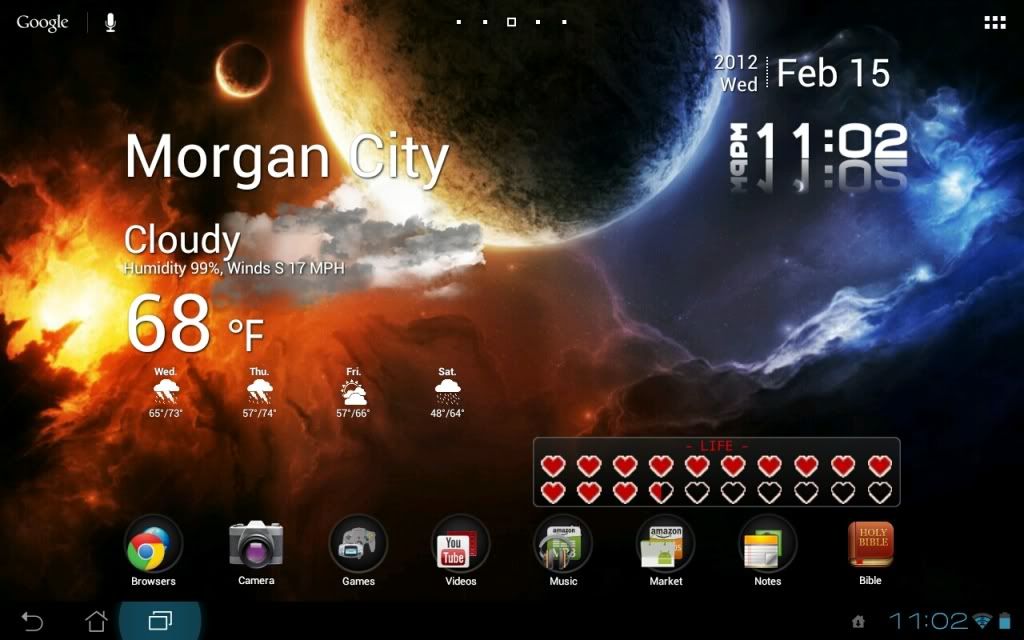
Figured I should finally share mine.
Awesome wallpaper!


What screen capture apps you guys using? or how do you do screenshot on android tablet?

There is no need for a separate app with the Prime. In fact, with ICS there is no need for an app. On the Prime go to Setting>ASUS customized settings>Screenshot and select the box to activate the function. You can also choose the file format for the image right under that. Once activated, all you do is hold the recent apps key on the screen and the image is taken. If you have the keyboard, there is also a screen capture button on it.

Here's my desktop. Gotta love how we all have the same device but we make them look different.

My screens. Running ADW Ex and Multi Live wallpaper. Stock ICS. Will try to upload a video of screen transitions later on.
Heres mine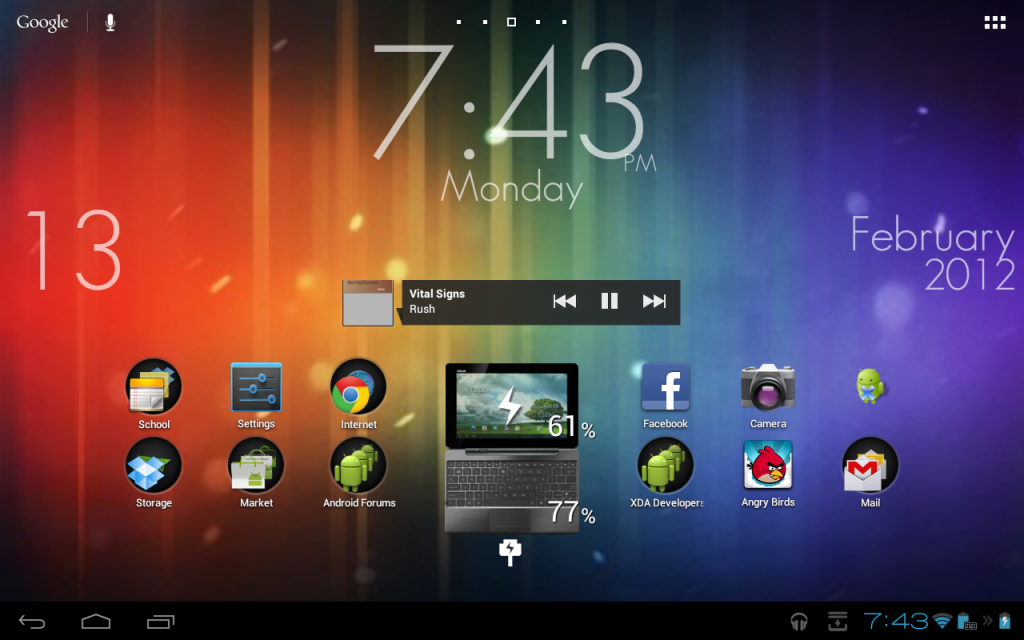

love the Star Trek icons!!!!


